Base
Hardened build
minimal ports, security patches applied at build time

Jellystat, an open source statistics and analytics dashboard for a Jellyfin media server, surfacing libraries, users, watch history and live now playing sessions in one clean interface.
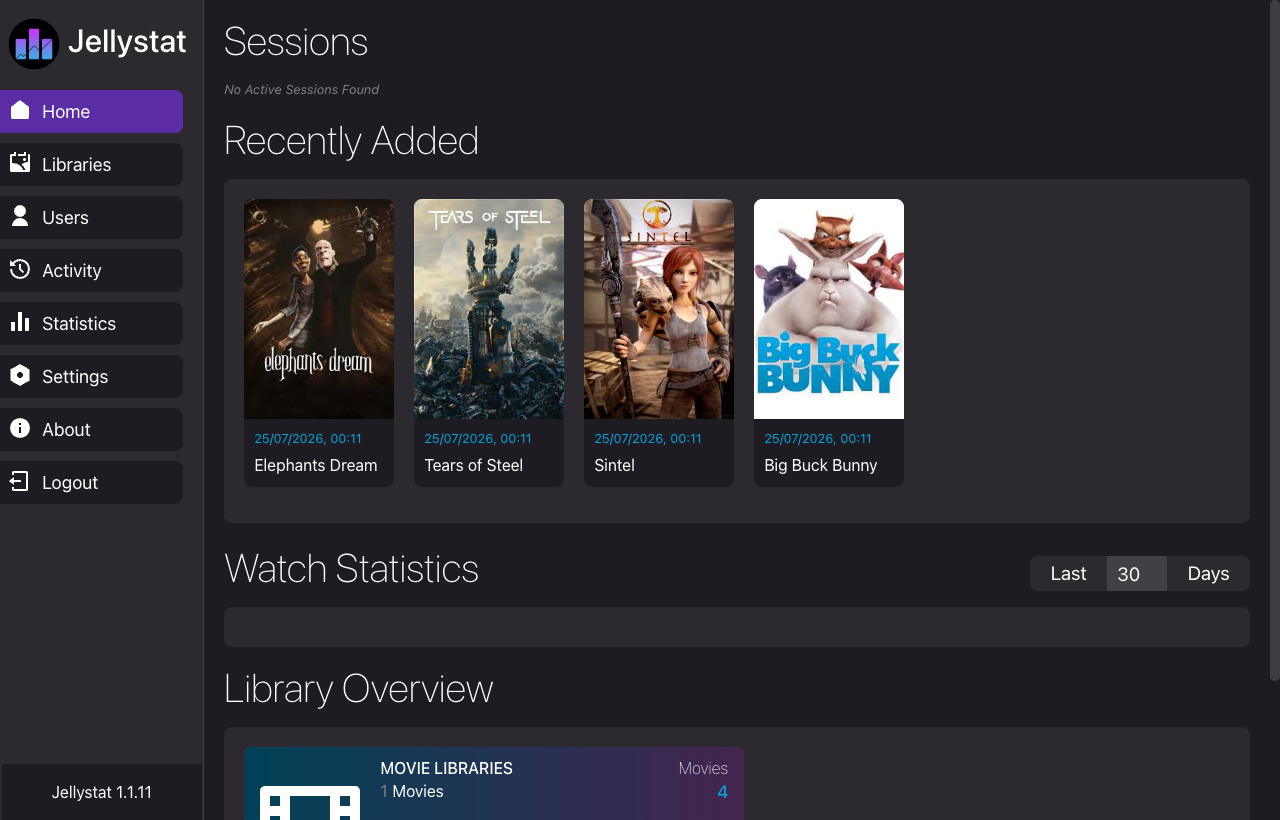
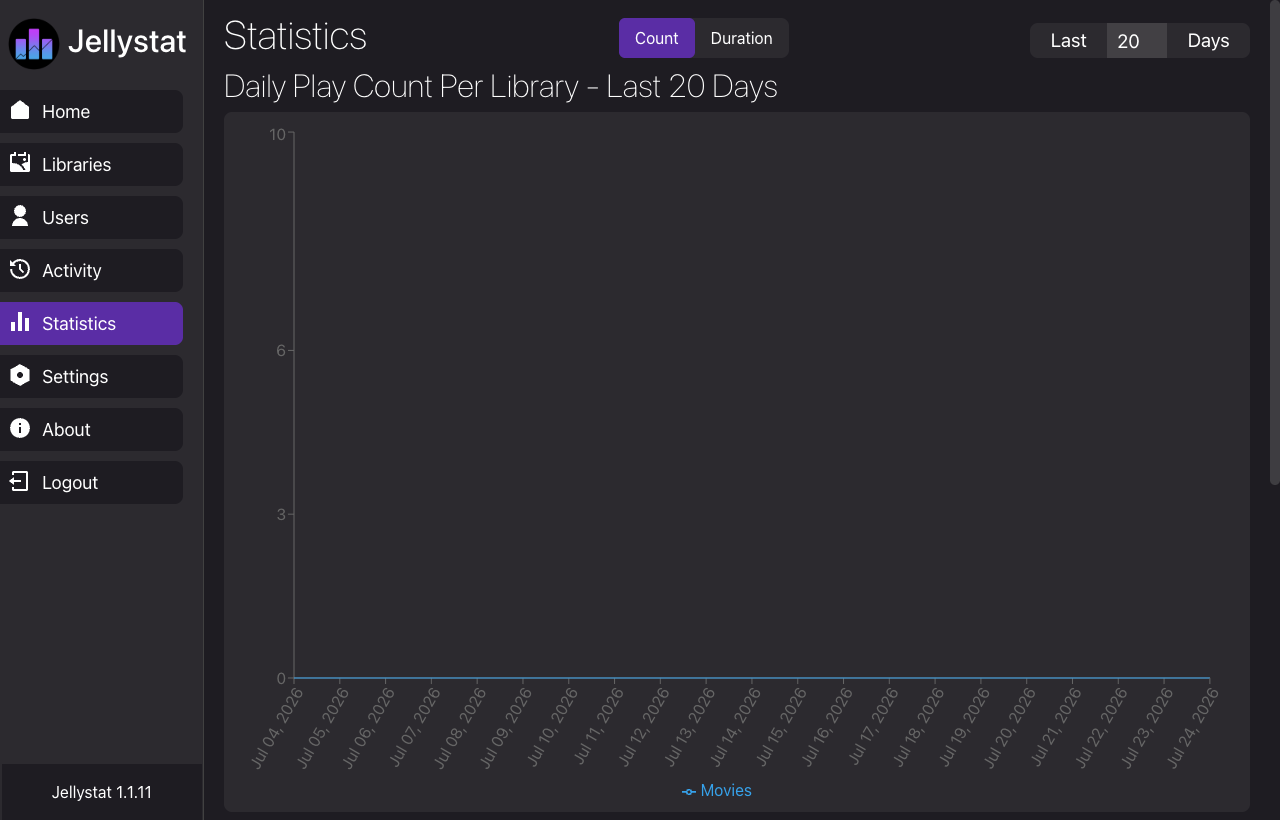
Jellystat is a free, open source self hosted statistics and analytics dashboard for a Jellyfin media server. It records playback activity and presents your libraries, users, full and grouped watch history, most active content and live now playing sessions in a clean modern interface with charts and drill downs, backed by a local database. Administrators get an at a glance view of how their media server is used, which titles and users are most active, and what is playing right now, turning raw playback events into readable reports and scheduled backups. It suits any individual or team running their own Jellyfin server that wants proper usage analytics without sending data to a third party.
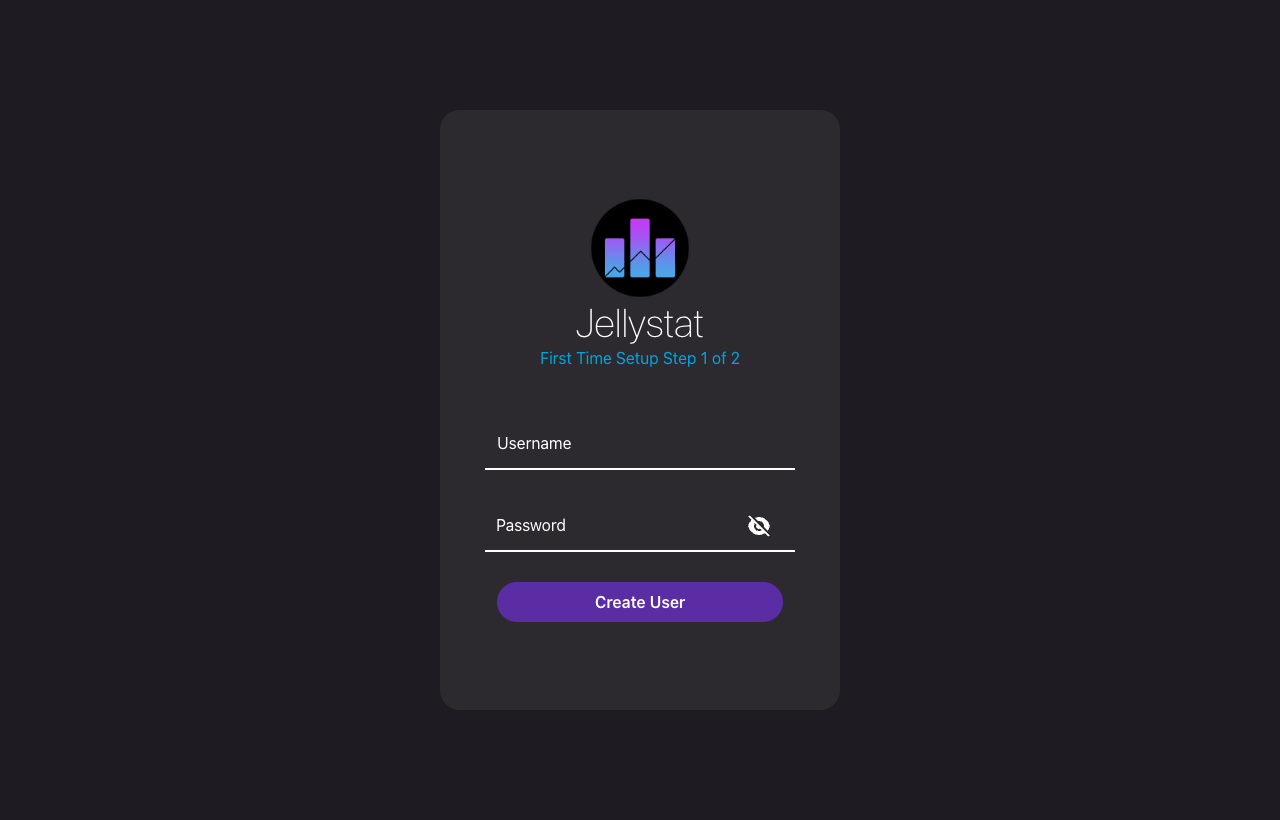
cloudimg delivers Jellystat fully installed and hardened behind an nginx reverse proxy that binds the application to loopback, with a local PostgreSQL database already provisioned, so your analytics portal answers the moment the instance boots. The image is secure by default: no administrator and no static secret ship in it, so you create your own admin at the first run setup wizard, and a fresh per instance JWT signing secret and database password are generated on each machine's first boot so nothing is ever shared between instances. systemd manages the services for automatic restarts and clean logging, and every deployment carries a paired deployment guide and 24/7 support.
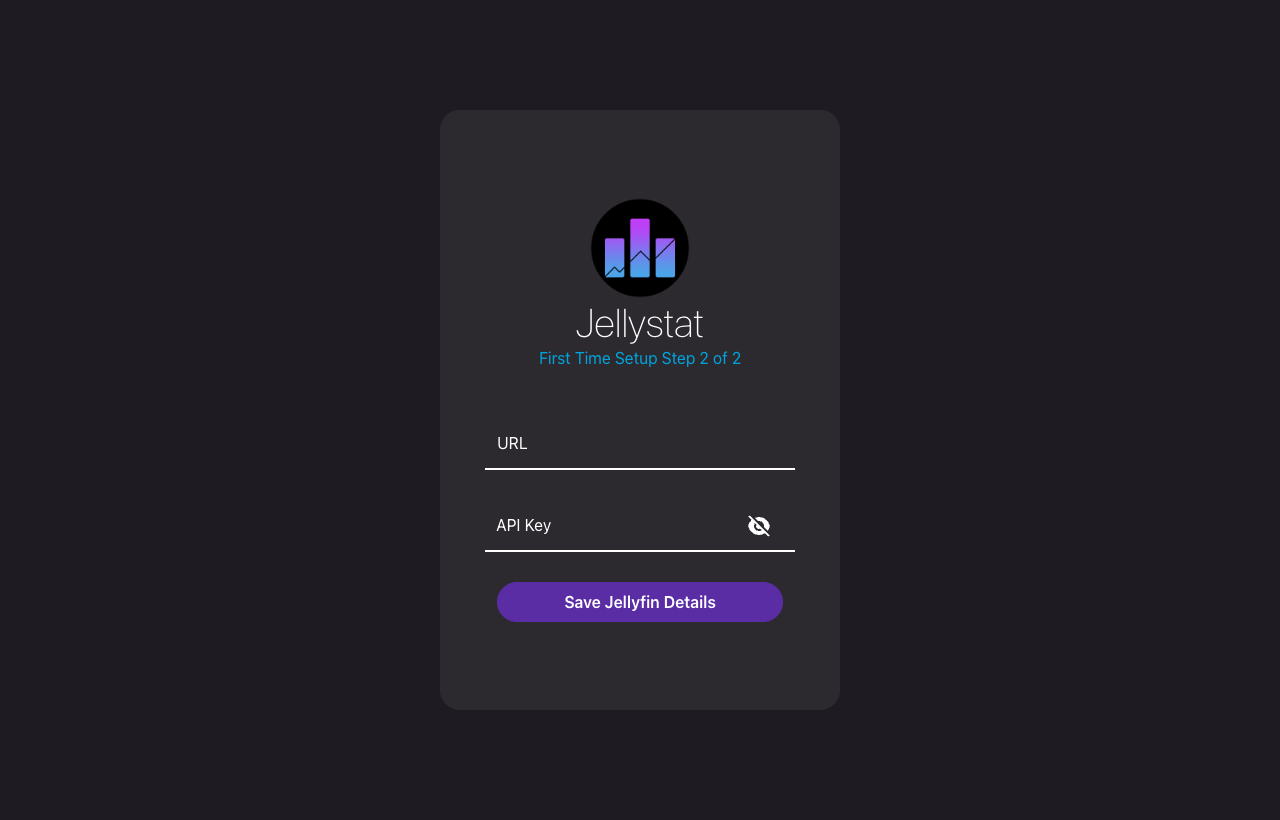
Real screenshots taken while testing this image against its deployment guide.
This is a repackaged open source software product wherein additional charges apply for cloudimg support services.
Deploy a Private Jellyfin Analytics Portal in Minutes - Not Hours
Jellystat is a popular open source, self-hosted statistics and analytics dashboard for a Jellyfin media server. It records playback activity and presents your libraries, users, watch history, most-active content and live now-playing sessions in a clean, modern interface with charts and drill-downs. This AMI delivers Jellystat fully installed, hardened and reverse-proxied behind nginx, with a local PostgreSQL database already provisioned, so your private analytics portal is operational within minutes of launch, with no manual package installation, no database setup and no WebSocket proxy configuration required.
---
Why This AMI Instead of Self-Deployment
Installing Jellystat manually means installing Node.js, building the frontend from source, provisioning PostgreSQL, and configuring an nginx reverse proxy that correctly forwards the Socket.io real-time channel. This image eliminates that work:
---
Application Stack
---
Capabilities
---
AWS Integration Points
This AMI works well with common AWS services:
---
Getting Started
1. Launch the AMI on your chosen EC2 instance.
2. Browse to http://
3. Add your Jellyfin server URL and API key in the Settings page.
4. Explore the dashboard as Jellystat begins recording playback activity.
---
24/7 cloudimg Support
This is a repackaged open source product with paid cloudimg support services included. Our engineers provide 24/7 assistance by email and live chat covering deployment, upgrades, TLS termination, database maintenance, and troubleshooting.
---
Jellystat and Jellyfin are trademarks of their respective owners. All product and company names are trademarks or registered trademarks of their respective holders. Use of them does not imply any affiliation with or endorsement by them.

This image runs the Actual Budget 26.6 sync server, the open source local-first personal finance and envelope budgeting ...

This image runs Admidio, the open source, self hosted membership management platform used by clubs, associations and non...

Pre-hardened for AdventureLog, a self-hosted travel tracker and trip planner. Launch a private travel journal with inter...

This image runs Apache Answer, the open source question and answer platform for teams at any scale.

Apache OFBiz, the open-source ERP, CRM, e-commerce and supply-chain suite, preinstalled and running behind nginx and rea...

This image runs Apache Tika Server 3.3.1, the Apache Software Foundation's content detection and extraction service.