Base
Hardened build
minimal ports, security patches applied at build time

Jitsi Meet, a self hosted video conferencing platform, ready to host secure meetings from first boot.
Jitsi Meet is an open source video conferencing platform providing browser based audio and video meetings with screen sharing, in-call chat, breakout rooms and recording. It is used to run private, self hosted conferencing without depending on a third party meeting provider.
cloudimg ships Jitsi Meet as a complete single node stack, hardened and secure by default: secure-domain authentication is enabled and a unique moderator password is generated on each instance's first boot, with the XMPP authentication state kept on a dedicated data volume. A paired deploy guide and 24/7 support are included.
Real screenshots taken while testing this image against its deployment guide.
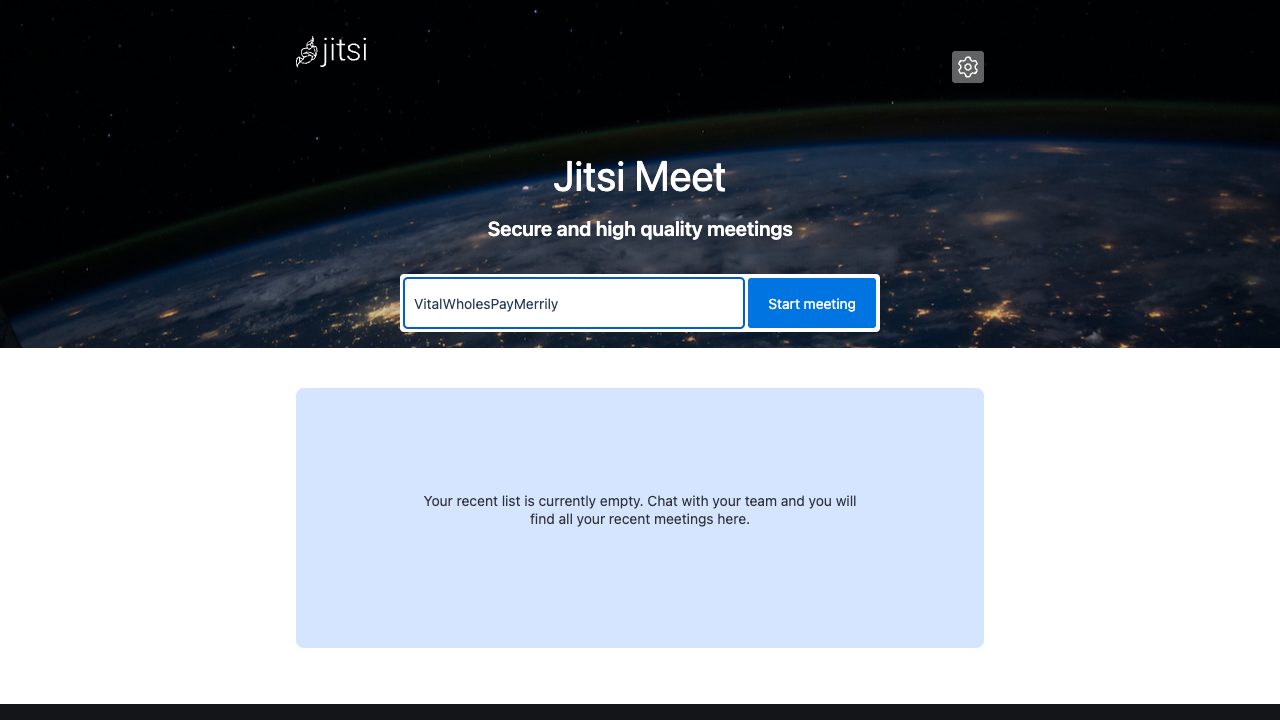

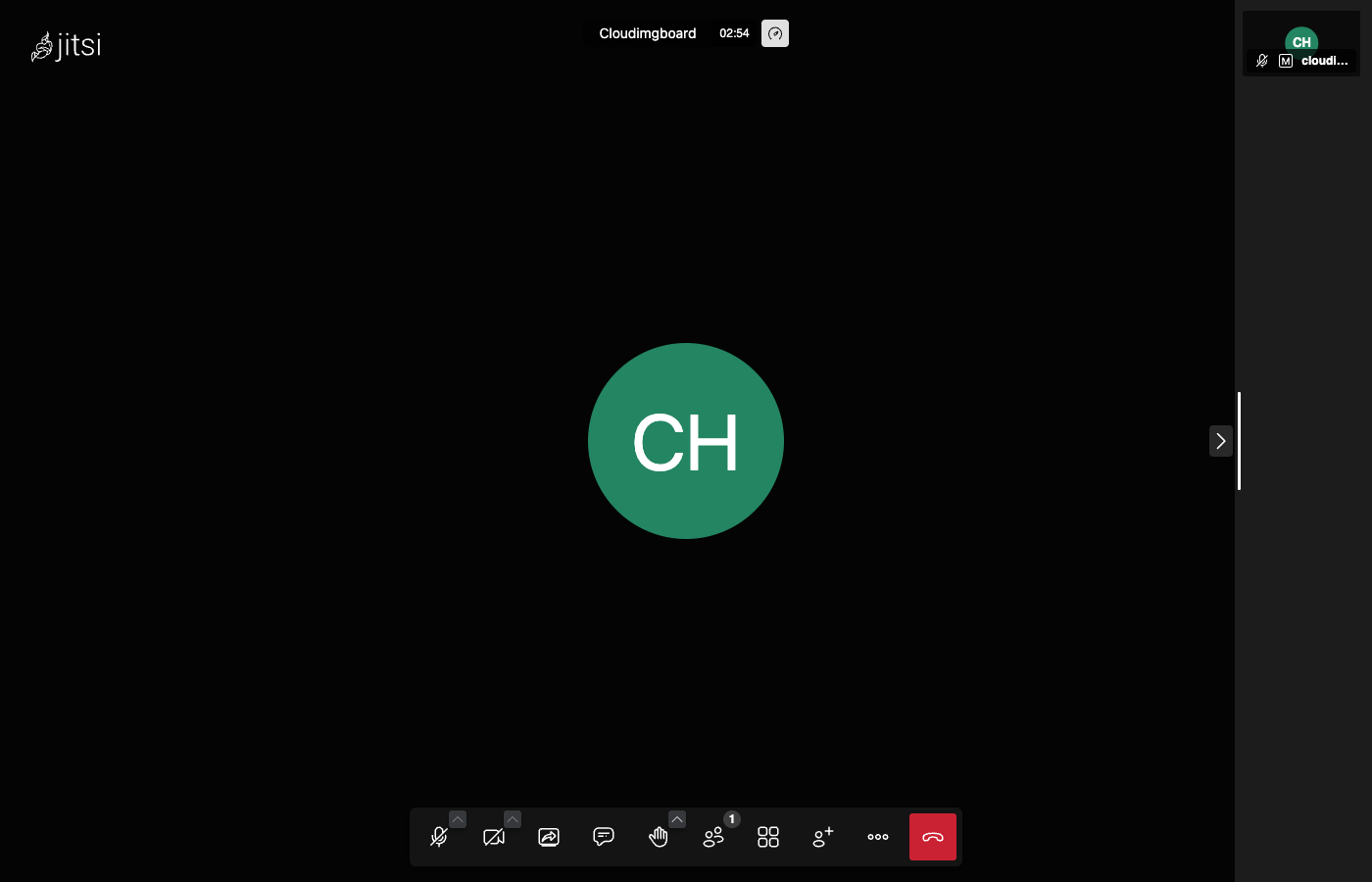
This is a repackaged open source software product wherein additional charges apply for cloudimg support services.
## Overview
Jitsi Meet is a popular free and open source video conferencing platform with a large, active community. It provides browser based audio and video meetings with screen sharing, in-call chat, raise-hand and reactions, breakout rooms, and recording, all with no client software to install and no per-seat licensing. This image runs the complete single-node Jitsi stack and exposes the full meeting experience through a browser, so you get a private, self hosted conferencing service you run and control yourself rather than depending on a third party meeting provider. It is delivered fully installed and secured so a working server is operational within minutes of launch.
## Why This Image vs a Manual Install
Compared to installing Jitsi yourself, this image eliminates the manual apt repository setup, the interactive debconf prompts for the public hostname and TLS certificate, the multi-service configuration across prosody, jicofo, the video bridge and nginx, and the security hardening. A default Jitsi install lets anyone who can reach the server open a room; this image does not ship that way. What typically requires many steps across package management, service configuration and security hardening is completed for you at image build time. You launch the instance, read your unique moderator credential, and start hosting meetings.
## Application Stack
The jitsi-meet metapackage is installed from the official Jitsi repository and pulls in the four components of the stack: prosody (the XMPP signalling server), jicofo (the conference focus that assigns participants to the bridge), jitsi-videobridge2 (the WebRTC Selective Forwarding Unit that routes media), and nginx (which serves the meet web application over HTTPS and proxies the signalling). systemd starts every component on boot and restarts it on failure. The prosody virtual-host data and account store live on a dedicated data volume, independently resizable and separate from the OS disk.
## Security Hardening
This image follows a defence-in-depth approach with the following hardening measures applied:
Buyers requiring formal compliance documentation should contact cloudimg to discuss specific requirements.
## Ready to Use
Read your moderator credential from the root-only file, open the web interface in your browser, sign in as the moderator to open a room, and share the room link; invited participants join with one click and no login. For production use, point your own domain at the instance and obtain a trusted Let's Encrypt certificate as described in the user guide.
## AWS Integration
Deploy on any EC2 instance type. Open UDP port 10000 in the security group for the WebRTC video bridge media, in addition to TCP 80 and 443 for the web app. Back up the XMPP authentication volume using EBS snapshots or AWS Backup. Resize the dedicated data volume independently of the OS disk as your deployment grows.
## Use Cases
## cloudimg Support
24/7 technical support by email and chat. Help with deployment, pointing your own domain at the instance and terminating a trusted Let's Encrypt certificate, opening the UDP 10000 media port, moderator account management, and backup planning for your authentication state.
All product and company names are trademarks or registered trademarks of their respective holders. Use of them does not imply any affiliation with or endorsement by them.

This image runs the Actual Budget 26.6 sync server, the open source local-first personal finance and envelope budgeting ...

This image runs Admidio, the open source, self hosted membership management platform used by clubs, associations and non...

This image runs Apache Answer, the open source question and answer platform for teams at any scale.

This image delivers Audiobookshelf 2.35, the popular open source self-hosted audiobook and podcast media server, fully i...

This image runs Baby Buddy 2.9.2, the open source self-hosted web application for tracking a baby's daily activities and...

Baikal is an open source self-hosted CalDAV and CardDAV server built on the proven Sabre/dav library.