Kanboard Self-Hosted Kanban Project Management
Overview
Pre-configured Kanboard kanban board on AWS with secure auto-generated credentials and no database setup required. Backed by 24/7 cloudimg support with one-hour critical response.
See it running
Real screenshots of this software running on the cloudimg image, taken while testing the deployment guide.
Description
This is a repackaged open source software product wherein additional charges apply for cloudimg support services.
Overview
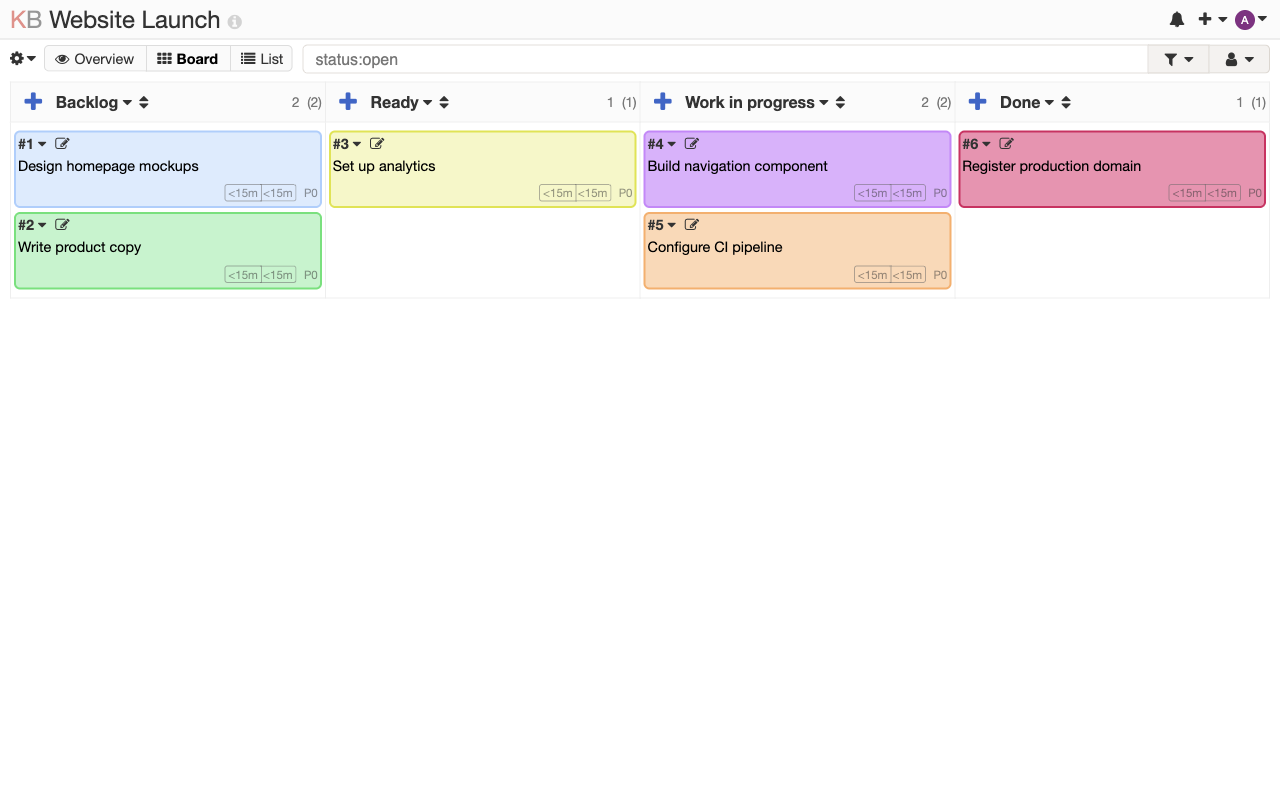
Kanboard is an open source, self-hosted kanban board for visual project management. It focuses on simplicity: a clean board of columns and cards that limits work in progress and makes the status of every task obvious at a glance. This AMI delivers Kanboard 1.2.52 fully installed and configured so your team has a complete project management board running within minutes of launch - no setup wizard, no manual dependency installation, and no separate database server to provision.
Why This AMI Instead of a Manual Install
A stock Kanboard installation ships with default admin/admin credentials - a known credential-stuffing target. It also requires you to install PHP, configure a web server, set up a database, and manage file permissions manually. This AMI eliminates that entire process: the application stack is pre-tuned, the admin password is unique per instance, and the data volume is independently resizable without touching the application.
Application Stack
Kanboard runs on PHP 8.3 with OPcache enabled for fast page loads, the nginx web server, and self-contained SQLite storage. No separate RDS or database server is needed. The SQLite database, uploaded files, cache, and logs are stored on a dedicated EBS data volume that you can resize or snapshot independently of the root volume.
Secure First Boot
On first boot, a one-shot service generates a cryptographically random Kanboard administrator password unique to that instance and writes it to a root-only file. The stock admin/admin default that ships with upstream Kanboard is never active. No shared or default credentials exist in the image.
Integrations
Kanboard supports plugins and webhooks that connect to external tools. Use the Slack or Mattermost plugins for real-time task notifications. Connect to GitLab or GitHub to link commits and pull requests to cards. The JSON-RPC API enables custom integrations with CI/CD pipelines, internal dashboards, or automation scripts.
Requirements and Recommendations
- Minimum instance type: t3.micro (1 vCPU, 1 GB RAM) for small teams
- Recommended: t3.small or larger for teams with 10+ concurrent users
- Data volume: starts at 8 GB, resizable via standard EBS operations
- Security group: open TCP port 80 (HTTP) or 443 (HTTPS) for web access
- Base OS: Ubuntu with automatic security updates enabled
Ready To Use
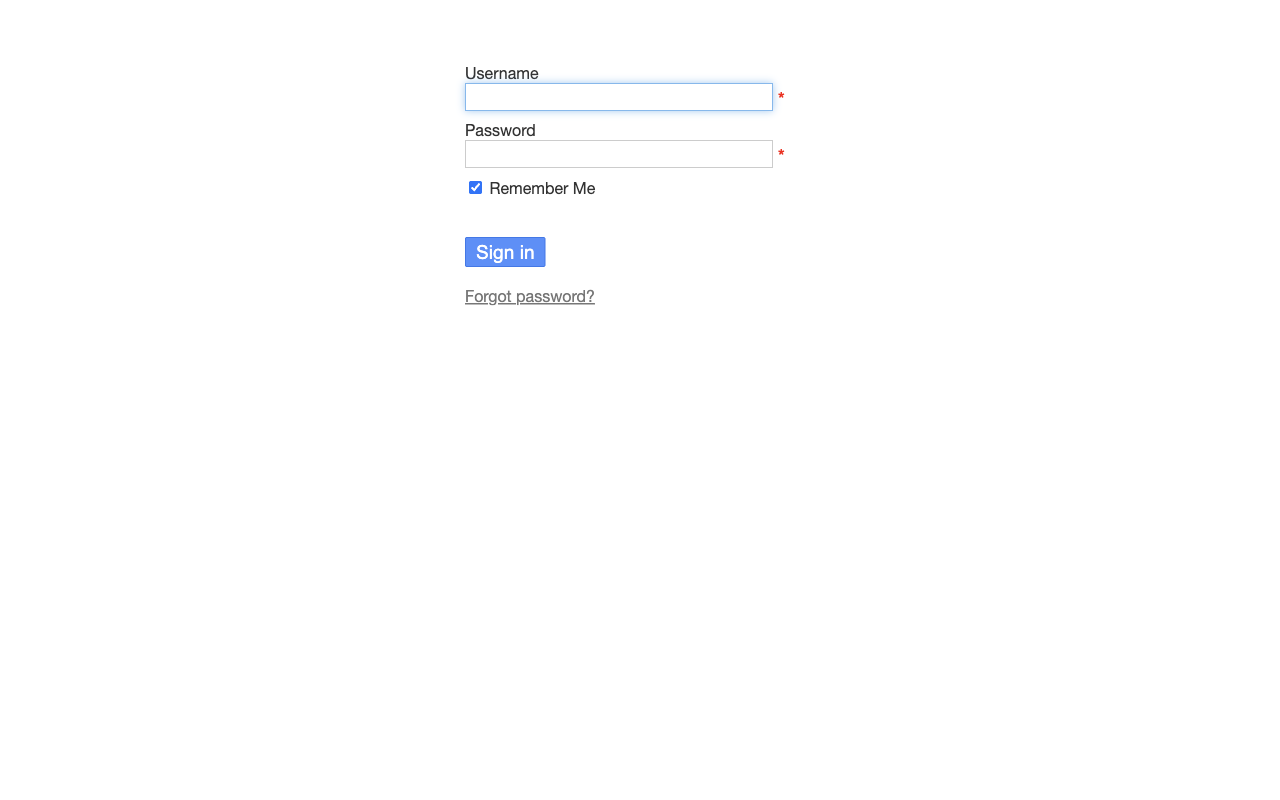
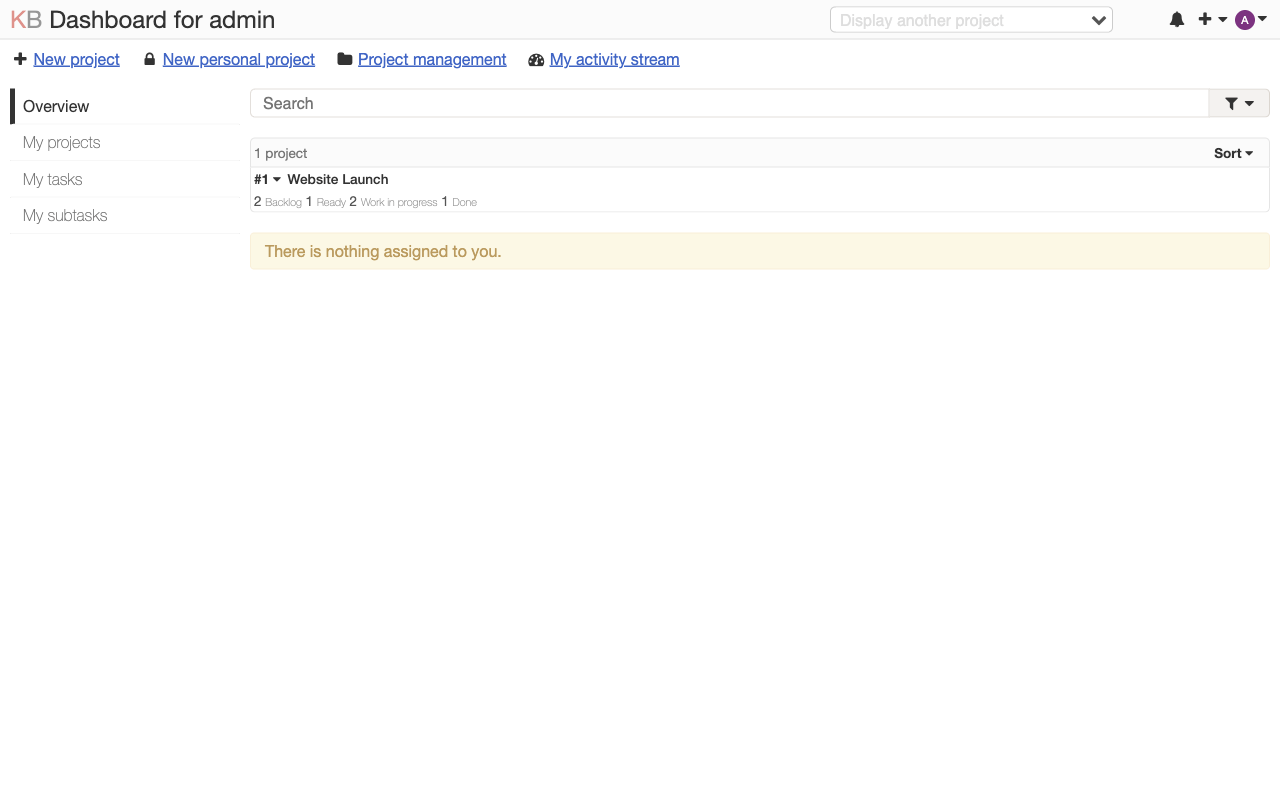
Browse to the instance public IP, retrieve the admin password from the root-only file, and sign in. Create projects, build boards with columns and cards, assign tasks, set due dates, configure swimlanes, define automated actions, enable time tracking, and track work in progress with WIP limits.
Use Cases
- A 5-15 person development team running sprint backlogs with swimlanes per service, keeping all project data inside a single VPC for data residency requirements
- Engineering managers replacing a SaaS kanban tool to avoid per-seat fees while retaining full control over data and uptime
- DevOps teams integrating task tracking with GitLab webhooks and CI/CD pipelines via the JSON-RPC API
- Regulated organizations needing a self-hosted project board that keeps sensitive task data off third-party servers
cloudimg Support
24/7 technical support by email and live chat. Our engineers assist with Kanboard deployment, upgrades, plugin configuration, performance tuning, and storage administration. Critical issues receive a one-hour average response time.
All product and company names are trademarks or registered trademarks of their respective holders. Use of them does not imply any affiliation with or endorsement by them.
Key Features
- Kanboard kanban project management board preinstalled and ready, with PHP 8.3, nginx and self-contained SQLite storage and no setup wizard to complete
- Hardened first boot generates a fresh Kanboard administrator password for every instance and stores it in a file only the root user can read, so the stock admin password never ships
- 24/7 technical support from cloudimg, with expert assistance for Kanboard deployment, plugin configuration, upgrades and storage administration
Related Technologies
Related Products

Apache Flink Stream Processing
Apache Flink is the open source framework and distributed processing engine for stateful computations over unbounded and...

Apache Kafka
Apache Kafka, the open source distributed event streaming platform, preinstalled in KRaft mode with OpenJDK 17 and a bun...

Apache Solr 9Enterprise Search
Apache Solr is the open source enterprise search platform built on Apache Lucene.

Apache Tomcat 11
This image runs Apache Tomcat 11, the open source implementation of the Jakarta Servlet, Jakarta Pages, Jakarta Expressi...
Apache ZooKeeper Coordination Service
Apache ZooKeeper is a high performance coordination service for distributed applications.
Calibre-Web Self-Hosted Ebook Server
This image runs Calibre-Web from a dedicated Python virtual environment, served on the loopback interface and fronted by...