Kimai Self-Hosted Time Tracking
Overview
Launch a private, production-ready Kimai time-tracking instance in minutes - no manual setup needed. Track billable hours, generate invoices, and manage teams with24/7 cloudimg support.
See it running
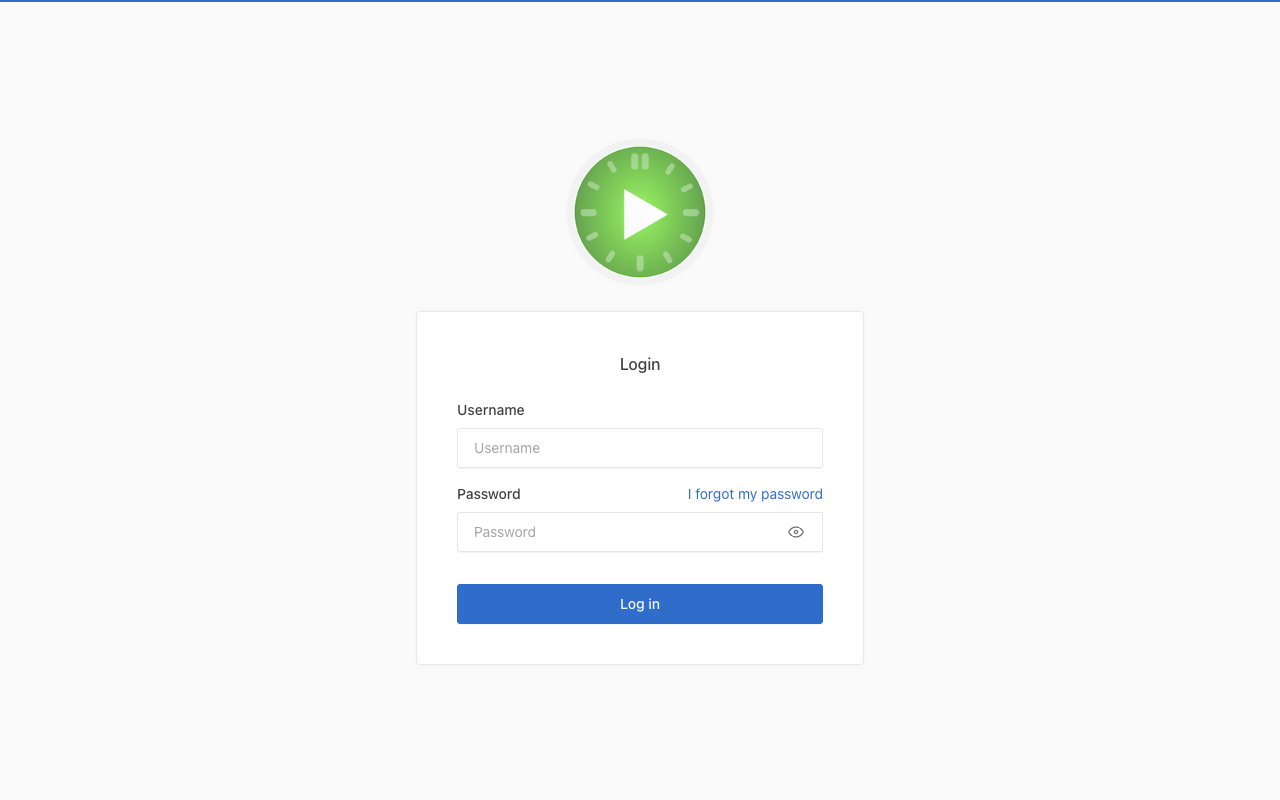
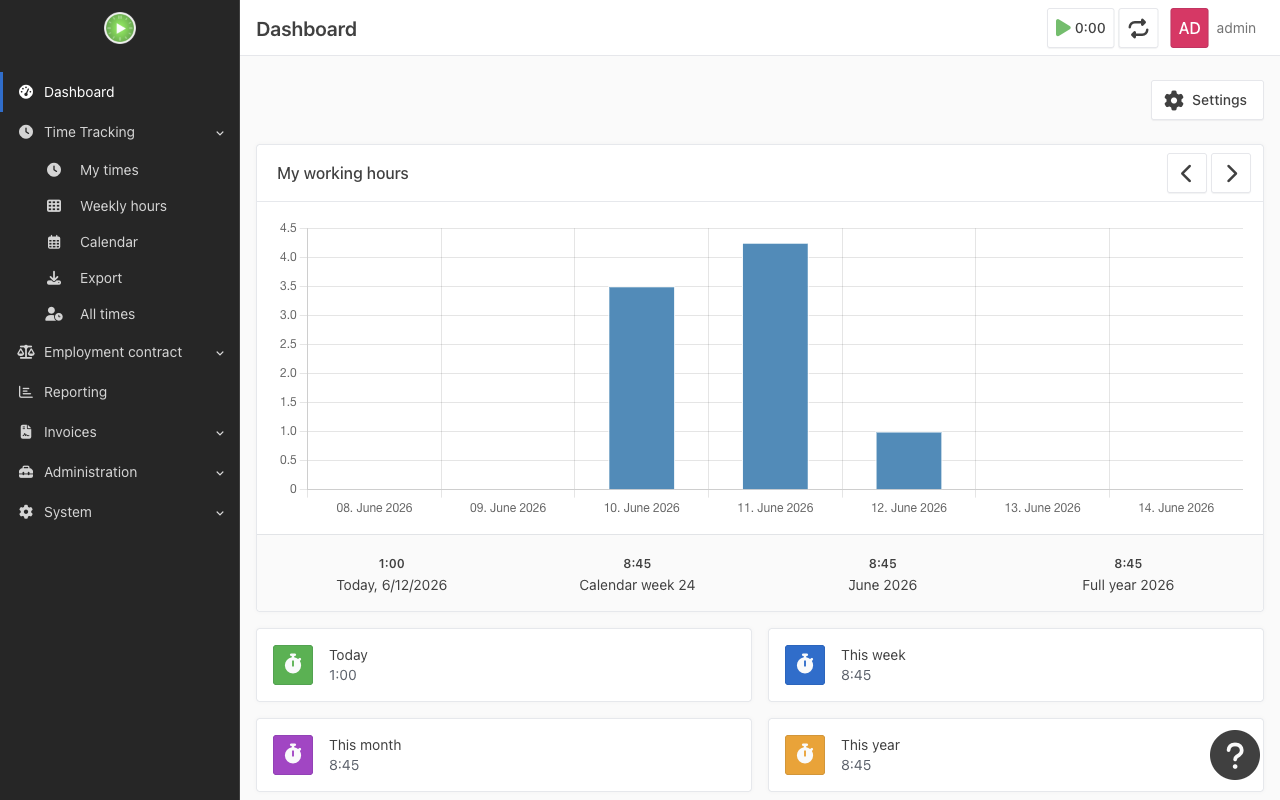
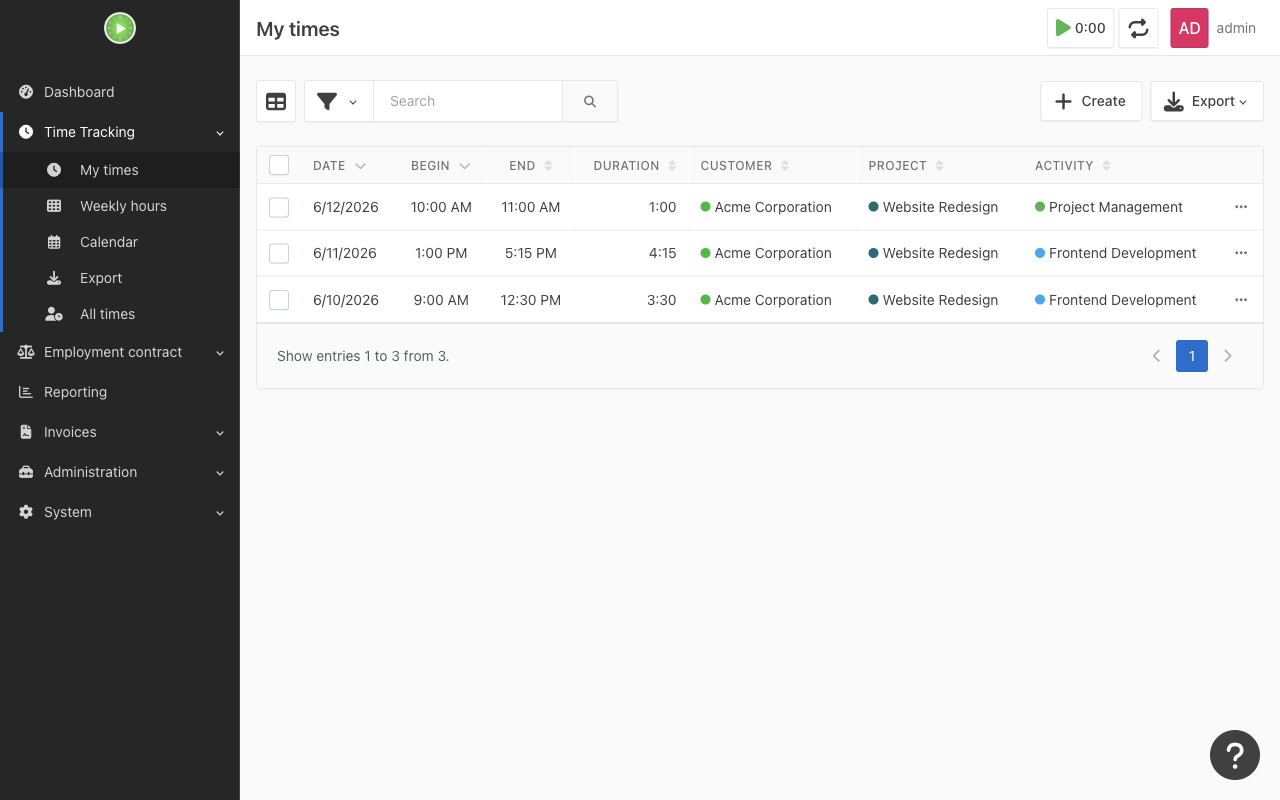
Real screenshots of this software running on the cloudimg image, taken while testing the deployment guide.
Description
This is a repackaged open source software product wherein additional charges apply for cloudimg support services.
## Overview
Kimai is an open source self-hosted time-tracking application trusted by teams and freelancers who need full control over their timesheet data. Record working hours against customers, projects and activities, then turn those timesheets into invoices and exportable reports. This AMI delivers Kimai 2.60.0 fully installed and configured so you have a complete time-tracking service running within minutes of launch - no manual dependency management, no multi-step database migrations, and no unencrypted default credentials.
## Why This AMI Instead of a Manual Install
Deploying Kimai from source requires installing PHP extensions, configuring nginx, provisioning a database, running schema migrations, and manually generating application secrets. Skip all of that. This image handles every step at build time so you go from EC2 launch to first login without touching a terminal for application setup. Compared to Docker Compose deployments, you get dedicated resizable data volumes and a hardened credential workflow out of the box.
## Application Stack
- Kimai 2.60.0 - Symfony-based time-tracking application
- PHP 8.3 with OPcache and all required extensions
- nginx web server serving the Symfony public document root
- MariaDB local database (recommended by Kimai for production)
- Separate dedicated, independently resizable EBS volumes for the MariaDB data directory and the Kimai application tree
- Database schema migrated at build time - the application is ready the moment it boots
## Integrations
Kimai supports a plugin ecosystem and integrates with external services. Connect to LDAP and SAML providers for single sign-on and centralized user management. Use the REST API to push timesheet data to invoicing platforms, project management tools, or custom dashboards. Configure Amazon SES as your SMTP relay for transactional emails such as password resets and team invitations directly from your AWS environment.
## Secure First Boot
On the first boot of your instance, a one-shot service generates a fresh application secret unique to that instance, rotates the database password, sets a fresh administrator password, and writes the credentials to a root-only file. No shared or default credentials ship in the image. This eliminates the manual secret-generation step that many self-installers skip, reducing your attack surface from the first minute.
## Ready To Use
Browse to the instance address, sign in as the generated administrator, and start recording timesheets, customers, projects and activities. Generate invoices and exports, configure roles and teams, and invite your colleagues.
## Use Cases
- Consulting firms and agencies (5-50 users): Consultants clock hours per client engagement, managers approve timesheets weekly, and finance exports approved hours to generate monthly invoices - all on private infrastructure with no per-seat SaaS fees.
- Freelancers tracking billable hours: Record time against multiple clients and projects, then produce professional invoices directly from verified timesheet data.
- Workforce time recording: Assign roles and teams, enforce approval workflows, and export reports for payroll or compliance audits.
- SaaS replacement: A self-hosted alternative to commercial time-tracking platforms for organizations that require data sovereignty or operate in regulated industries.
## cloudimg Support
24/7 technical support by email and live chat. Our engineers assist with Kimai deployment, upgrades, invoicing and exports, roles and teams, performance tuning, and database administration. Critical issues receive a one-hour average response.
Get started quickly: Book a guided setup walkthrough with a cloudimg engineer to configure Kimai for your team's workflow, set up integrations, and optimize your instance for your workload.
All product and company names are trademarks or registered trademarks of their respective holders. Use of them does not imply any affiliation with or endorsement by them.
Key Features
- Production-ready in minutes, not hours: Kimai 2.60.0 with PHP 8.3, nginx, and MariaDB is fully configured at build time - no manual dependency installation, no schema migrations to run, and no multi-step setup. Separate resizable EBS volumes for the database and application tree let you scale storage independently. You skip the entire deployment process that a manual or Docker-based install requires and go straight to tracking time.
- Zero-trust security from first boot: A one-shot service automatically generates a unique application secret, rotates the database password, and creates a fresh administrator credential for every instance - stored in a root-only file. Unlike a default Kimai install where secret generation is a manual step many users skip, this image ships with no shared or default credentials, reducing your attack surface from the first minute of operation.
- 24/7 expert support with one-hour critical response: cloudimg engineers provide round-the-clock assistance by email and live chat covering Kimai deployment, upgrades, invoicing configuration, roles and teams setup, performance tuning, and MariaDB administration. Critical issues receive a one-hour average response time so your team's time-tracking service stays operational.