Base
Hardened build
minimal ports, security patches applied at build time

a private, authenticated music collection manager, ready to organise and monitor your library in minutes
Lidarr is an open source music collection manager and PVR of the arr family. It monitors your favourite artists, organises your existing music library, and automatically grabs and imports new releases from the indexers and download clients you connect to it, all through a fast web interface and a full REST API. Lidarr is the management application rather than a content source: it downloads nothing until you connect your own indexers and download clients, so you stay in control of where your music comes from.
The cloudimg image ships Lidarr already hardened and production ready. The server runs behind an nginx reverse proxy and binds to the loopback interface only, an HTTP Basic authentication layer guards the single reachable interface, and both the web password and the REST API key are generated uniquely on each instance at first boot, so nothing is shared between deployments. Configuration, the SQLite databases, the artwork cache and backups all live on a dedicated, independently resizable data volume separate from the operating system disk. Every deployment is backed by a paired step by step guide and 24/7 cloudimg support.
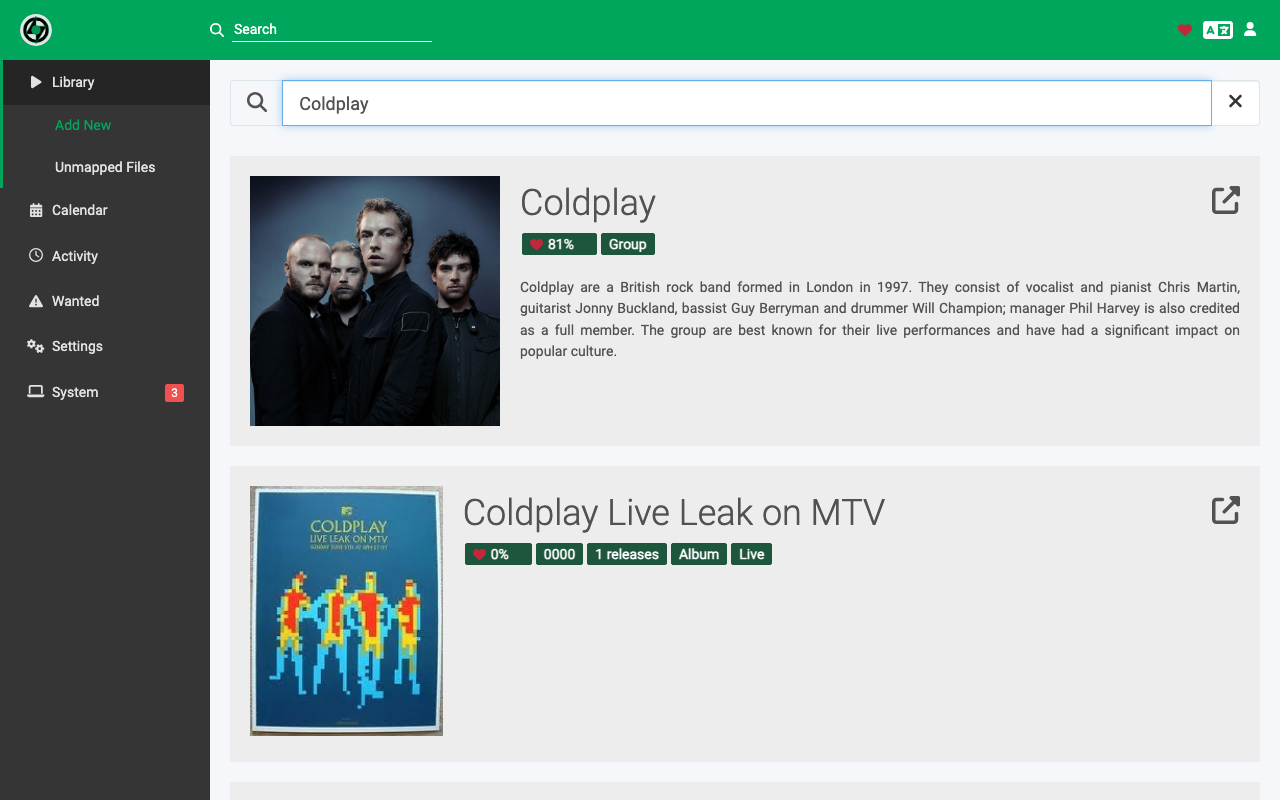
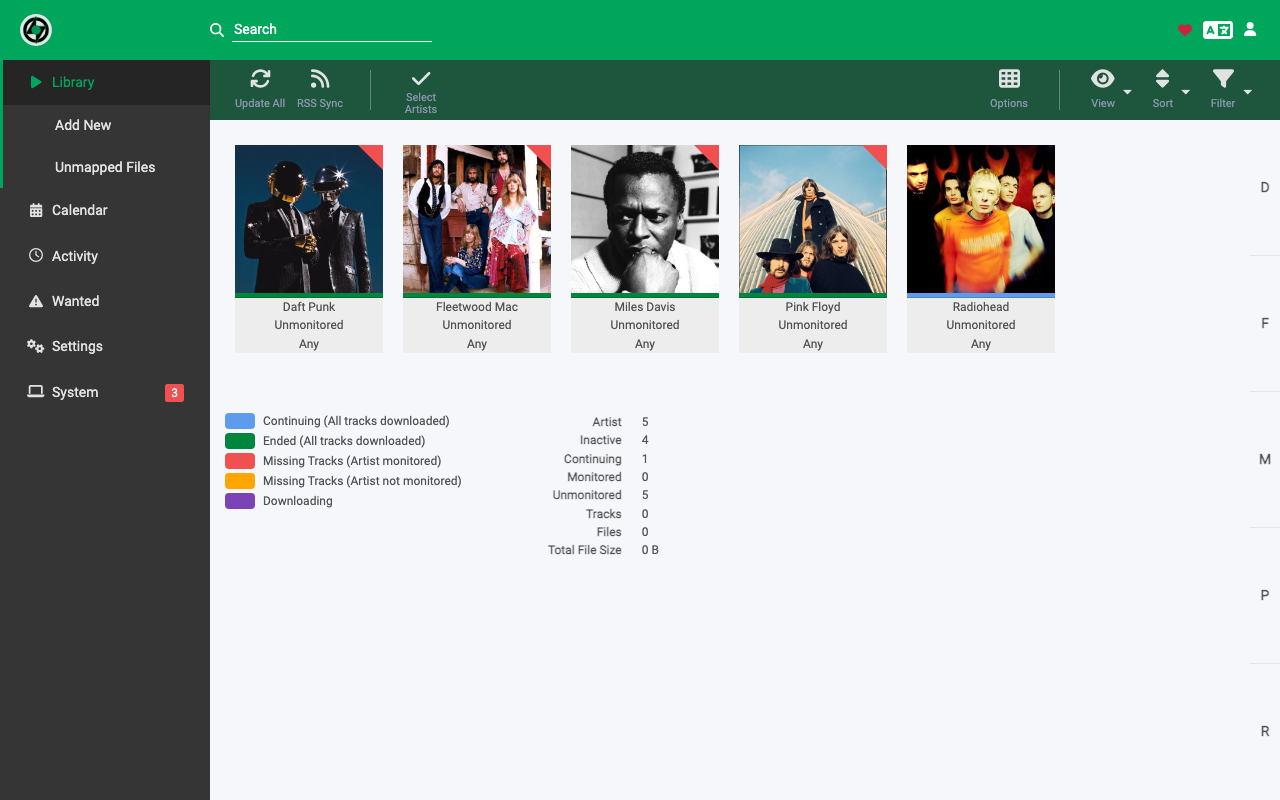
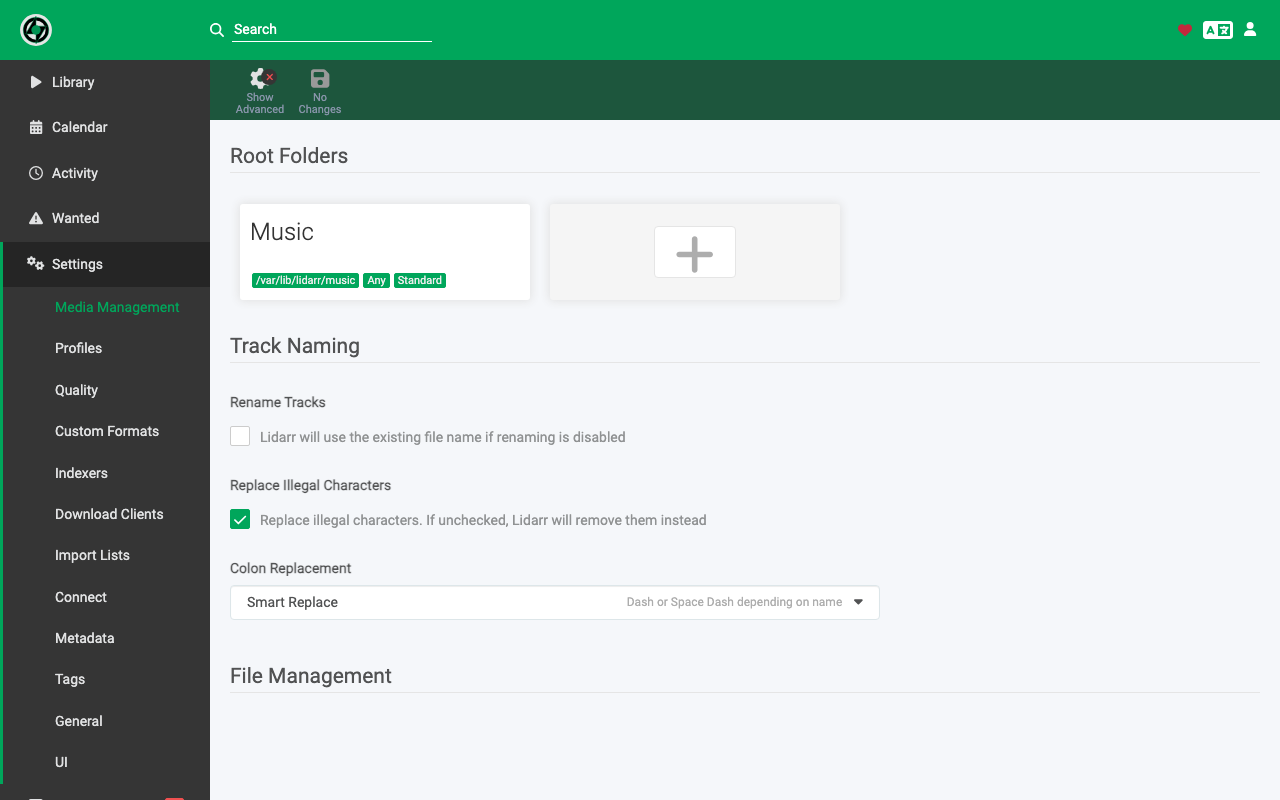
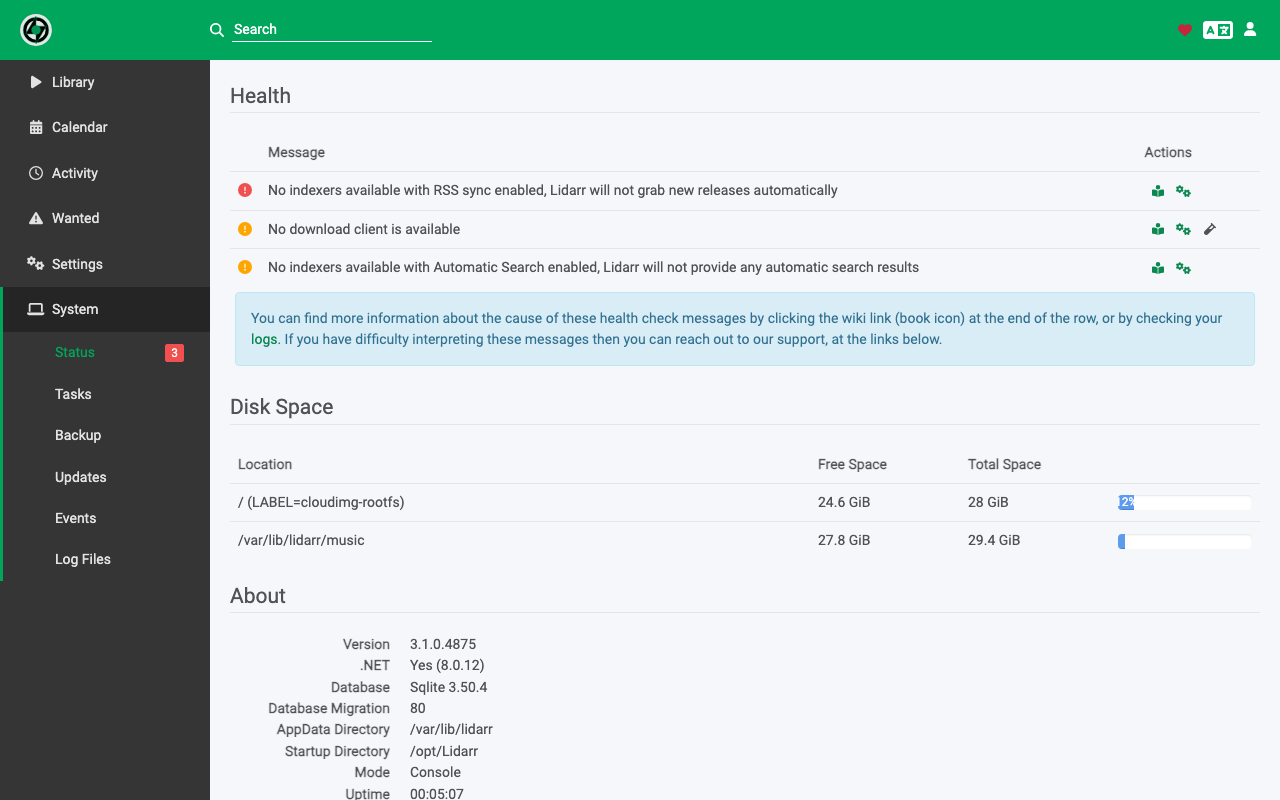
Real screenshots taken while testing this image against its deployment guide.
This is a repackaged open source software product wherein additional charges apply for cloudimg support services.
## Overview
Lidarr is a popular open source music collection manager and PVR of the *arr family. It monitors your favourite artists, organises your existing music library, and automatically grabs and imports new releases from the indexers and download clients you connect to it, all through a fast web interface and a full REST API. This AMI delivers Lidarr fully installed behind an nginx reverse proxy with a dedicated data volume, so a private, authenticated Lidarr server is running within minutes of launch.
## Why This AMI Instead of Self-Installation
Deploying Lidarr manually means unpacking the self-contained release, creating a service account and systemd unit, binding it to loopback, configuring an nginx reverse proxy, partitioning a dedicated data disk, and adding an authentication layer because Lidarr ships with none. This image does all of that for you and hardens it: the server binds to the loopback interface only, nginx fronts it with HTTP Basic authentication, and both the web password and the Lidarr API key are generated uniquely on each instance at first boot, so nothing is shared between customers. You launch, retrieve your per-instance password, sign in, and connect your own indexers and download clients. Ongoing maintenance - security patches, version upgrades, and troubleshooting - is handled by cloudimg's support team.
## Honest Scope
Lidarr is the management application, not a content source. It downloads nothing until you connect your own indexers and download clients under Settings. This image ships those unconfigured by design; it gives you a secure, ready-to-configure Lidarr, not a turnkey downloading appliance.
## Example Use Case
An independent record label runs its own release archive. An engineer launches this AMI, attaches the dedicated data volume, signs in with the per-instance password, connects the label's private indexer and a download client, and lets Lidarr monitor the catalogue and import new masters automatically with consistent folder and tagging conventions.
## Application Stack
The Lidarr server is a self-contained .NET application with an embedded SQLite datastore, running under systemd as an unprivileged service account and reverse-proxied by nginx. The server binds to the loopback interface; the configuration, SQLite databases, artwork cache, and backups all live on a dedicated, independently resizable data volume separate from the OS disk.
## Security and Network Guidance
## Deployment Steps
1. Launch the AMI in your chosen VPC and subnet. Enable EBS encryption on the data volume if required.
2. Configure the security group: allow TCP 80 (and 443 for TLS) from listener IPs and TCP 22 from your admin IP.
3. Retrieve your per-instance web password over SSH: sudo cat /root/lidarr-credentials.txt.
4. Browse to the instance public IP or DNS name and sign in as admin with that password.
5. Under Settings, connect your own indexers and download clients.
6. Add your artists and root folder, and let Lidarr monitor and organise your library.
## cloudimg Support
24/7 technical support by email and live chat for deployment, upgrades, reverse-proxy and TLS configuration, and troubleshooting. Critical issues receive a one-hour average response.
Lidarr is a trademark of its respective owner. All product and company names are trademarks or registered trademarks of their respective holders. Use of them does not imply any affiliation with or endorsement by them.

This image runs the Actual Budget 26.6 sync server, the open source local-first personal finance and envelope budgeting ...

This image runs Admidio, the open source, self hosted membership management platform used by clubs, associations and non...

This image runs Apache Answer, the open source question and answer platform for teams at any scale.

This image delivers Audiobookshelf 2.35, the popular open source self-hosted audiobook and podcast media server, fully i...

This image runs Baby Buddy 2.9.2, the open source self-hosted web application for tracking a baby's daily activities and...

Baikal is an open source self-hosted CalDAV and CardDAV server built on the proven Sabre/dav library.