MEAN Stack Pre-Configured for JavaScript Apps
Overview
Pre-configured MEAN Stack with MongoDB, Express, Angular, and Node.js wired together. Launch and run a full-stack JavaScript app in minutes with unique per-instance credentials.
See it running
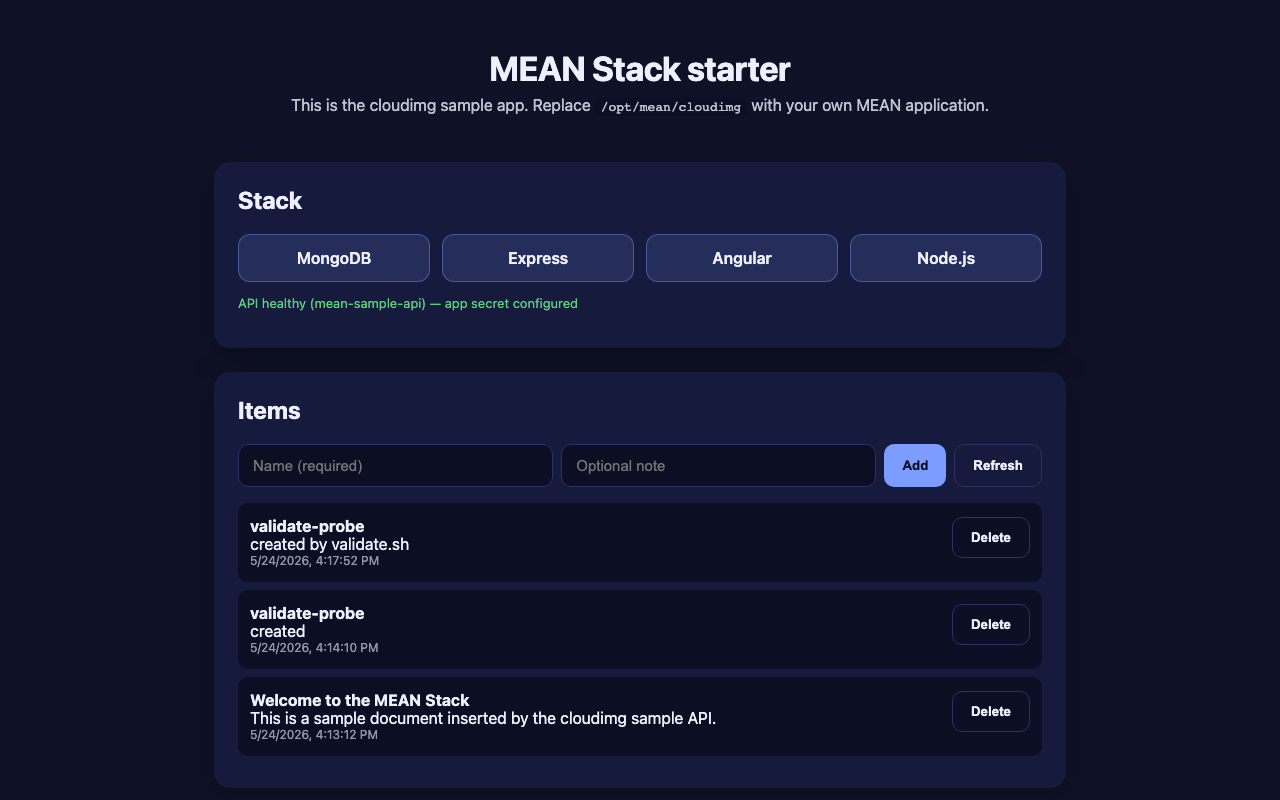
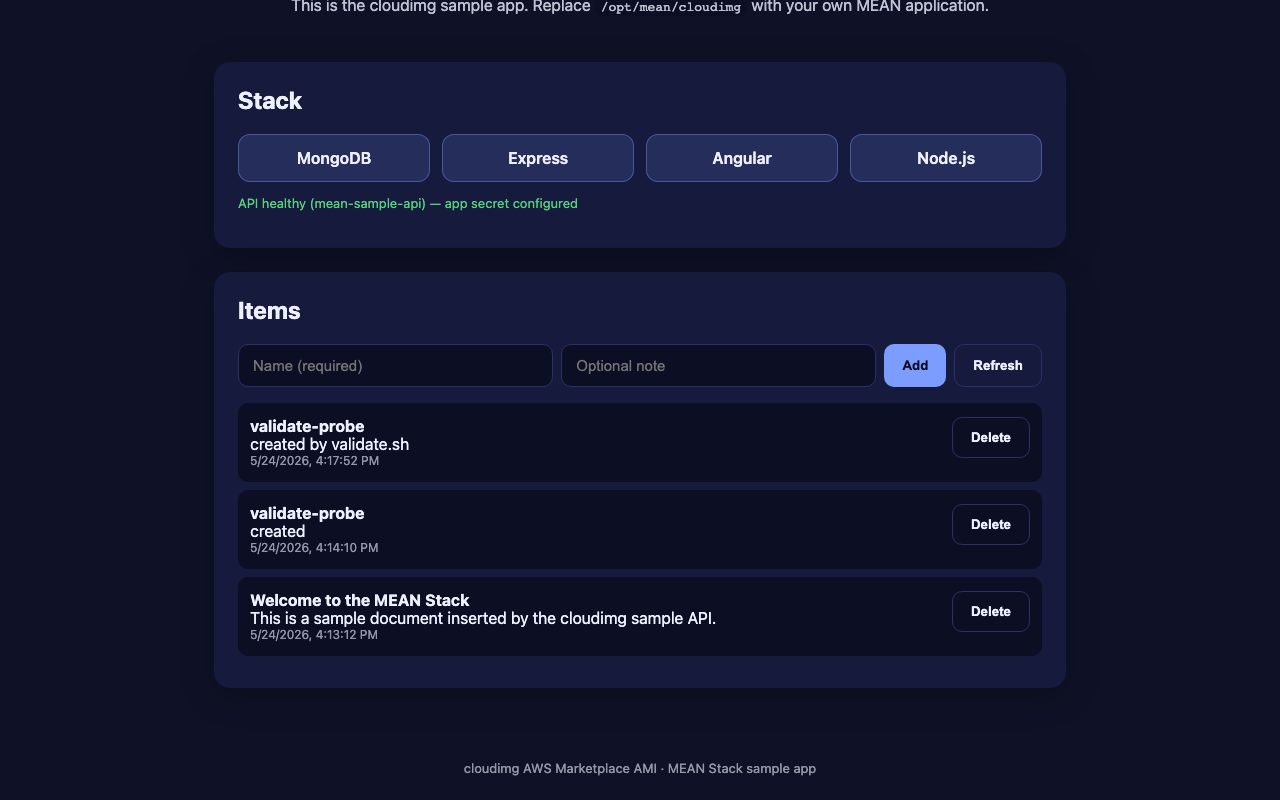
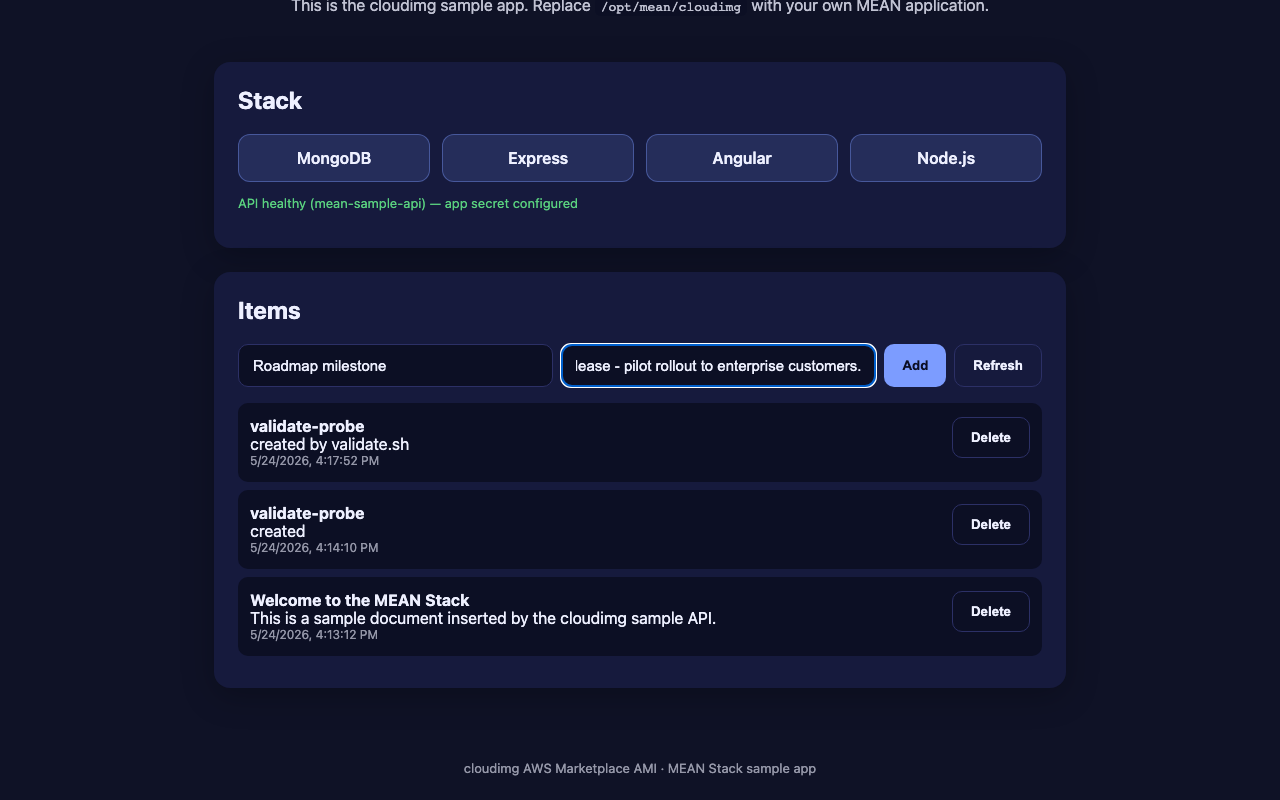
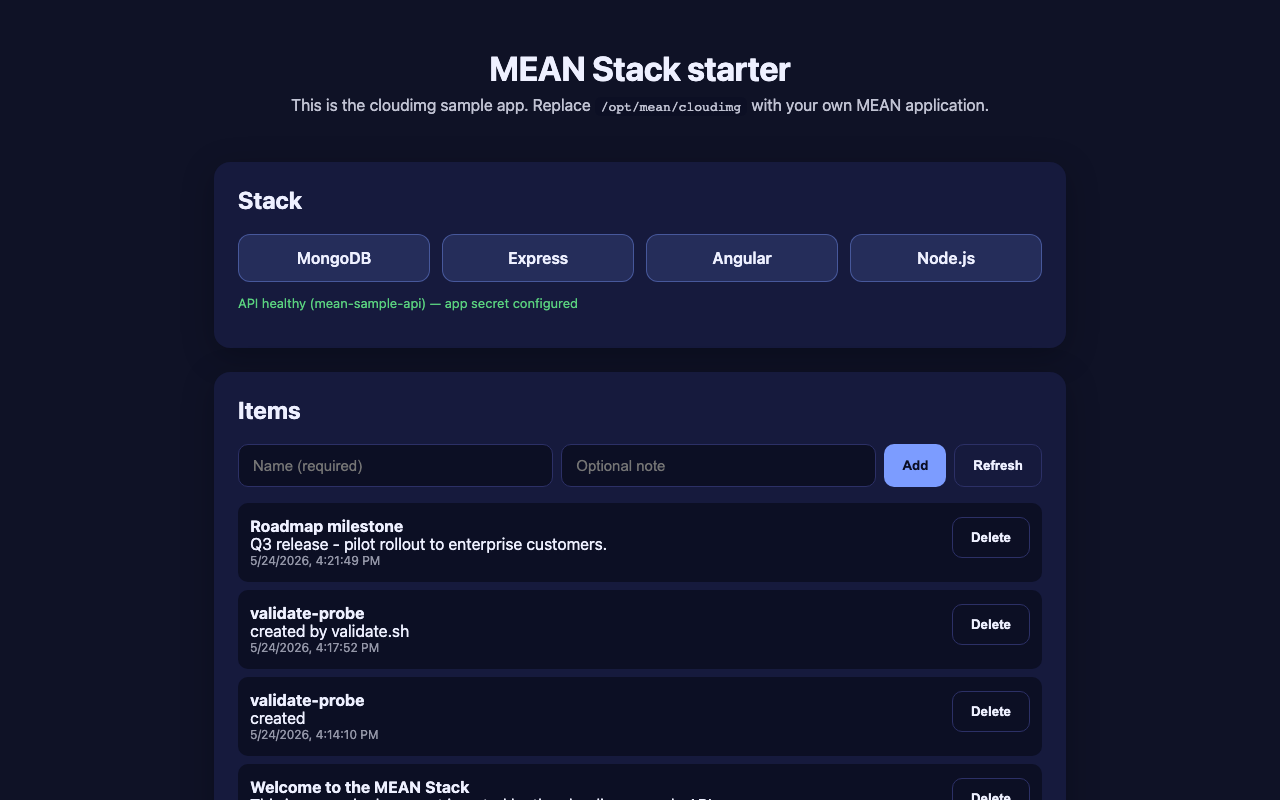
Real screenshots of this software running on the cloudimg image, taken while testing the deployment guide.
Description
This is a repackaged open source software product wherein additional charges apply for cloudimg support services.
## Why This MEAN Stack AMI
Most MEAN Stack setups require hours of manual installation, wiring, and credential management. This AMI eliminates that work entirely. Unlike images that ship with shared or documented default passwords, every instance generates its own unique credentials on first boot - so there is nothing to rotate and no risk of a leaked default. The stack is production-ready from the moment it launches: nginx, pm2 process management, systemd services, and SCRAM-SHA-256 authentication are configured out of the box.
## Who It Is For
Small development teams and solo full-stack developers who need a working MongoDB, Express, Angular, and Node.js environment on AWS without dedicated DevOps staff. Ideal for startups validating an MVP, consultancies spinning up client demo environments, and teams building document-database-backed APIs.
## Application Stack
- Node.js 22 LTS from the official NodeSource repository
- MongoDB 7 Community from the upstream MongoDB APT repo with SCRAM-SHA-256 authentication enabled
- Express 4 API server running under pm2 as a systemd service
- Angular 18 single-page application served as prebuilt static assets
- nginx terminating port 80 and reverse-proxying the Node.js API
## Secure First Boot
On the first boot of every instance, a one-shot service generates:
- A fresh MongoDB administrator password
- A fresh MongoDB application-role password
- A fresh Express session secret
All credentials are unique to that instance and written to a root-only file at /root/.mean_credentials. No shared or default credentials ship in the image.
## Getting Started
1. Launch the AMI on a t3.small or larger instance with at least 20 GB of EBS storage.
2. Open security group ports 22 (SSH) and 80 (HTTP).
3. Wait approximately 60-90 seconds for the first-boot credential generation to complete.
4. SSH into the instance and retrieve credentials: sudo cat /root/.mean_credentials
5. Browse to the instance public IP on port 80 to see the working sample application.
6. Replace the sample code at /opt/mean/cloudimg with your own MEAN application - the surrounding scaffolding (nginx, pm2, MongoDB, systemd units, credentials) stays the same.
From launch to a running sample app takes under three minutes.
## Use Cases
- Startup MVP validation: Launch a fully wired MEAN environment, deploy your prototype code, and present to stakeholders the same day - no infrastructure setup required.
- Client demo environments: Consultancies can spin up isolated, credential-unique instances for each client demo without worrying about cross-contamination of secrets.
- Document-database-backed APIs: Build and iterate on Express APIs backed by MongoDB with pm2 ensuring zero-downtime restarts.
- Full-stack JavaScript learning and proofs of concept: Explore the entire MEAN workflow end to end on a single instance.
## cloudimg Support
24/7 technical support by email and chat. Expert assistance for Node.js application configuration, MongoDB administration, Express tuning, and Angular build pipelines.
All product and company names are trademarks or registered trademarks of their respective holders. Use of them does not imply any affiliation with or endorsement by them.
Key Features
- MEAN Stack preinstalled and wired together, with MongoDB Community, Express, Angular and Node.js 22 LTS and a working sample application
- Hardened first boot generates fresh MongoDB administrator, MongoDB application and Express session credentials for every instance and stores them in a file only the root user can read
- 24/7 technical support from cloudimg, with expert assistance for Node.js, Express, Angular and MongoDB deployment, configuration and tuning