Base
Hardened build
minimal ports, security patches applied at build time

Neko, a self hosted virtual browser that runs a real browser on the server and streams it to your browser over WebRTC, with multiple people sharing control of the same session.
Neko is an open source virtual browser. A real desktop browser runs inside a container on the server, and its screen and audio are streamed live to anyone who opens the web page, over WebRTC, the same low latency technology video calls use. Nothing is installed on the viewer side: you just open a URL and you are looking at, and can take control of, a browser running somewhere else entirely.
Because the session is shared, several people can watch the same browser at once and pass control between them, with a built in chat and an admin role that can lock the room, kick users and take control back. That makes it useful as a collaborative browsing space, as a disposable browser that keeps risky sites off your own machine and inside an isolated container, and as a way to reach an internal web application from anywhere without putting that application on the public internet. This image ships the Firefox flavour, so the whole stack is open source.
Upstream ships fixed default passwords for both the user and the admin role, which on a shared control remote browser means anyone who finds the instance can drive it. cloudimg never runs on those: on the first boot of every instance a unique user password and a unique admin password are generated and written to a root only file, and the browser is held back from starting until that rotation has happened, so no instance is ever reachable on the published defaults. The WebRTC media path is set up for you on a single multiplexed port for both UDP and TCP rather than a wide port range, so there is one firewall rule to open instead of a hundred, and the public address the instance advertises to clients is resolved per instance at boot rather than baked into the image. The web interface is fronted by a reverse proxy, the base is fully patched with unattended security upgrades enabled, and every deployment is paired with a step by step deploy guide and backed by 24/7 cloudimg support.
Real screenshots taken while testing this image against its deployment guide.
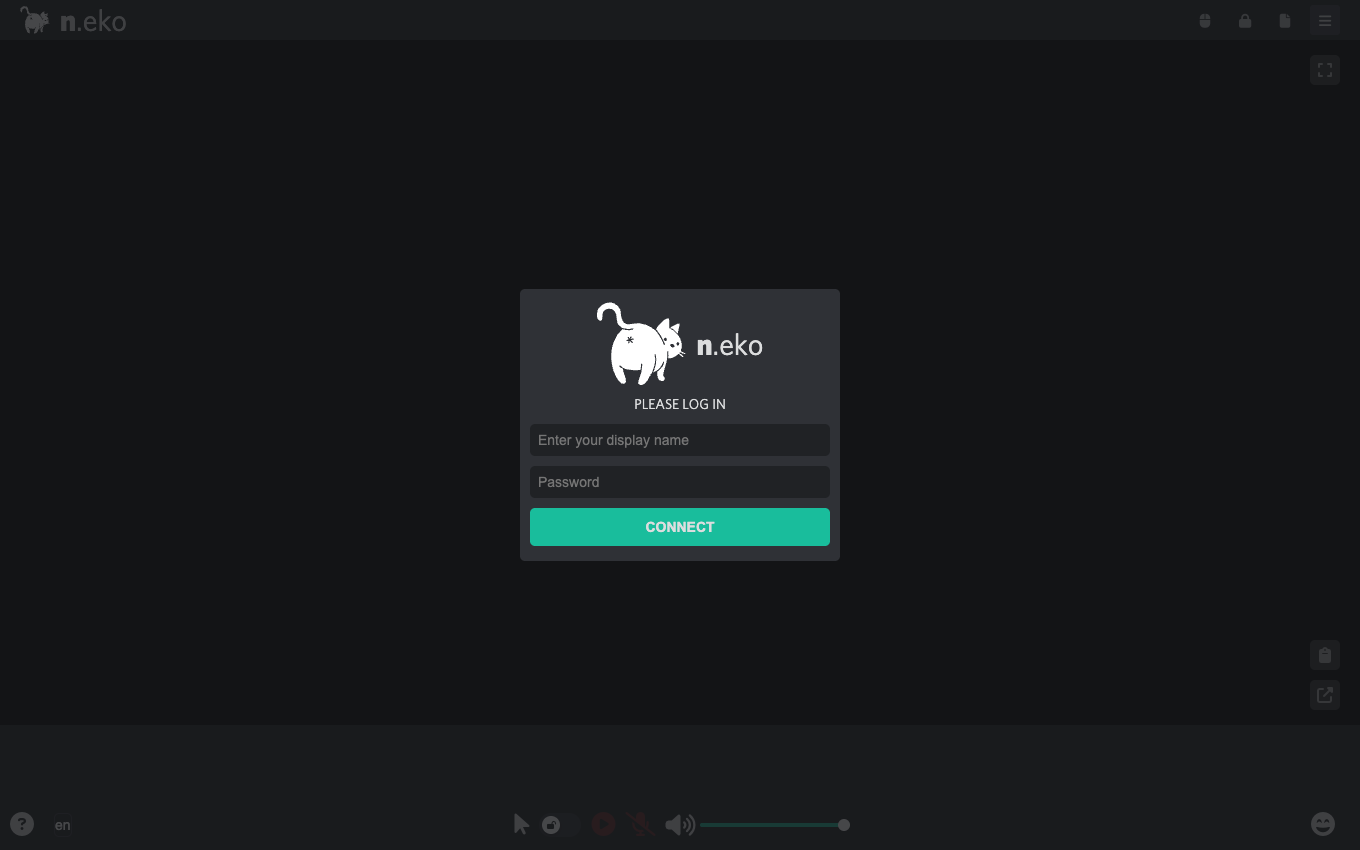
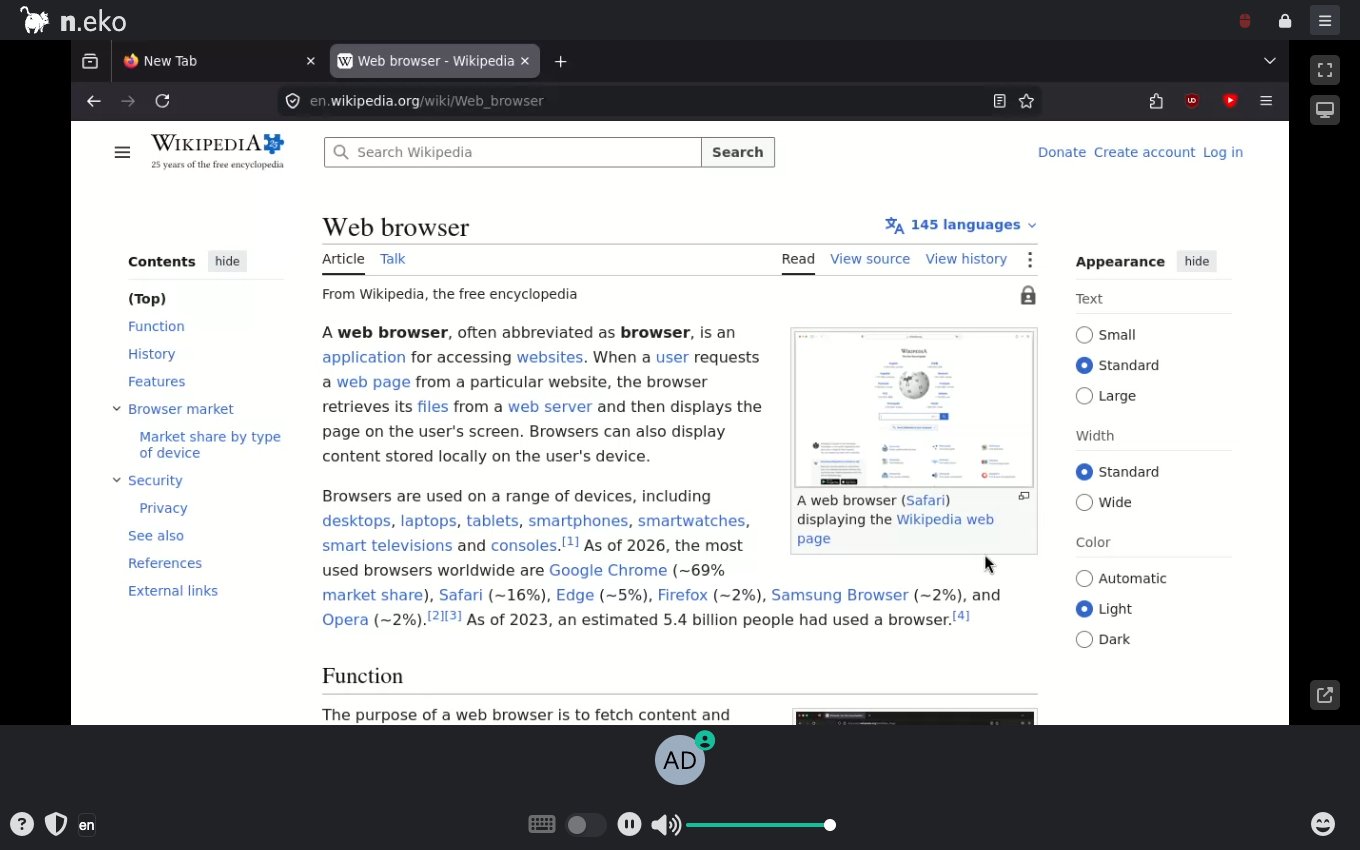
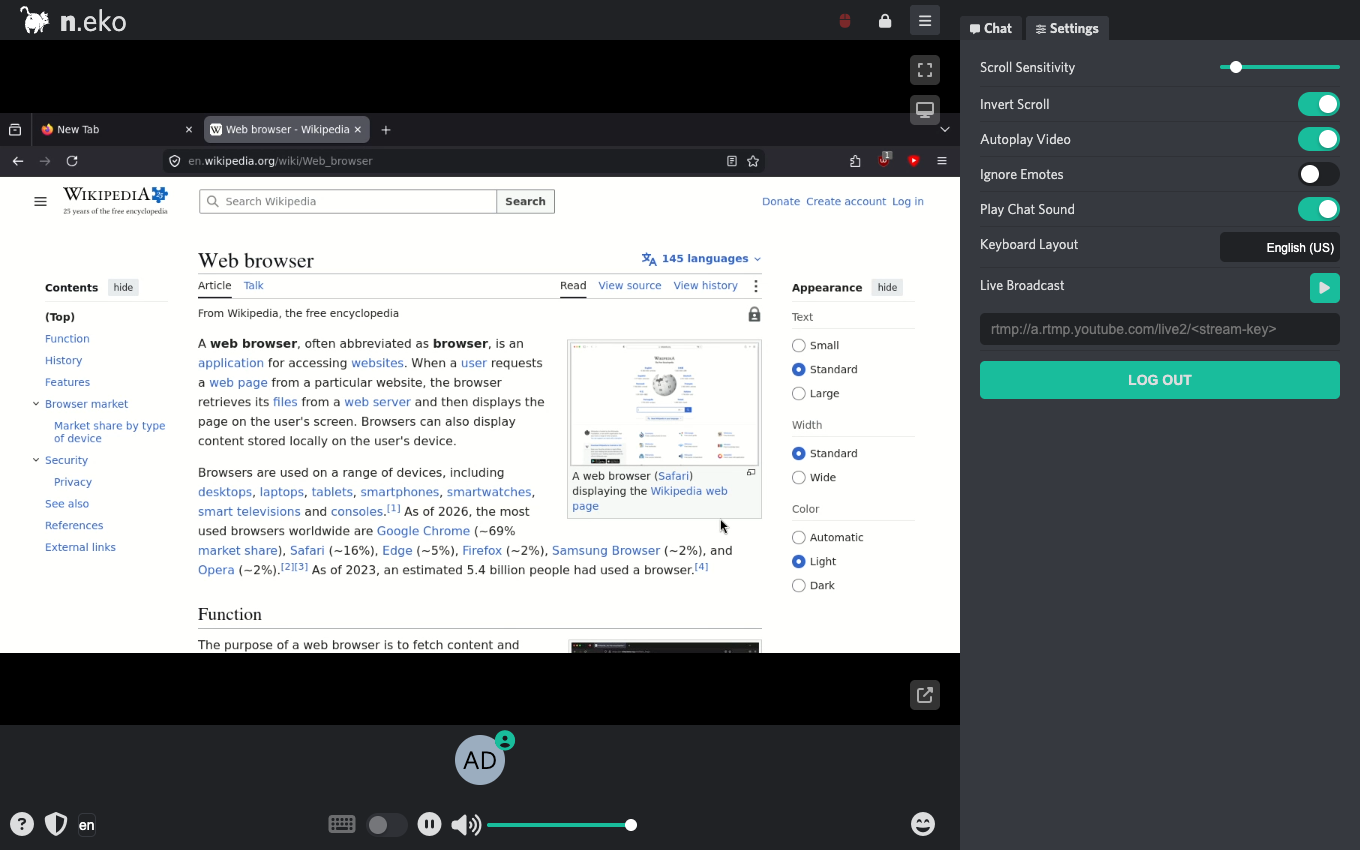
This is a repackaged open source software product wherein additional charges apply for cloudimg support services.
## Overview
Neko is a free and open source self-hosted virtual browser. A real desktop web browser runs inside a container on the instance, its screen and audio are captured, encoded and streamed to any number of viewers in a shared room over WebRTC, and viewers can take turns controlling it from their own browser with nothing to install. It is used for isolated and disposable browsing, secure remote work, collaborative research, and synchronised watch-together sessions. This image delivers that experience fully installed and secured, so a private virtual browser you run and control yourself is operational within minutes of launch rather than depending on a third-party service.
## Why This Image vs a Manual Install
Compared to installing Neko yourself, this image eliminates the container runtime setup, the WebRTC networking configuration, the reverse-proxy and WebSocket wiring, and the security hardening. Neko's upstream examples ship fixed default passwords; this image does not run on them. The desktop resolution, the single multiplexed WebRTC media port, the loopback-only metrics endpoint and the per-instance credential rotation are all configured for you at image build time. You launch the instance, read your unique credentials, open the web interface and start a session.
## Application Stack
The official upstream Neko container is pinned by digest and run under systemd via docker compose, fronted by nginx which serves the web client and its WebSocket signalling over HTTP and blocks the unauthenticated metrics and debug endpoints. Inside the container a real browser runs on an X server, GStreamer captures and VP8-encodes the desktop, and Neko streams it to viewers over WebRTC. Media flows over a single multiplexed port for both UDP and TCP, so only one firewall rule per protocol is required.
## Security Hardening
This image follows a defence-in-depth approach with the following hardening measures applied:
Buyers requiring formal compliance documentation should contact cloudimg to discuss specific requirements.
## Low-Cost Evaluation Path
To evaluate the product before committing to a production deployment, launch on a smaller instance such as t3.medium for a brief functional test session. This lets you verify the streaming experience, the credential workflow and the security posture at minimal EC2 cost before moving to m5.large or larger for a smooth production stream.
## AWS Integration
Deploy on any EC2 instance type; m5.large suits one comfortable viewer at 720p30 and larger types add headroom for more concurrent viewers. Open UDP port 59000 and TCP port 59000 in the security group for the WebRTC media stream, in addition to TCP 80 for the web interface. The media does not run over HTTP and cannot be proxied through port 80, so without the media ports open the login page loads but the screen stays black.
## Use Cases
## Ready to Use
Read your credentials from the root-only file, open the web interface in your browser, sign in and start controlling the streamed browser. Invite others to the same room to browse or watch together, using the admin role to moderate.
## Get Started
For a guided deployment walkthrough or help sizing your instance for your expected viewer count, contact cloudimg support at any time. Our engineers can assist with TLS termination, security group configuration, and integration into your existing infrastructure.
All product and company names are trademarks or registered trademarks of their respective holders. Use of them does not imply any affiliation with or endorsement by them.

This image runs the Actual Budget 26.6 sync server, the open source local-first personal finance and envelope budgeting ...

This image runs Admidio, the open source, self hosted membership management platform used by clubs, associations and non...

This image runs Apache Answer, the open source question and answer platform for teams at any scale.

This image delivers Audiobookshelf 2.35, the popular open source self-hosted audiobook and podcast media server, fully i...

This image runs Baby Buddy 2.9.2, the open source self-hosted web application for tracking a baby's daily activities and...

Baikal is an open source self-hosted CalDAV and CardDAV server built on the proven Sabre/dav library.