
Nextcloud Hub - Self-Hosted Collaboration
Overview
Deploy a private, self-hosted Nextcloud collaboration platform in minutes with no shared credentials. Pre-configured with nginx, PHP8.3, MariaDB, and Redis. Backed by 24/7 cloudimg support.
See it running
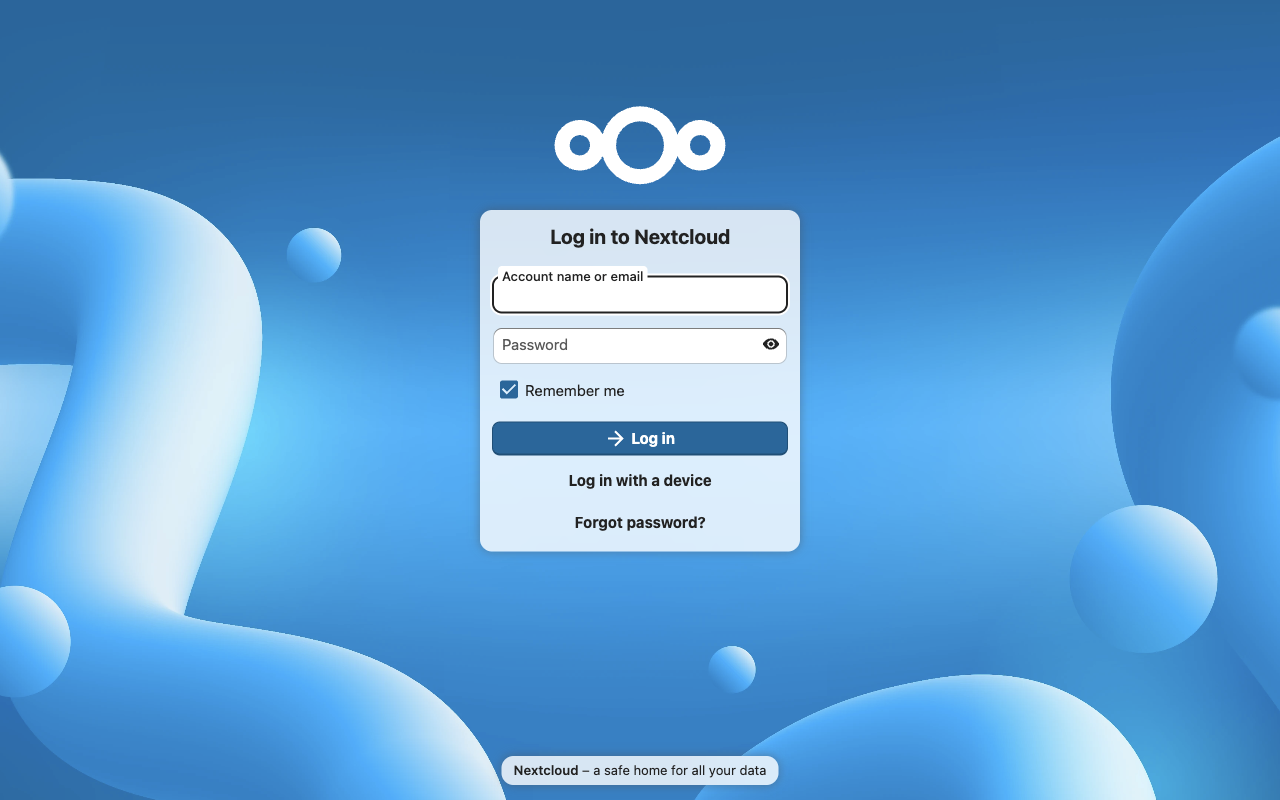
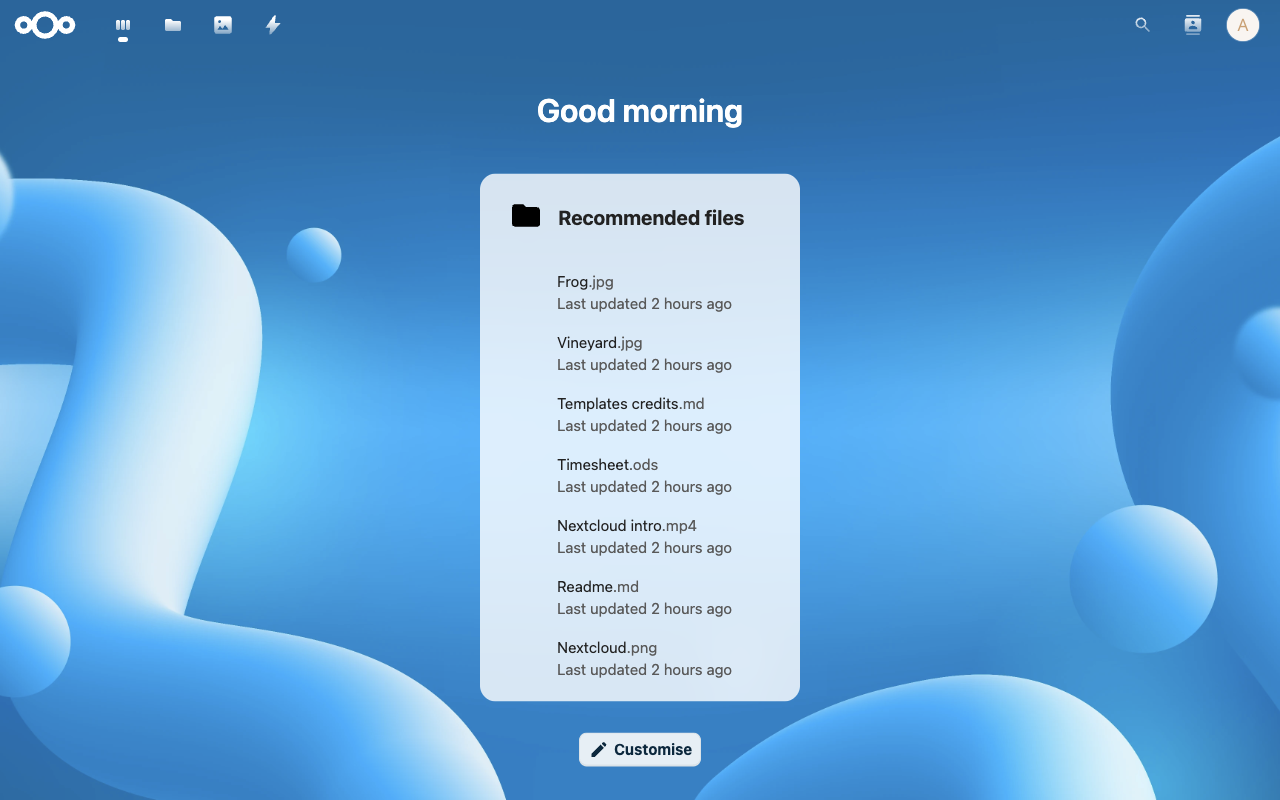
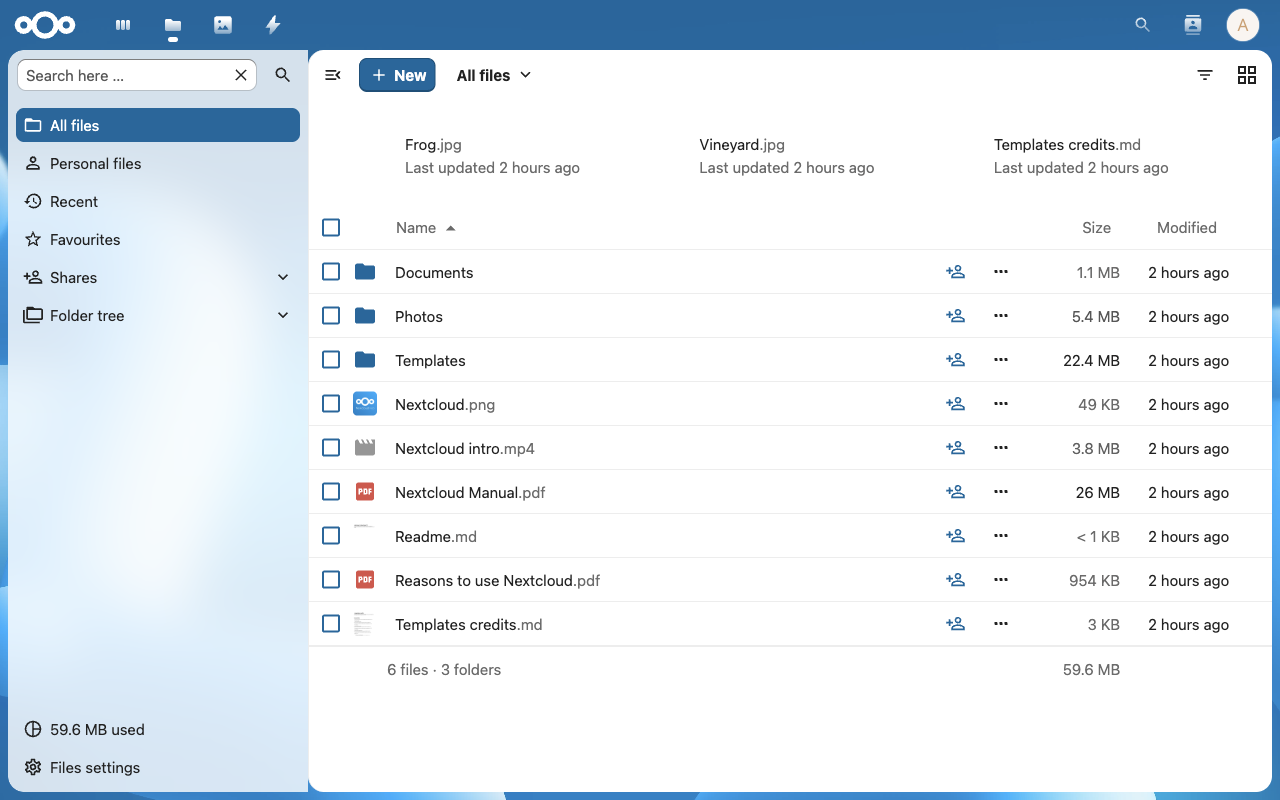
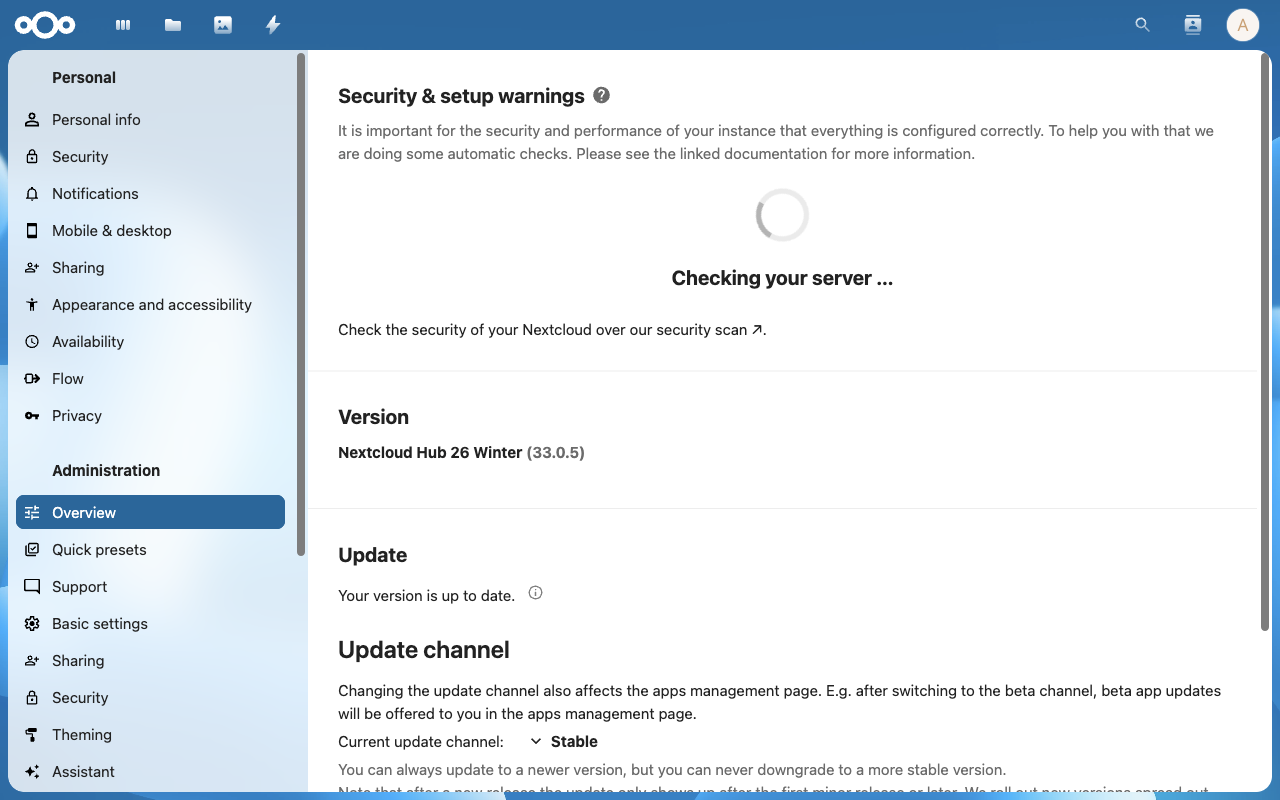
Real screenshots of this software running on the cloudimg image, taken while testing the deployment guide.
Description
This is a repackaged open source software product wherein additional charges apply for cloudimg support services.
## Overview
Nextcloud is the open source content collaboration platform - file sync and share, calendar, contacts, document collaboration, and a rich app ecosystem - a private, self-hosted alternative to public cloud drives. This image delivers Nextcloud fully installed and configured so a complete collaboration platform is running within minutes of launch. The current release available is Nextcloud 33.
## Why This Image Over Alternatives
Many Nextcloud AMIs and manual installs ship with default or shared credentials, require manual database setup, and leave caching unconfigured. This image eliminates those pain points:
- Unique credentials on every launch - no shared passwords that could be exploited across instances
- Redis caching and file locking pre-configured - faster file operations and no lock conflicts out of the box
- systemd timer for background jobs - the recommended cron mode runs every five minutes without manual crontab editing
- Dedicated data volume - user files live on an independently resizable EBS volume, simplifying backups and scaling
Buyers evaluating other Nextcloud images typically face manual hardening steps and unconfigured performance layers. This image removes that operational burden from day one.
## Application Stack
Nextcloud on PHP 8.3 with OPcache and APCu, served by nginx with php-fpm. MariaDB provides the relational database and Redis provides distributed caching and file locking. Background jobs execute every five minutes through a systemd timer.
## Secure By Default
On the first boot of your instance, a one-shot service generates a fresh MariaDB password and a fresh Nextcloud administrator password, unique to that instance, and writes them to a root-only file. The instance's own address is added to Nextcloud's trusted domains automatically. No shared or default credentials ship in the image. Data stays entirely within your VPC, supporting data residency requirements.
## Getting Started
1. Launch the AMI in your VPC with a security group allowing ports 80, 443, and 22.
2. SSH into the instance and retrieve your unique admin credentials from /root/.nextcloud-credentials.
3. Browse to the instance's public or private address and sign in as the administrator.
4. Add users, install apps, configure object storage, and begin syncing files.
The platform is typically accessible within three to five minutes of instance start.
## cloudimg Support
24/7 technical support by email and live chat. Our engineers assist with Nextcloud deployment, upgrades, performance tuning, app configuration, object storage integration, TLS termination, and database administration. Critical issues receive a one-hour average response time.
To discuss sizing, compliance requirements, or pre-sales questions, contact support@cloudimg.co.uk.
## Use Cases
- A private file sync and share platform in your own VPC for teams with data residency or compliance requirements
- Self-hosted document collaboration, calendars, and contacts replacing consumer cloud drives
- A collaboration backend for organizations that need to keep data within specific AWS regions
All product and company names are trademarks or registered trademarks of their respective holders. Use of them does not imply any affiliation with or endorsement by them.
Key Features
- Nextcloud, the open source file sync & share and content collaboration platform, preinstalled with nginx, PHP 8.3, MariaDB and Redis, ready to use with no manual setup
- Secure by default: fresh Nextcloud administrator and MariaDB passwords generated for every instance on first boot and stored in a root only file, with the instance address auto-added to trusted domains
- 24/7 technical support from cloudimg for deployment, upgrades, performance tuning, app configuration and TLS termination
Related Technologies
Related Products

Apache Flink Stream Processing
Apache Flink is the open source framework and distributed processing engine for stateful computations over unbounded and...

Apache Kafka
Apache Kafka, the open source distributed event streaming platform, preinstalled in KRaft mode with OpenJDK 17 and a bun...

Apache Solr 9Enterprise Search
Apache Solr is the open source enterprise search platform built on Apache Lucene.

Apache Tomcat 11
This image runs Apache Tomcat 11, the open source implementation of the Jakarta Servlet, Jakarta Pages, Jakarta Expressi...
Apache ZooKeeper Coordination Service
Apache ZooKeeper is a high performance coordination service for distributed applications.
Calibre-Web Self-Hosted Ebook Server
This image runs Calibre-Web from a dedicated Python virtual environment, served on the loopback interface and fronted by...