
Node.js LTS Runtime With PM2 and Nginx
Overview
Production-ready Node.js LTS with PM2, nginx, and secure auto-generated credentials - serving traffic on first boot.
See it running
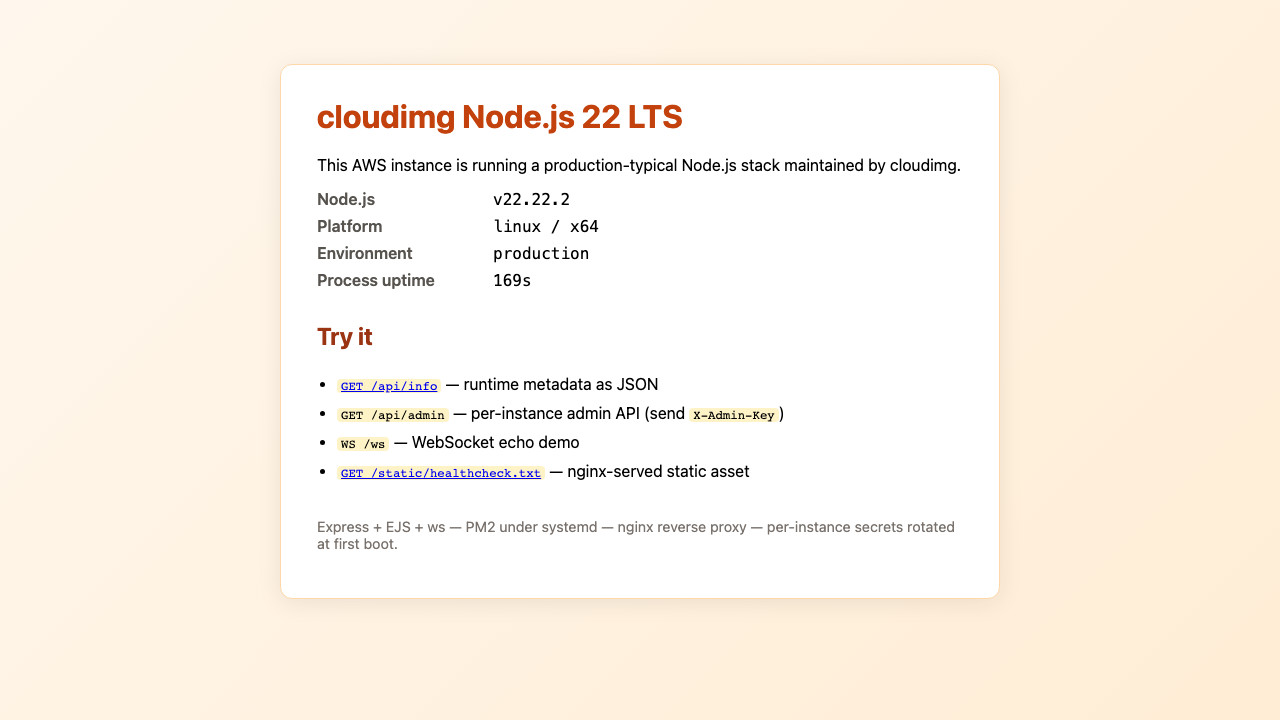
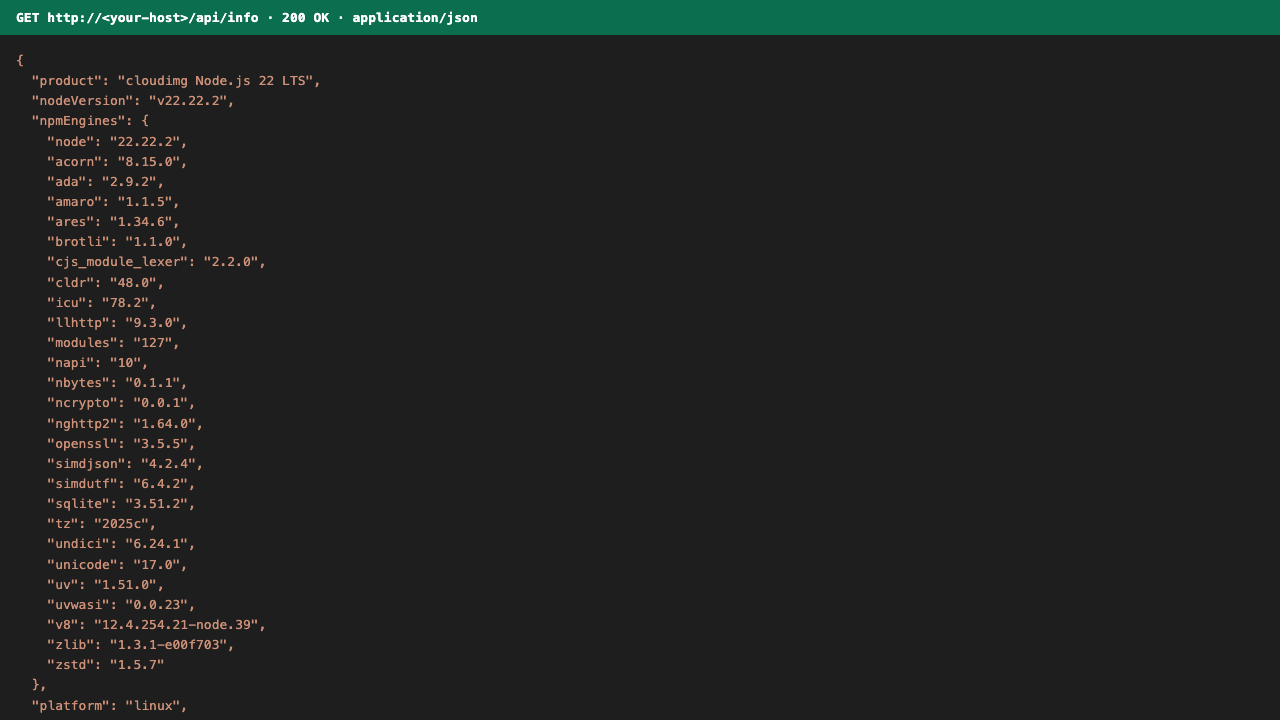
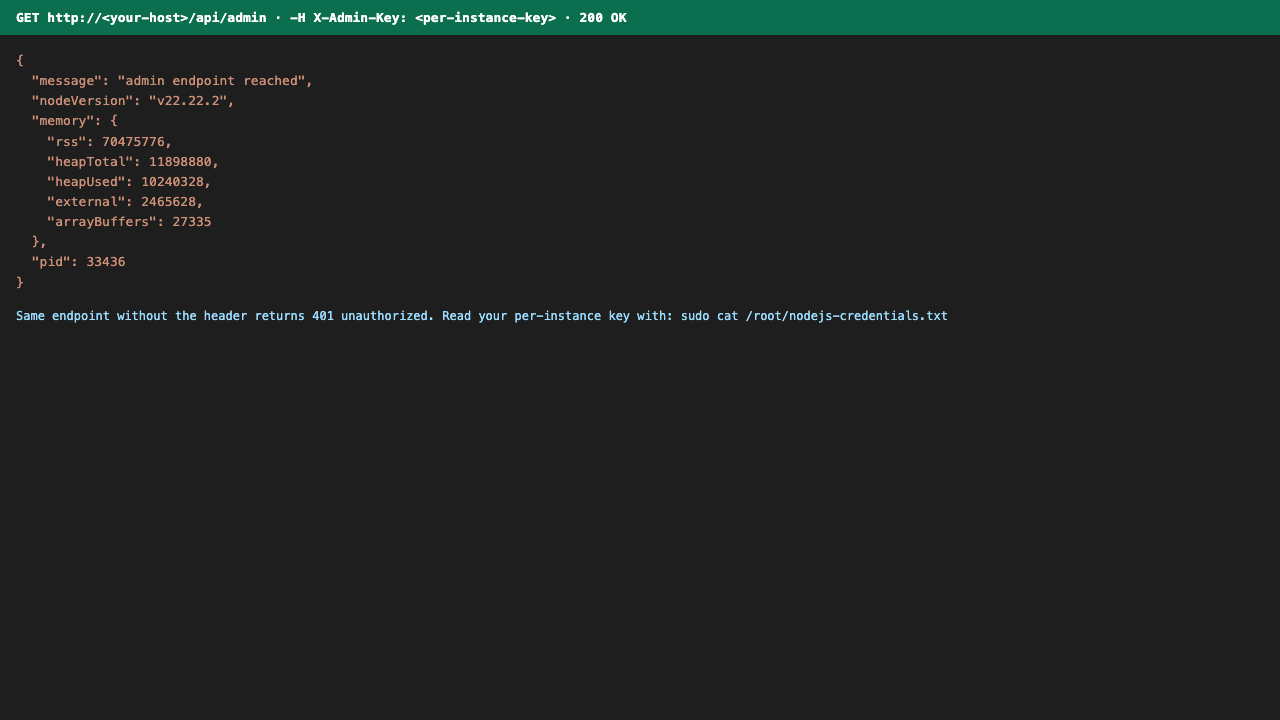
Real screenshots of this software running on the cloudimg image, taken while testing the deployment guide.
Description
This is a repackaged open source software product wherein additional charges apply for cloudimg support services.
## Overview
Node.js is the JavaScript runtime that powers modern server-side workloads - REST APIs, GraphQL gateways, real-time WebSocket services, server-side rendered web apps, and build tooling. This AMI delivers Node.js LTS fully installed and serving traffic from the moment your instance boots, with PM2 process management and nginx reverse proxying already configured. Unlike launching a bare EC2 and spending20-30 minutes installing packages, configuring systemd services, and hardening credentials, this image is production-ready on first boot.
## Application Stack
- Node.js LTS from the official NodeSource repository with bundled npm
- pnpm and PM2 installed globally
- Sample Express + EJS application running under PM2's pm2-runtime, managed by systemd, listening on 127.0.0.1:3000
- nginx1.24 fronting the app on port 80, reverse-proxying dynamic routes and serving static assets directly
- WebSocket upgrade headers pre-configured so /ws works out of the box
## Secure First Boot
On every instance's first boot, a one-shot systemd service generates a fresh SESSION_SECRET and a unique ADMIN_API_KEY, writing them to a root-only file. No shared or default credentials ship in the image. The admin endpoint returns 401 until the per-instance key is supplied as the X-Admin-Key header. Note that TLS is not configured by default - you can set up Let's Encrypt directly or terminate SSL at an upstream load balancer, and cloudimg support can assist with either approach.
## Security Considerations
- Per-instance cryptographic secrets generated at boot (no shared credentials)
- Admin API key stored in a root-only file with600 permissions
- nginx listens on port 80; configure security groups to allow inbound TCP 80 (and 443 if adding TLS)
- For production deployments, cloudimg recommends adding TLS via Let's Encrypt or an AWS ALB, restricting SSH access, and enabling unattended security updates
## Prerequisites
- An AWS account with EC2 launch permissions
- A key pair for SSH access to the instance
- Security group allowing inbound TCP port 80 (and 22 for SSH management)
- Minimum recommended instance: t3.small (2 vCPU, 2 GB RAM) for development; t3.medium or larger for production workloads
- The instance begins serving HTTP traffic within approximately 60 seconds of launch
## Ready To Use
Node.js, nginx, PM2, and the sample app are all running immediately. Browse to the instance public IP to view the welcome page with live runtime metadata, hit /api/info for a JSON response, or run:
`curl -H'X-Admin-Key:
Replace the sample app with your own by dropping code under /opt/nodeapp/cloudimg or pointing the ecosystem.config.js at a different entry point.
## Use Case: Production SSR Application
A development team deploying a Next.js server-side rendered application can leverage this image by replacing the sample Express app with their Next.js build output. PM2 cluster mode saturates all available CPU cores, nginx handles static asset caching and WebSocket upgrades, and the admin API key enables health-check endpoints for an Application Load Balancer. The result is a containerless production deployment with process supervision and automatic restarts - no Kubernetes overhead required.
## Additional Use Cases
- REST and GraphQL API backends
- Real-time WebSocket services
- Server-side rendered React, Next.js, and Nuxt applications
- Build agents and CI workers running Node tooling
- Microservice components in containerless deployments
- JavaScript runtime base image for further customization
## cloudimg Support
24/7 technical support by email and chat. Expert assistance for Node.js deployment, PM2 cluster mode configuration, nginx tuning, TLS setup via Let's Encrypt or upstream load balancers, log shipping, and runtime upgrades.
All product and company names are trademarks or registered trademarks of their respective holders. Use of them does not imply any affiliation with or endorsement by them.
Key Features
- Node.js LTS runtime preinstalled with PM2 cluster mode, pnpm, and nginx 1.24 reverse proxy - your instance serves HTTP traffic within approximately 60 seconds of launch, eliminating the 20-30 minutes of manual package installation, systemd configuration, and process manager setup that a bare EC2 requires. The sample Express app and WebSocket support work immediately, so you can validate your deployment pipeline before swapping in production code.
- Hardened first-boot security without shared credentials - unlike many competing AMIs that ship default passwords or require manual secret rotation, every instance automatically generates a unique SESSION_SECRET and ADMIN_API_KEY stored in a root-only file (600 permissions). The admin endpoint enforces authentication from the start, returning 401 until the per-instance X-Admin-Key header is supplied.
- 24/7 technical support from cloudimg engineers via email and live chat, with critical issues receiving a one-hour average response time. Most open-source Node.js images on Marketplace offer zero vendor support - cloudimg provides expert assistance for PM2 cluster mode tuning, nginx optimization, TLS configuration via Let's Encrypt, log shipping setup, and Node.js runtime upgrades.