Base
Hardened build
minimal ports, security patches applied at build time

peekaping, the open source, self hosted uptime and status monitor: watch websites, APIs, TCP services and DNS with heartbeat history and public status pages, secured on first boot by cloudimg.
Peekaping is an open source, self hosted uptime and status monitoring system and a modern alternative to Uptime Kuma. It watches your websites, APIs, TCP services and DNS records, records a heartbeat for every check, calculates uptime statistics over time, publishes status pages your users can subscribe to, and sends alerts through notification channels, all from a clean web interface you run yourself rather than a hosted service. The stack is the official upstream topology: a Go API and web interface with a bundled PostgreSQL database and Redis queue, so a working monitoring console is ready as soon as the instance is up. It suits developers, operators and small teams who want a self owned view of whether their sites and services are up.
cloudimg ships Peekaping as the official upstream container stack behind nginx, ready on first boot. Peekaping accepts an administrator registration only while none exists, which on a public server is a race an attacker can win, and cloudimg closes it: on each instance's first boot, before the port is reachable, a unique administrator password, database password and cache password are generated, fresh session signing keys are minted into an empty database, and the image verifies that a further registration is refused. The database, cache and container images live on a dedicated, independently resizable data volume, and every deployment comes with a paired deployment guide and 24/7 cloudimg support.
Real screenshots taken while testing this image against its deployment guide.
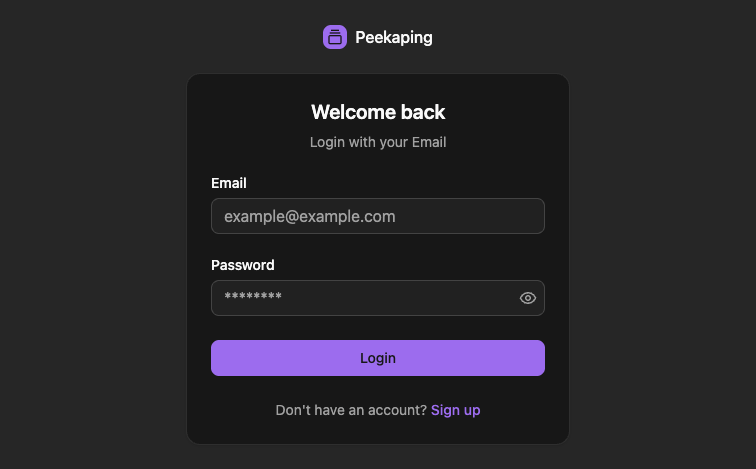
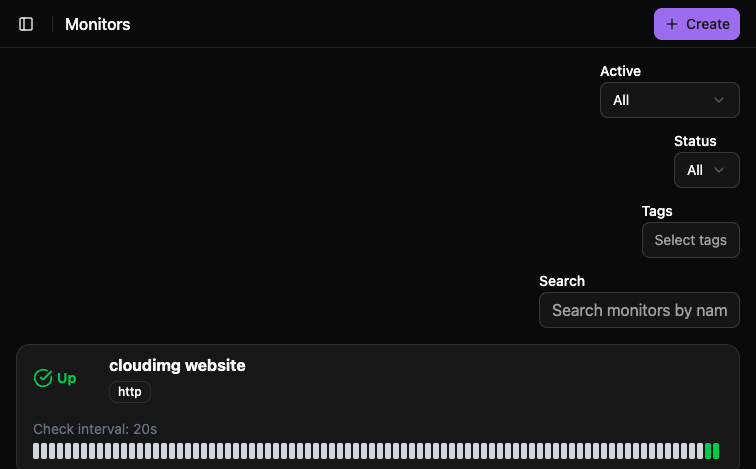
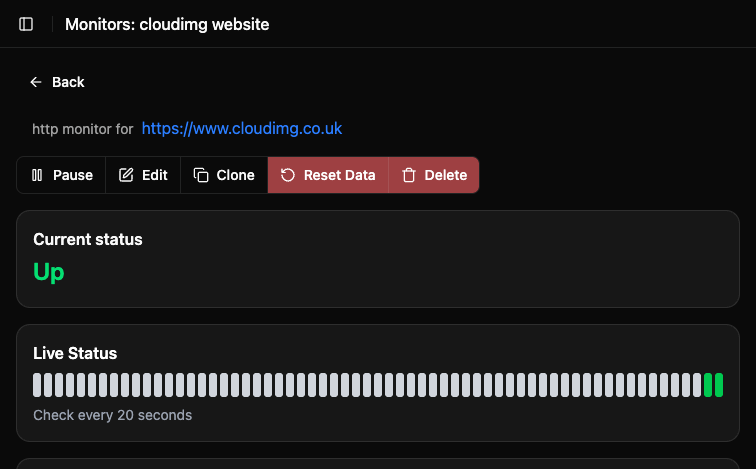
This is a repackaged open source software product wherein additional charges apply for cloudimg support services.
Overview
Peekaping is an open source, self-hosted uptime and status monitoring system and a modern alternative to Uptime Kuma. It watches your websites, APIs, TCP services, DNS records and more, records a heartbeat history for each check, calculates uptime statistics over time, publishes status pages your users can subscribe to, and sends alerts through notification channels, all from a clean web interface running inside your own AWS account rather than a hosted service. This image delivers Peekaping fully installed and running as the official upstream container stack, so a working monitoring console is serving within minutes of launch.
Why This Image Instead of Self-Deployment
Deploying Peekaping by hand means installing Docker, wiring up an eight-container Compose topology, standing up PostgreSQL and Redis, generating secrets, configuring a reverse proxy and solving the first-run administrator race before an attacker does. This image removes that burden: every component is pre-configured and tested, all secrets and the administrator account are generated automatically on first boot, stateful data lives on a dedicated resizable disk, and the full stack starts on boot via systemd. You skip hours of setup and go straight to adding your first monitor.
What Is Included
Peekaping 0.0.46, the MIT licensed self-hosted release, with every container pinned by image digest rather than a floating tag. A bundled PostgreSQL and Redis, pinned by digest and reachable only inside a private container network, never on a host port. Docker Engine with the Go API and the React web interface bound to the loopback interface behind nginx on port 80. A unique administrator password, database password and cache password generated per instance on first boot, plus fresh session signing keys minted into a brand new database. Self registration is closed on first boot, so nobody can claim the administrator account on your instance.
Application Stack
The appliance runs the official Peekaping topology under a single systemd service: a Go API and socket.io server, a monitor scheduler, a check worker and a heartbeat ingester, a React single-page web interface, a one-shot database migrator, and a bundled PostgreSQL database and Redis queue. Host nginx on port 80 is the sole public entry point and routes API and socket.io traffic to the loopback API while serving the web interface same-origin. Every stateful Docker volume, the database, the cache and the pinned images, lives on a dedicated, independently resizable EBS data disk kept separate from the operating system disk.
Secure First Boot
Peekaping accepts a registration only while no administrator exists, which on a public server is a race an attacker can win. This image closes it: on the first boot of your instance, before the port is reachable, a unique administrator is created with a per-instance password, and the image then verifies that a further registration attempt is refused. No shared or default password ships in the image, the database initialises empty, and the session signing keys are unique per instance. The administrator credentials are recorded in a file that only the root user can read.
Ready To Use
Retrieve the generated administrator password over SSH, open the console in your browser, and sign in to add your first monitor, watch its heartbeat history and uptime, and publish a status page. The unauthenticated health endpoint also serves as a probe for load balancer and uptime checks.
cloudimg Support
24/7 technical support by email and chat. Our engineers help with deployment, reverse proxy and TLS termination, notification integration, backup and storage planning, and scaling. Note that upstream describes Peekaping as beta software under active development.
All product and company names are trademarks or registered trademarks of their respective holders. Use of them does not imply any affiliation with or endorsement by them.

This image runs Apache HertzBeat, the open source real-time monitoring and alerting system from the Apache Software Foun...

This image runs AWStats, the long established open source log file analyser, behind the Apache web server with mod_cgid ...
This image runs CheckCle, the open source self-hosted uptime and infrastructure monitoring platform.

Checkmate, by BlueWave Labs, is an open source uptime, infrastructure and incident monitoring platform.
Coroot Community Edition is an open source observability and application performance monitoring (APM) platform built on ...

Gatus pre-configured behind an nginx reverse proxy: an automated health and uptime monitoring dashboard and status page ...