Base
Hardened build
minimal ports, security patches applied at build time

ProjeQtOr, an open source project and quality management platform covering projects, planning, tasks, tickets, risks, requirements and timesheets from one web interface.
ProjeQtOr is an open source project and quality management application that brings a full delivery toolkit into a single web interface. It covers projects and their planning with a Gantt view, activities and tasks, tickets and issues, risks, requirements, tests, meetings, documents, timesheets and resource assignment, so a team can plan work, track progress and manage quality without stitching together separate tools.
It suits project managers, IT departments, service organisations and quality teams who want a self hosted, standards aligned platform they run inside their own cloud account, keeping their planning and delivery data under their own control rather than in a hosted service.
cloudimg delivers ProjeQtOr fully installed and wired together with PHP, nginx and a MariaDB database, so the application answers in the browser the moment the instance boots, with no install and configuration wizard to work through by hand. It is secure by default: ProjeQtOr ships a well known default administrator account, and cloudimg never leaves it active. On the first boot of every instance a fresh database password and a fresh administrator password unique to that instance are generated and written to a root only file, so no two deployments share a credential and no upstream default ever governs a running instance. The database is bound to the instance only and never exposed, all application data and uploaded files live on a dedicated data volume captured into the image, the base is fully patched with unattended security upgrades enabled, and every deployment is paired with a step by step deploy guide and backed by 24/7 cloudimg support.
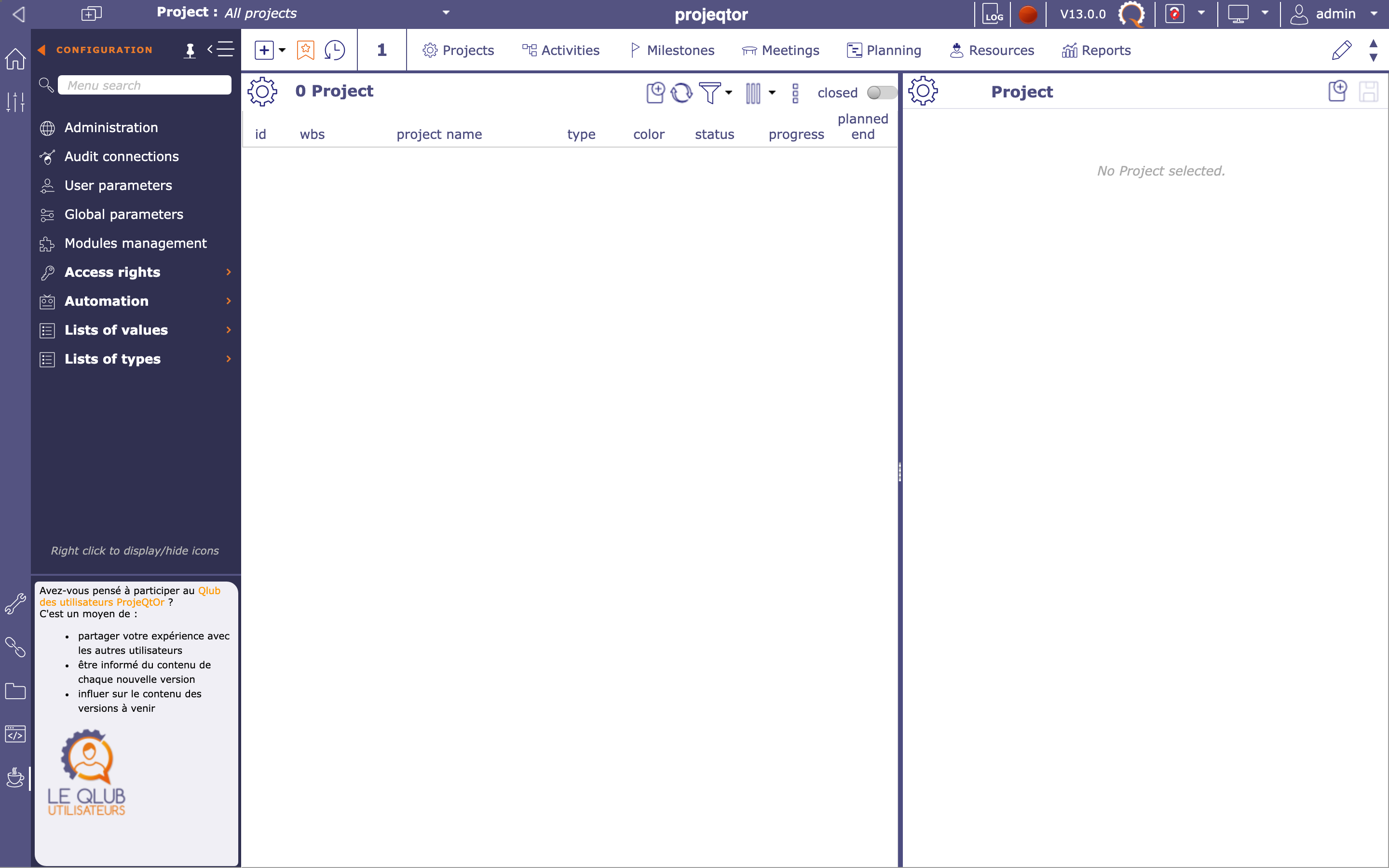
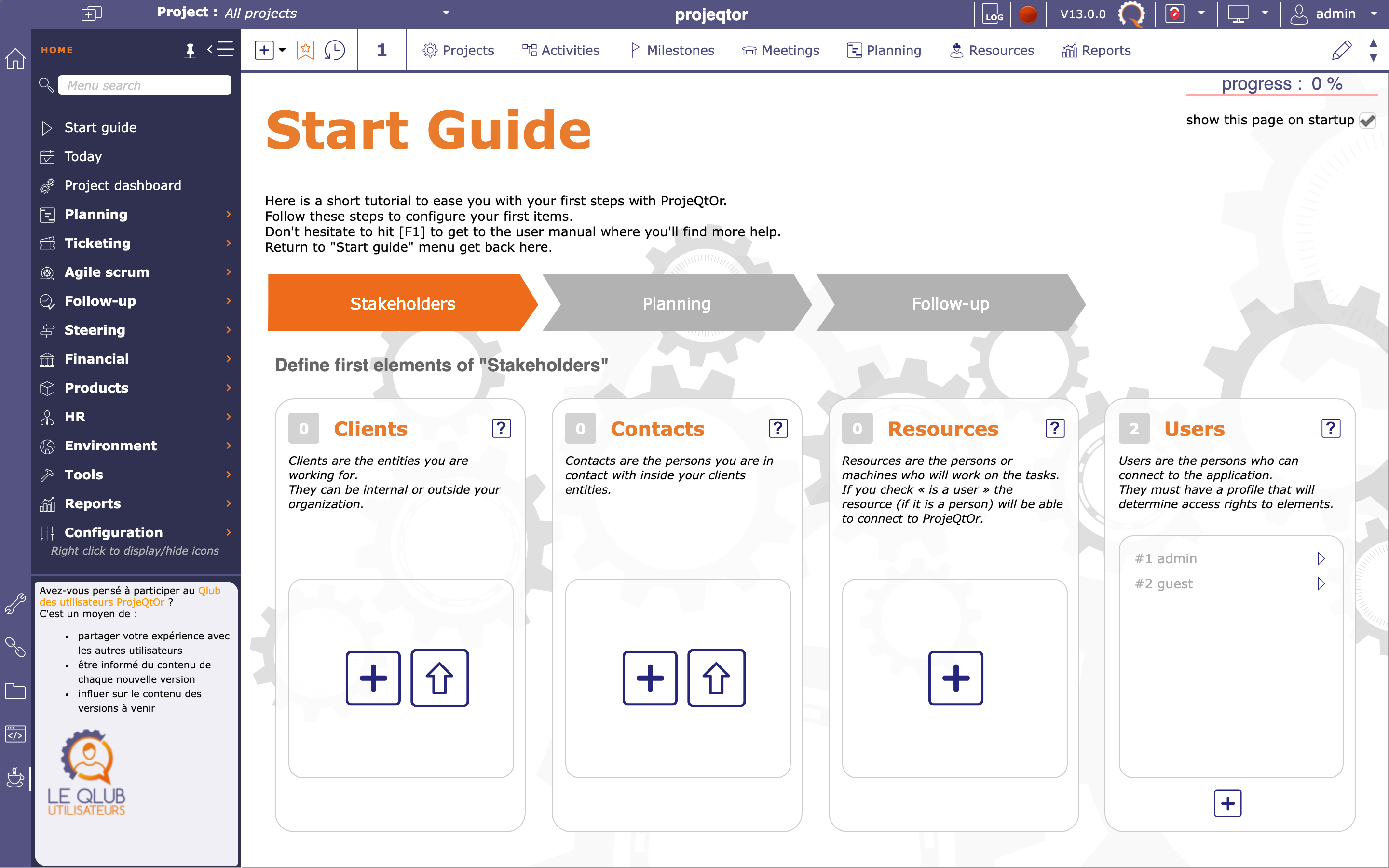
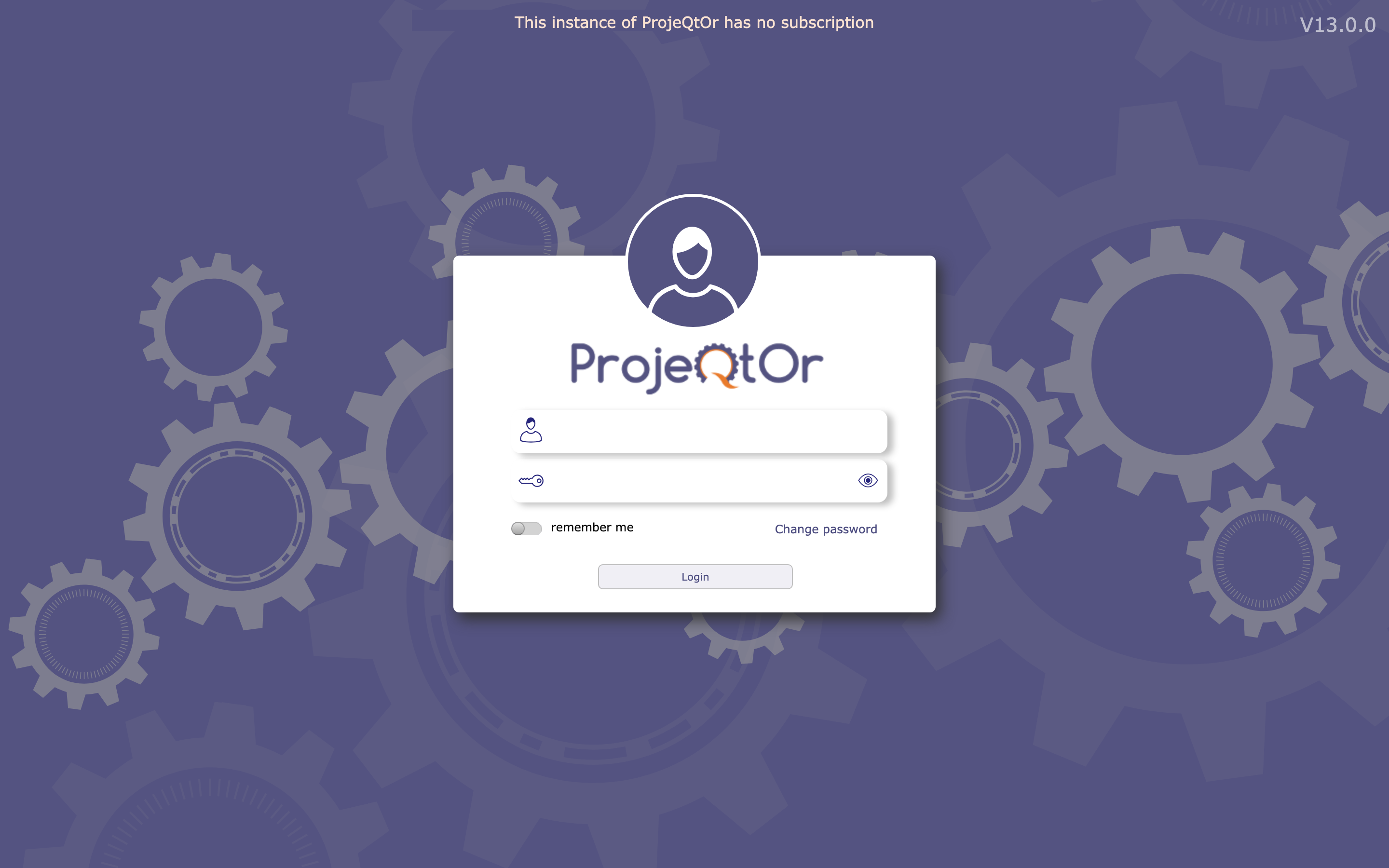
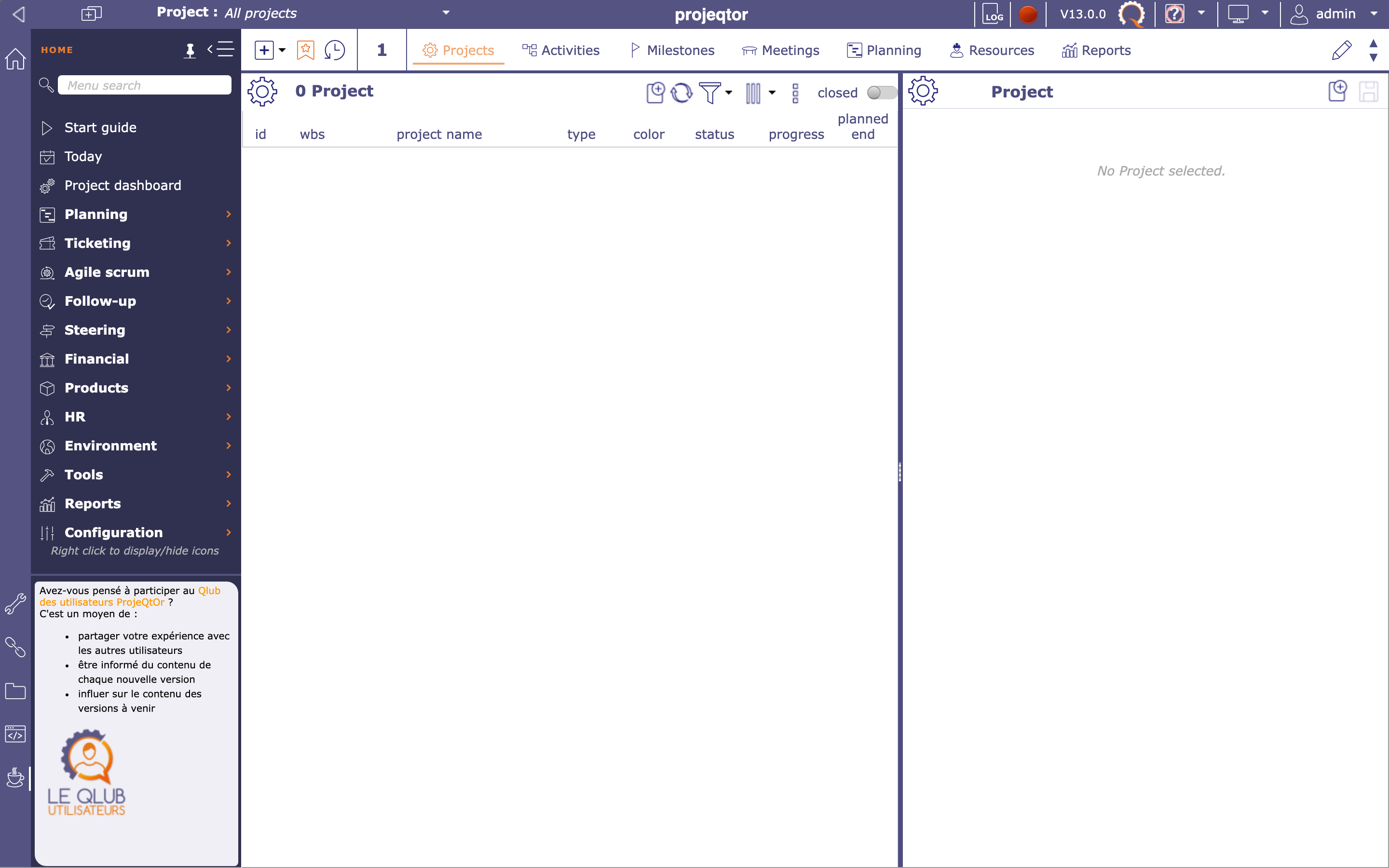
Real screenshots taken while testing this image against its deployment guide.
This is a repackaged open source software product wherein additional charges apply for cloudimg support services.
## Overview
ProjeQtOr is a widely adopted open source project and quality management platform used by project management offices, IT departments, and service organisations to consolidate planning, delivery, and quality workflows in a single self-hosted application. This AMI delivers ProjeQtOr fully installed, configured, and security-hardened so you have a complete project management environment running within minutes of launch - eliminating the hours of manual dependency installation, web server configuration, database setup, and install-wizard steps that a self-managed deployment requires.
## Why This AMI Over Alternatives
vs. Manual Install: A standard ProjeQtOr deployment requires installing PHP and its extensions, configuring a web server, provisioning a database, running the install wizard, and hardening the default administrator account. This AMI completes all of that before first boot.
vs. Free Community Images: Unlike unsupported community AMIs, this listing includes 24/7 expert assistance from cloudimg covering deployment guidance, module configuration, upgrades, performance tuning, and database administration.
vs. Per-Seat SaaS Tools: ProjeQtOr runs on a single EC2 instance with no per-user fees, giving teams of any size predictable costs while retaining full control over data residency and uptime within their own VPC.
vs. Other Project Management Images: ProjeQtOr combines project planning, Gantt charts, tickets, risks, requirements, test management, meetings, documents, and timesheets in one integrated application - reducing tool sprawl without sacrificing depth.
## Application Stack
The application runs on PHP 8.3 with OPcache and all required extensions, the nginx web server with a TLS-ready configuration, and the MariaDB database engine. Customer data (the MariaDB database and uploaded or generated files) lives on a dedicated EBS data volume kept separate from the root volume and independently resizable. This architecture simplifies backups, snapshots, and volume expansion without touching the application layer. Currently available as ProjeQtOr 13.
## Secure First Boot
On first boot, a one-shot service generates a fresh MariaDB password and a fresh ProjeQtOr administrator password unique to that instance, writing them to a root-only file. No shared or default passwords ship in the image, and the well-known default admin account is never left active, so no two deployments share the same credentials.
## Getting Started
1. Launch the AMI on your chosen instance type (t3.medium for small teams, m5.large for larger portfolios)
2. SSH into the instance and retrieve credentials from /root/projeqtor-credentials.txt
3. Browse to the instance public IP on port 80 and sign in as the admin user
4. Create projects and configure modules - Gantt charts, tasks, tickets, risks, requirements, tests, timesheets, and more
ProjeQtOr accepts requests on whatever hostname or IP address you reach it on. For a guided deployment walkthrough or migration assistance, contact cloudimg support before or after purchase.
## Use Cases
## Evaluation
Because billing is hourly, you can launch a t3.medium instance to evaluate ProjeQtOr with your team at minimal cost. If the product does not meet your needs, simply terminate the instance. Contact support@cloudimg.co.uk for refund requests or pre-purchase questions including migration planning and instance sizing consultations.
All product and company names are trademarks or registered trademarks of their respective holders. Use of them does not imply any affiliation with or endorsement by them.

This image runs the Actual Budget 26.6 sync server, the open source local-first personal finance and envelope budgeting ...

This image runs Admidio, the open source, self hosted membership management platform used by clubs, associations and non...

This image runs Apache Answer, the open source question and answer platform for teams at any scale.

Apache OFBiz, the open-source ERP, CRM, e-commerce and supply-chain suite, preinstalled and running behind nginx and rea...

This image runs Apache Tika Server 3.3.1, the Apache Software Foundation's content detection and extraction service.

This image delivers Audiobookshelf 2.35, the popular open source self-hosted audiobook and podcast media server, fully i...