Base
Hardened build
minimal ports, security patches applied at build time

a free, open source, privacy friendly resume and CV builder you run in your own account
Reactive Resume is a free and open source resume and CV builder. Create, version, tag, share and export multiple resumes and cover letters from a modern web interface, with a live preview, a template and typography system, public sharing links and in process PDF export. The cloudimg image runs the official upstream release with a bundled PostgreSQL and Redis on a single instance, fronted by nginx, so a working resume builder is ready within minutes of launch.
Every instance generates its own session signing key, encryption secret, database password, cache password and a seeded owner account password on first boot, and public sign up is disabled by default, so no two deployments share a secret and no one can self register on yours. PostgreSQL and Redis are never exposed on a host port, the database, cache and uploads live on a dedicated resizable data volume, and the paired deploy guide plus 24/7 cloudimg support get you from launch to your first resume quickly.
Real screenshots taken while testing this image against its deployment guide.
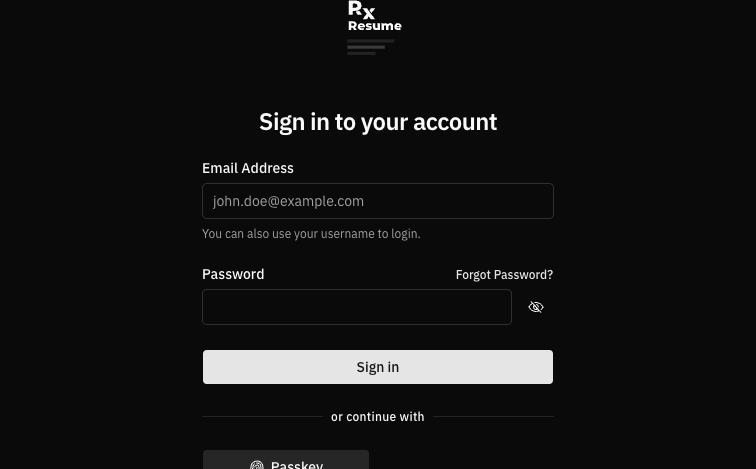
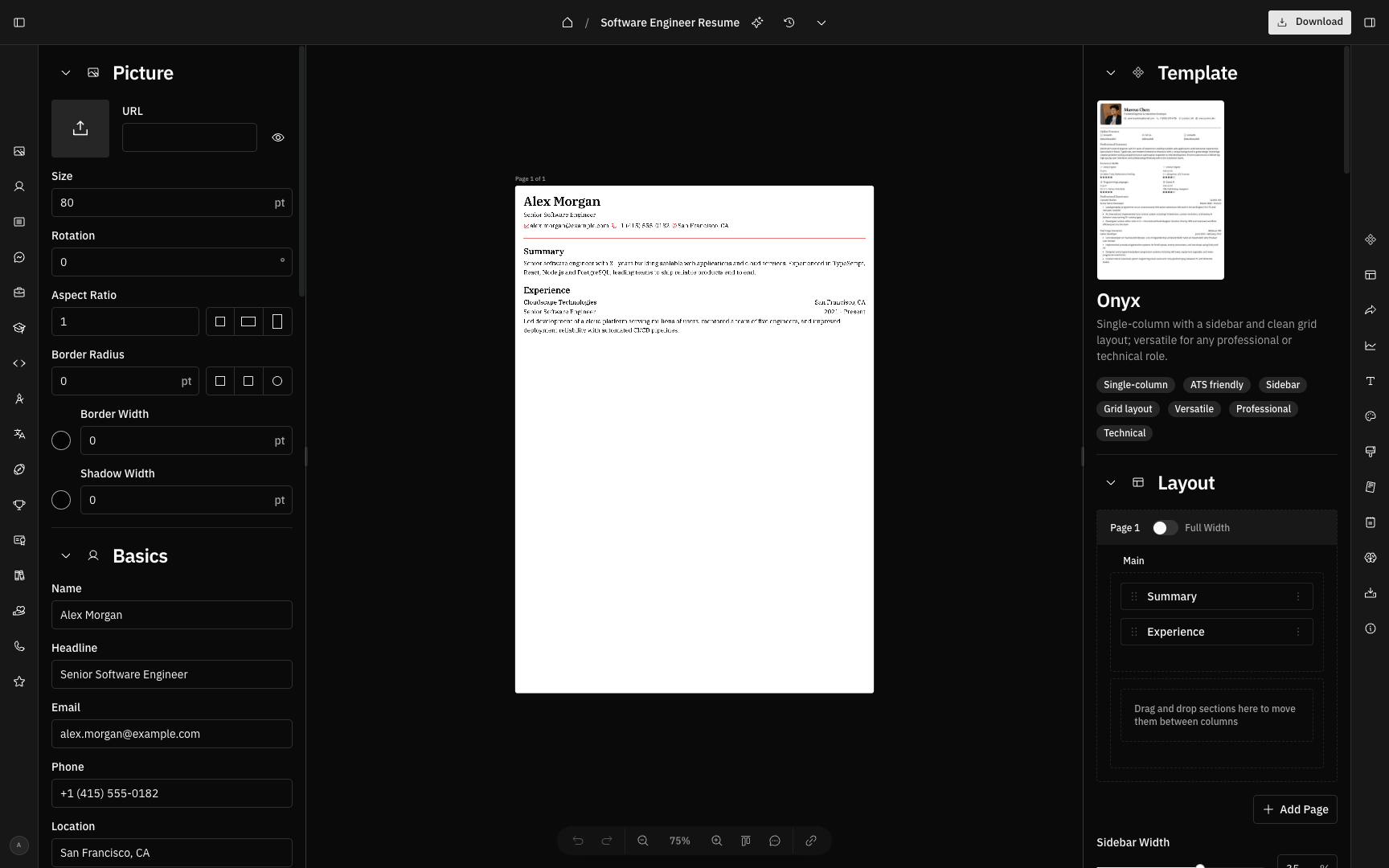
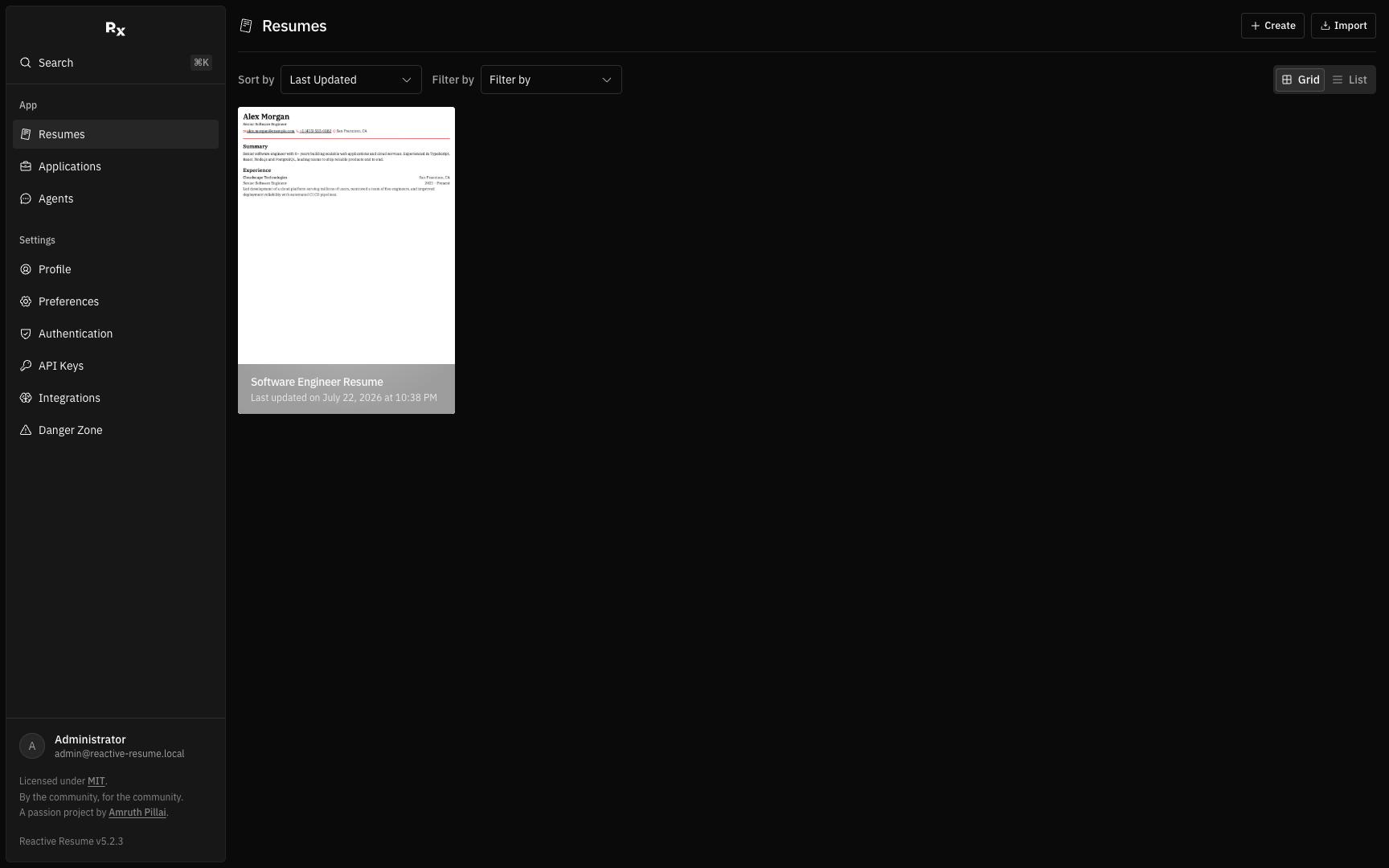
This is a repackaged open source software product wherein additional charges apply for cloudimg support services.
## Overview
Reactive Resume is a free and open-source, privacy-friendly resume and CV builder. Create and maintain as many resumes and cover letters as you like, keep earlier versions, organise them with tags, preview changes live as you type, choose from a range of templates and typography, share a resume with a public link, and export a finished PDF - all from a modern web interface running inside your own AWS account rather than someone else's service. This AMI delivers Reactive Resume fully installed and secured so you can go from EC2 launch to building your first resume without editing a single configuration file.
## The Problem This Solves
Reactive Resume is a multi-service application: the web app, a PostgreSQL database and a Redis cache normally wired together by hand with container orchestration, a reverse proxy and a set of shared secrets. Teams report spending hours configuring Docker Compose files, generating secrets, setting up networking and troubleshooting first-boot failures. This image eliminates that entire process. It runs the official upstream release unmodified, pinned by digest, behind a single reverse proxy on port 80, and generates every secret uniquely on each instance's first boot.
## Who This Is For
## Application Stack
The Reactive Resume web application, a bundled PostgreSQL database and a bundled Redis cache each run as their own container, orchestrated on a private internal network and fronted by a single nginx reverse proxy on port 80. Neither PostgreSQL nor Redis is exposed to the network: they have no host port and are reachable only inside the private container network; the application binds to the loopback interface behind nginx. systemd starts the whole stack on boot. All application data - the database, the Redis data and uploaded resume PDFs, avatars and artboards - lives on a dedicated data volume, independently resizable and separate from the OS disk. PDF export is generated in-process, so there is no external rendering service to run.
## Security Hardening
This image follows a defence-in-depth approach:
Buyers requiring formal compliance documentation should contact cloudimg to discuss specific requirements.
## AWS Integration
Deploy on any EC2 instance type. Put the reverse proxy behind an Application Load Balancer and terminate TLS with your own domain and certificate. Back up your database, cache and uploads using EBS snapshots or AWS Backup of the dedicated data volume, which you can resize independently of the OS disk as your resume library grows.
## Getting Started
1. Launch the AMI on your chosen EC2 instance type.
2. Read your unique owner credentials from the root-only file on the instance.
3. Open the web interface in your browser and sign in with the seeded owner account.
4. Create your first resume - add sections, choose a template and typography, preview live as you type.
5. Share a public link or export a PDF when ready.
6. To let a team self-register, enable public sign-up with a single documented setting.

This image runs the Actual Budget 26.6 sync server, the open source local-first personal finance and envelope budgeting ...

This image runs Admidio, the open source, self hosted membership management platform used by clubs, associations and non...

This image runs Apache Answer, the open source question and answer platform for teams at any scale.

Apache OFBiz, the open-source ERP, CRM, e-commerce and supply-chain suite, preinstalled and running behind nginx and rea...

This image delivers Audiobookshelf 2.35, the popular open source self-hosted audiobook and podcast media server, fully i...

AureusERP is a comprehensive, free and open source Enterprise Resource Planning platform for small and medium enterprise...