Base
Hardened build
minimal ports, security patches applied at build time

a self-hosted, Tachiyomi compatible manga reader and server you control
Suwayomi is a free, open source manga server and reader. Install extension sources, browse and search catalogs, and read or download manga from a clean browser reading UI, with your library kept on your own instance. cloudimg packages Suwayomi to launch as a managed service behind an authenticating reverse proxy, so the reader is reachable in minutes and protected from the first boot.
The cloudimg image fronts Suwayomi with a reverse proxy that enforces HTTP authentication out of the box (Suwayomi ships open by default), generates a unique administrator password on first boot into a root only file, keeps your library on a dedicated, independently resizable data volume, and is backed by a paired deployment guide and 24/7 cloudimg support.
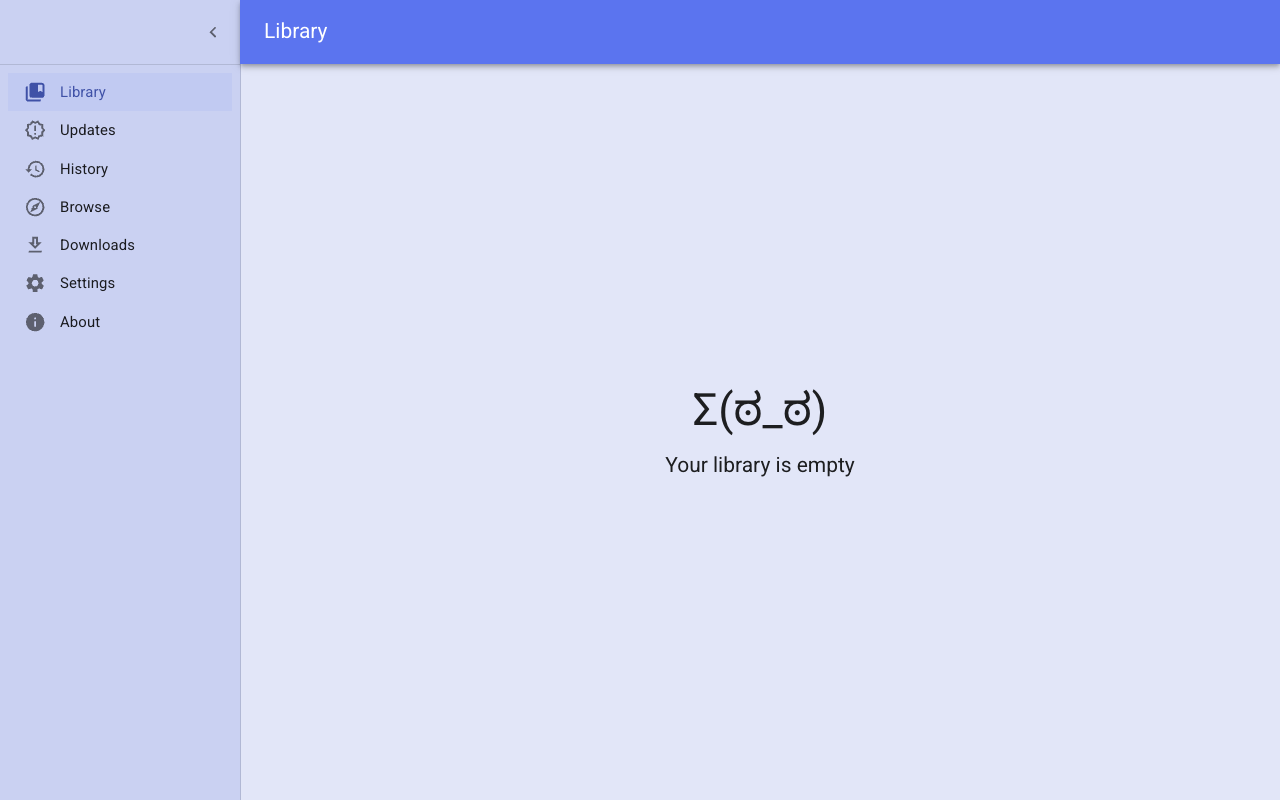
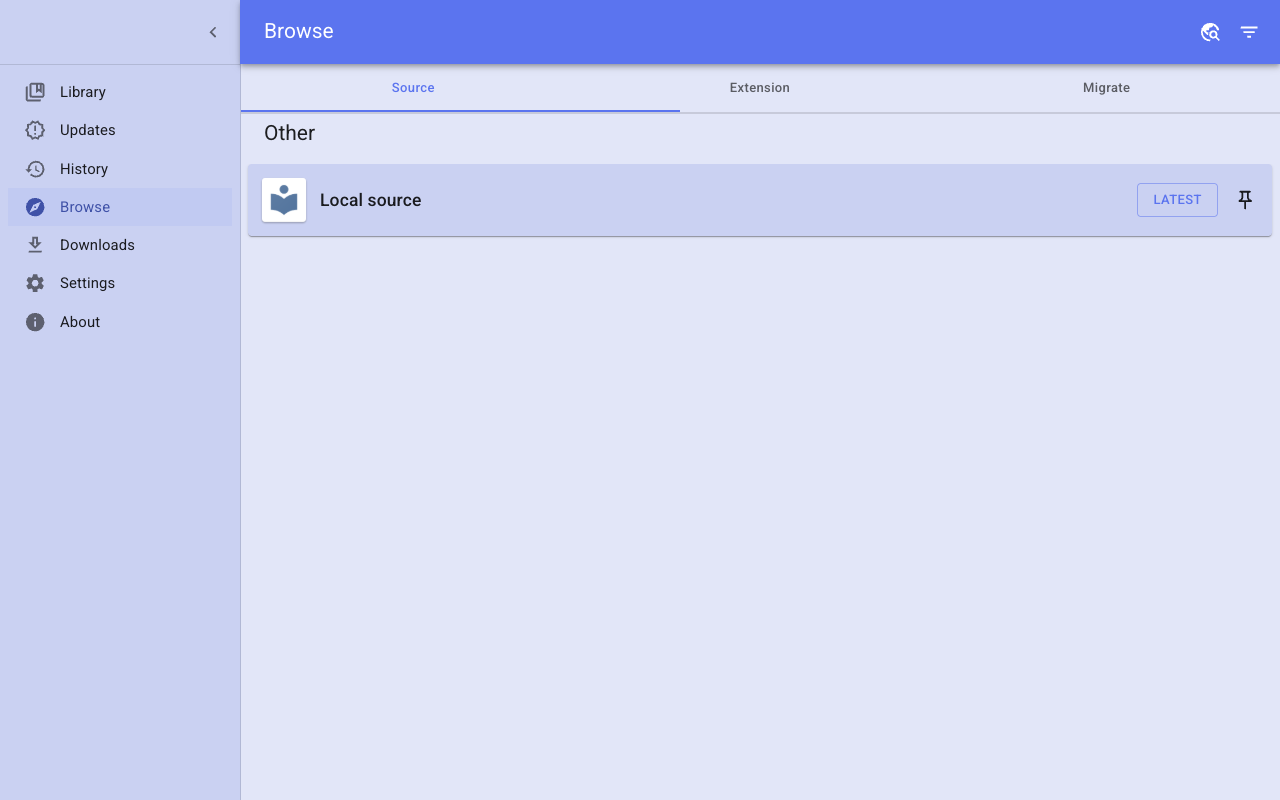
Real screenshots taken while testing this image against its deployment guide.

This is a repackaged open source software product wherein additional charges apply for cloudimg support services.
## Suwayomi Server - Self-Hosted Manga Reader and Server AMI
Deploy a fully configured, self-hosted manga reader and server on AWS in minutes - not hours. This AMI delivers Suwayomi Server preinstalled and running as a managed system service. Suwayomi is a free, open-source, Tachiyomi-compatible manga server: install extension sources, browse and search catalogs, and read or download manga from a clean browser reading UI, with your library kept on your own instance.
### Why This AMI Instead of a DIY Install
### Application Stack
### Manga Reader and Server
Suwayomi is compatible with Tachiyomi extension sources. From the browser UI you can add source repositories, install and configure extensions, browse and search catalogs, add titles to your library, and read chapters in a configurable reader, or download them for offline reading. The bundled web UI is served straight from the server jar, so there is nothing extra to install. Your library, reading progress and downloads persist on the dedicated data disk.
### Web Reading UI
The Suwayomi web UI is served on port 80 through nginx. Sign in with the generated credentials to reach the library, the extensions and sources views, and the reader. A responsive reader supports page and continuous reading modes, and downloaded chapters are available offline from your instance.
### Security
Secure First Boot: A one-shot service generates a fresh administrator password unique to each instance, writes it into the reverse-proxy credential store, and stores it in a root-only file. No shared or default credentials ship in the image.
Authentication by Default: The reverse proxy requires HTTP authentication for every request except a dedicated anonymous health endpoint used for monitoring. The Suwayomi server itself binds only to the loopback interface and is never exposed directly.
Encryption at Rest: The dedicated data disk holding your library can leverage AWS EBS encryption. Enable EBS encryption when launching the instance or use encrypted snapshots.
Network Isolation: Deploy in a private VPC subnet and use security groups to restrict access to only the ports your clients require (80 for the web UI).
### Use Cases
### Evaluation Path
Launch this AMI on a small instance type to evaluate the server with minimal AWS infrastructure cost. The server is fully functional on any supported instance size, allowing you to validate source installation, library management, reading and authentication before scaling up.
### 24/7 cloudimg Support
Technical support by email and live chat covers server deployment, reverse-proxy and authentication setup, extension-source configuration, data-disk and backup management, and JVM administration.
All product and company names are trademarks or registered trademarks of their respective holders. Use of them does not imply any affiliation with or endorsement by them.

This image runs the Actual Budget 26.6 sync server, the open source local-first personal finance and envelope budgeting ...

This image runs Admidio, the open source, self hosted membership management platform used by clubs, associations and non...

This image runs Apache Answer, the open source question and answer platform for teams at any scale.

This image delivers Audiobookshelf 2.35, the popular open source self-hosted audiobook and podcast media server, fully i...

This image runs Baby Buddy 2.9.2, the open source self-hosted web application for tracking a baby's daily activities and...

Baikal is an open source self-hosted CalDAV and CardDAV server built on the proven Sabre/dav library.