
Traefik Proxy - Cloud-Native Reverse Proxy
Overview
Production-ready Traefik Proxy with automatic Let's Encrypt TLS, unique per-instance credentials, and 24/7 cloudimg support for DevOps teams deploying secure edge routing on AWS.
See it running
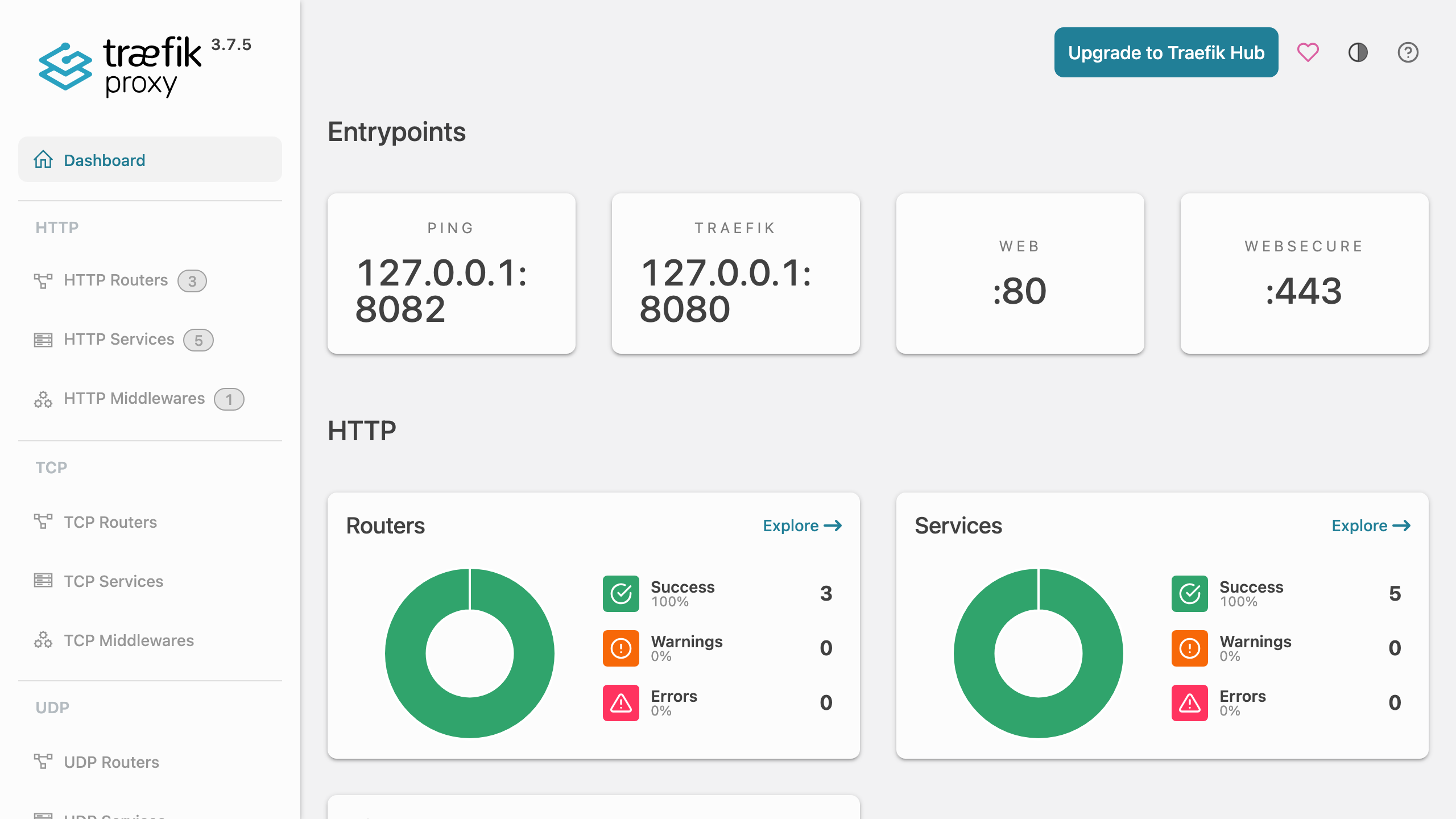
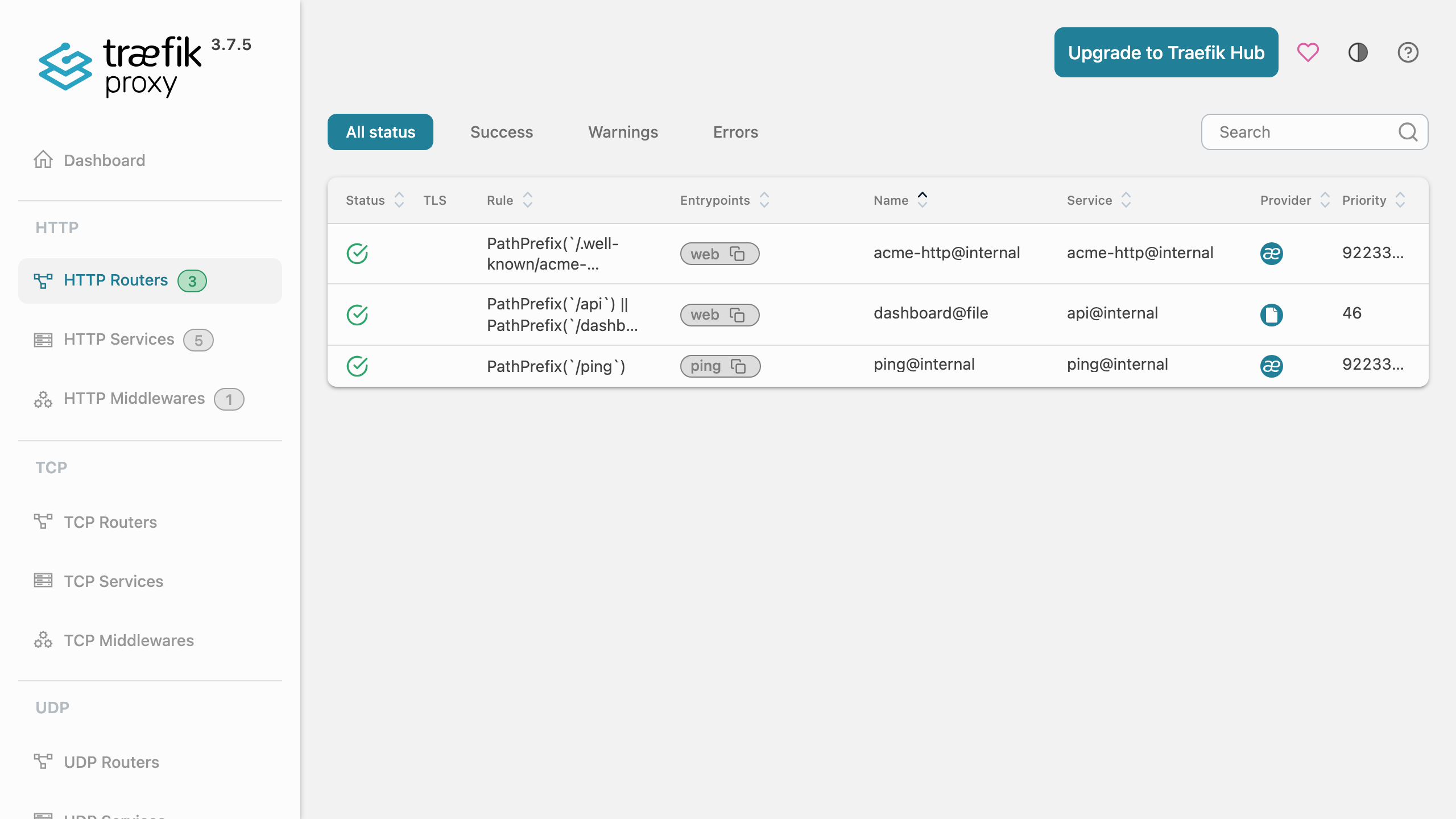
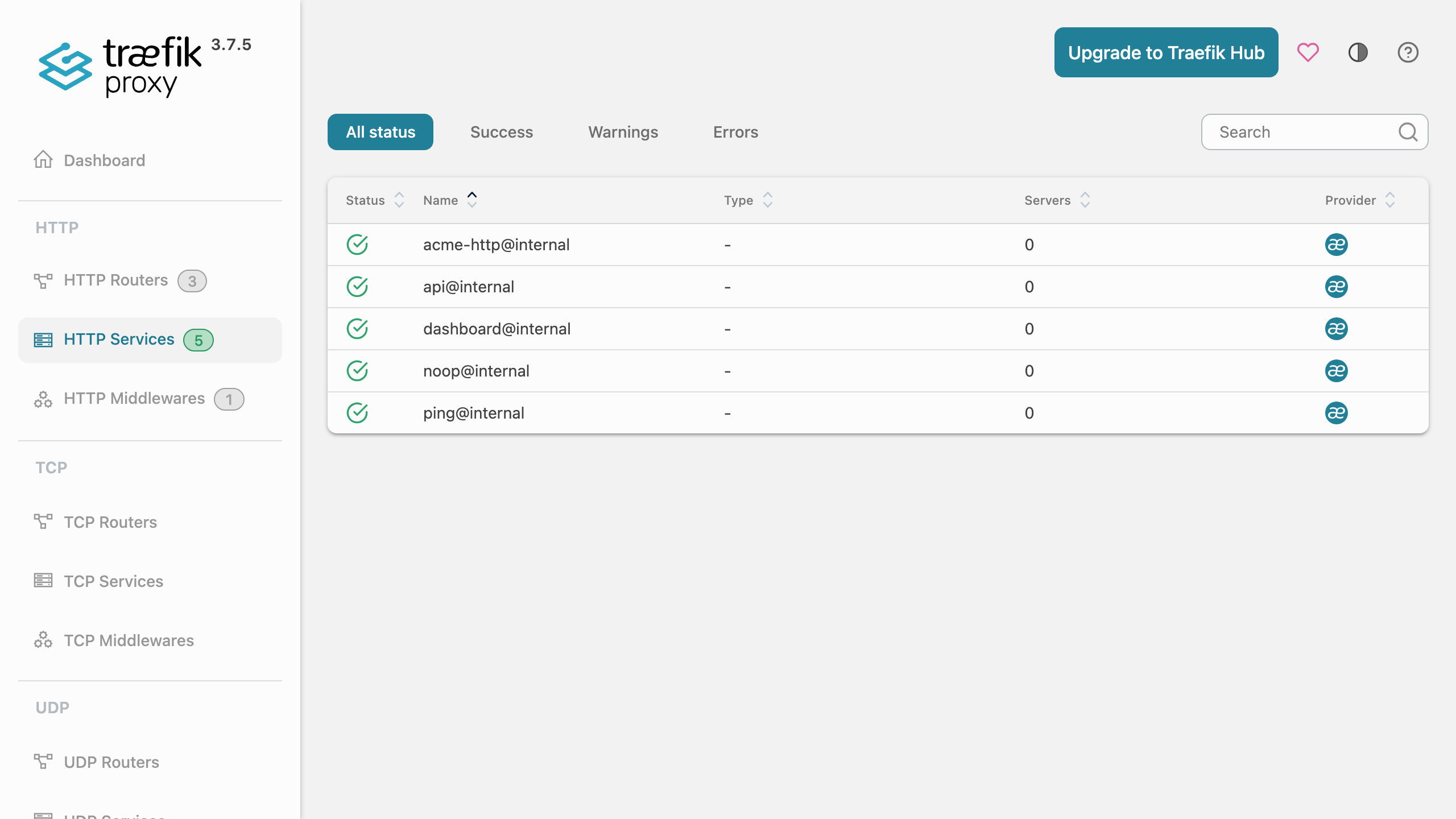
Real screenshots of this software running on the cloudimg image, taken while testing the deployment guide.
Description
This is a repackaged open source software product wherein additional charges apply for cloudimg support services.
## Overview
Traefik Proxy is a modern, cloud-native reverse proxy and load balancer that makes publishing services simple. This AMI delivers Traefik Proxy fully installed and configured as a systemd service so you have a production-grade edge router running within minutes of launch - eliminating the manual work of writing systemd units, configuring ACME resolvers, partitioning data disks, and generating secure credentials that a self-managed installation requires.
## Why This AMI vs. Self-Managed Traefik
Deploying Traefik from scratch requires creating a dedicated service account with minimal privileges, writing a systemd unit with restart policies, partitioning a data disk for config and certificate persistence, configuring an ACME resolver, and generating hashed credentials for dashboard access. This AMI handles all of that at build time and first boot, so your team focuses on defining routes and backends rather than infrastructure plumbing. Combined with 24/7 cloudimg support, you get expert guidance on router configuration, middleware tuning, and edge hardening without maintaining in-house Traefik expertise.
## Application Stack
The Traefik static binary is installed under /usr/local/bin and run by a dedicated unprivileged service account granted only the capability to bind privileged ports. A systemd service starts Traefik on boot and restarts it on failure. The static configuration, dynamic configuration directory, and Let's Encrypt certificate store reside on a dedicated data disk so configuration and certificates are independently resizable and survive instance replacement.
## Reverse Proxy and Load Balancer
The web entrypoint listens on port 80 and the websecure entrypoint on port 443. Drop router and middleware definitions into the watched dynamic config directory and Traefik hot-reloads them with no restart required. Define backends, weighted load balancing, health checks, sticky sessions, rate limiting, headers, redirects, circuit breakers and more. An automatic Let's Encrypt certificate resolver is pre-configured so HTTPS is one DNS record and one router rule away.
## Secure First Boot
The Traefik dashboard ships with no default authentication, so it is never exposed unprotected. The dashboard and API are published only through a router protected by HTTP Basic authentication middleware. On first boot a one-shot service generates a fresh dashboard password unique to that instance, writes the bcrypt-hashed credential into the dynamic config, and stores the plaintext in a file readable only by root. No shared or default credentials ship in the image.
## Security Recommendations
For production deployments, cloudimg recommends enabling EBS encryption on the dedicated data disk to protect certificates and configuration at rest. Configure your VPC security group to allow inbound traffic only on ports 80 and 443 from your expected client ranges, and restrict SSH access to a bastion host or Systems Manager. These measures complement the application-level hardening already built into the AMI.
## Ready To Use
The dashboard is served on port 80 under the /dashboard path. Sign in with the generated administrator credentials to inspect routers, services, middlewares, entrypoints, and TLS certificates in real time. Point a DNS record at the instance, add a router for your backend in the dynamic config directory, and Traefik routes and secures it automatically.
## Example Scenario
A team running a SaaS application with three microservices behind a single domain launches this AMI, points their domain's DNS A record at the instance, and drops three router definitions into the dynamic config directory. Traefik automatically obtains a Let's Encrypt certificate, terminates TLS, and routes requests to each backend based on path prefixes - all without a restart or manual certificate renewal.
## cloudimg Support
24/7 technical support by email and live chat with a one-hour average response for critical issues. Our engineers help with deployment, router and middleware configuration, provider setup, automatic TLS and Let's Encrypt, load balancing strategies, and edge hardening.
## Use Cases
- Edge router and reverse proxy in front of web applications and APIs
- Automatic HTTPS with Let's Encrypt for any number of domains
- Load balancer across multiple backend instances with health checks
- Single ingress point for microservices with path-based or host-based routing
- TLS termination and HTTP-to-HTTPS redirection
All product and company names are trademarks or registered trademarks of their respective holders. Use of them does not imply any affiliation with or endorsement by them.
Key Features
- Launch a production-ready reverse proxy in minutes, not hours. Traefik Proxy is preinstalled as a systemd service with automatic restart on failure, the file provider watching a hot-reloading dynamic config directory, and a Let's Encrypt certificate resolver pre-configured. No manual systemd unit creation, ACME setup, or disk partitioning required - your team defines routes and backends instead of building infrastructure.
- Automatic HTTPS with zero ongoing maintenance. Point a DNS record at your instance, add a single router rule, and Traefik obtains and renews Let's Encrypt certificates automatically. The dedicated data disk preserves certificates and configuration independently of the instance, so storage is resizable and survives instance replacement without reconfiguration.
- Every instance boots with unique credentials that cannot be shared or reused. A first-boot service generates a fresh dashboard password, stores the bcrypt hash in the dynamic config, and writes plaintext to a root-only file. No default passwords ship in the image. Backed by 24/7 cloudimg support with one-hour average response for critical issues.