
Uptime Kuma - Self-Hosted Monitoring
Overview
Uptime Kuma pre-configured with nginx reverse proxy - monitor HTTP, TCP, DNS and more in under five minutes. Includes 24/7 cloudimg support.
See it running
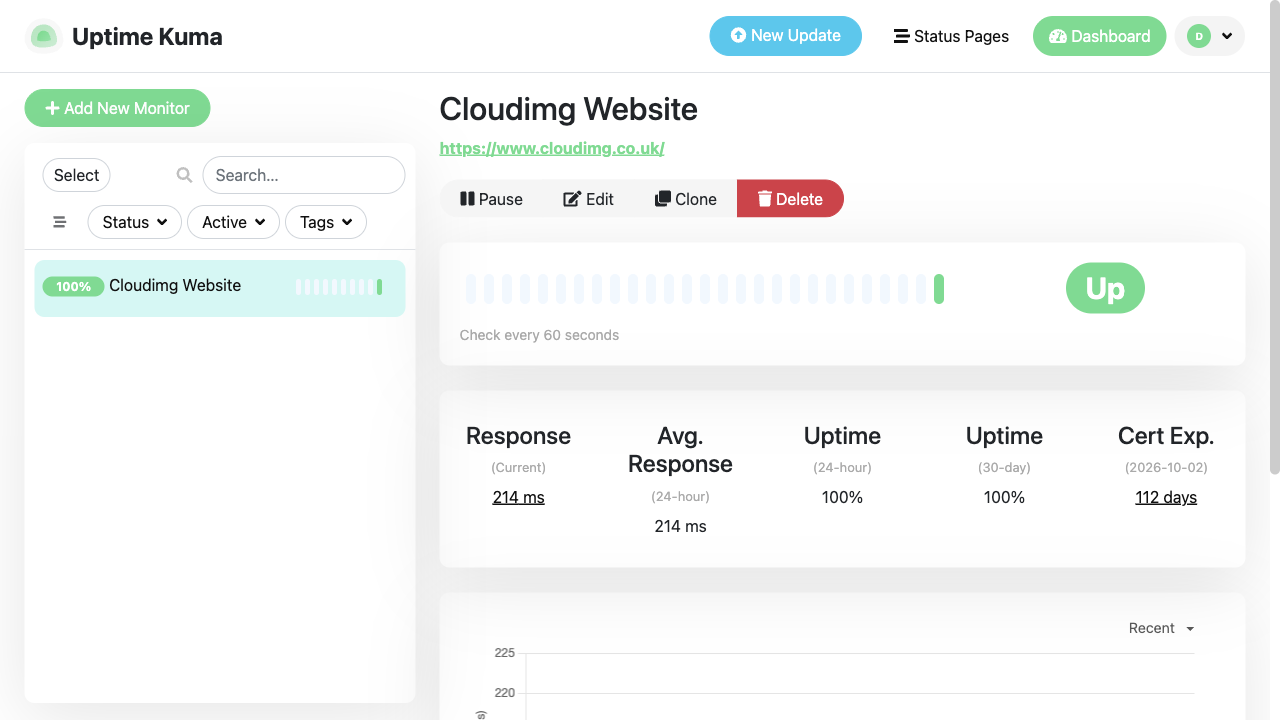
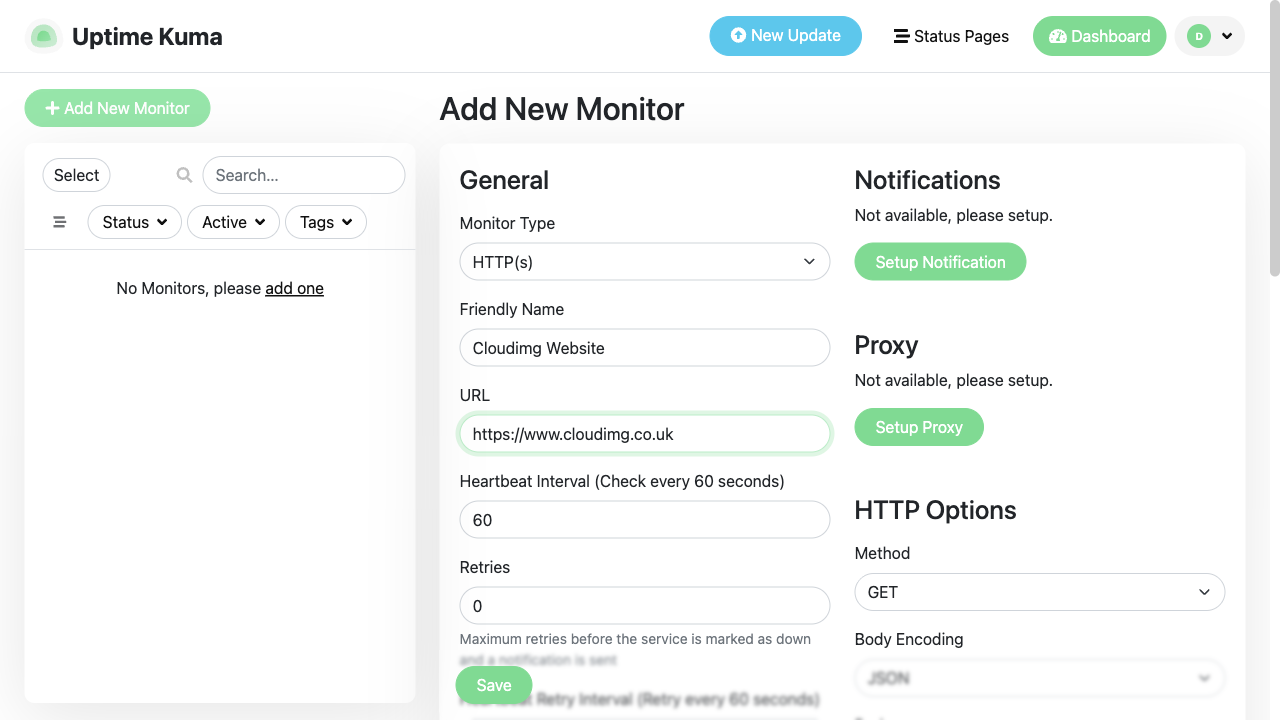
Real screenshots of this software running on the cloudimg image, taken while testing the deployment guide.
Description
This is a repackaged open source software product wherein additional charges apply for cloudimg support services.
## Uptime Kuma - Production-Ready Monitoring on AWS
Uptime Kuma is a popular open source, self-hosted uptime and status monitor with a clean real-time dashboard. This AMI delivers it fully installed, hardened, and reverse-proxied behind nginx so your private monitoring dashboard is operational in under five minutes of launch - no manual package installation, no dependency troubleshooting, and no WebSocket proxy configuration required.
## Why This AMI Over a Manual Install
Unlike a bare Uptime Kuma deployment, this image ships with:
- nginx reverse proxy pre-configured for WebSocket traffic, ready for your TLS certificate
- Dedicated data volume - monitoring data lives on a separately resizable EBS disk, not the root volume, so you can snapshot and scale storage independently
- Loopback-only application binding - the Node.js process never listens on a public interface; all external traffic routes through nginx
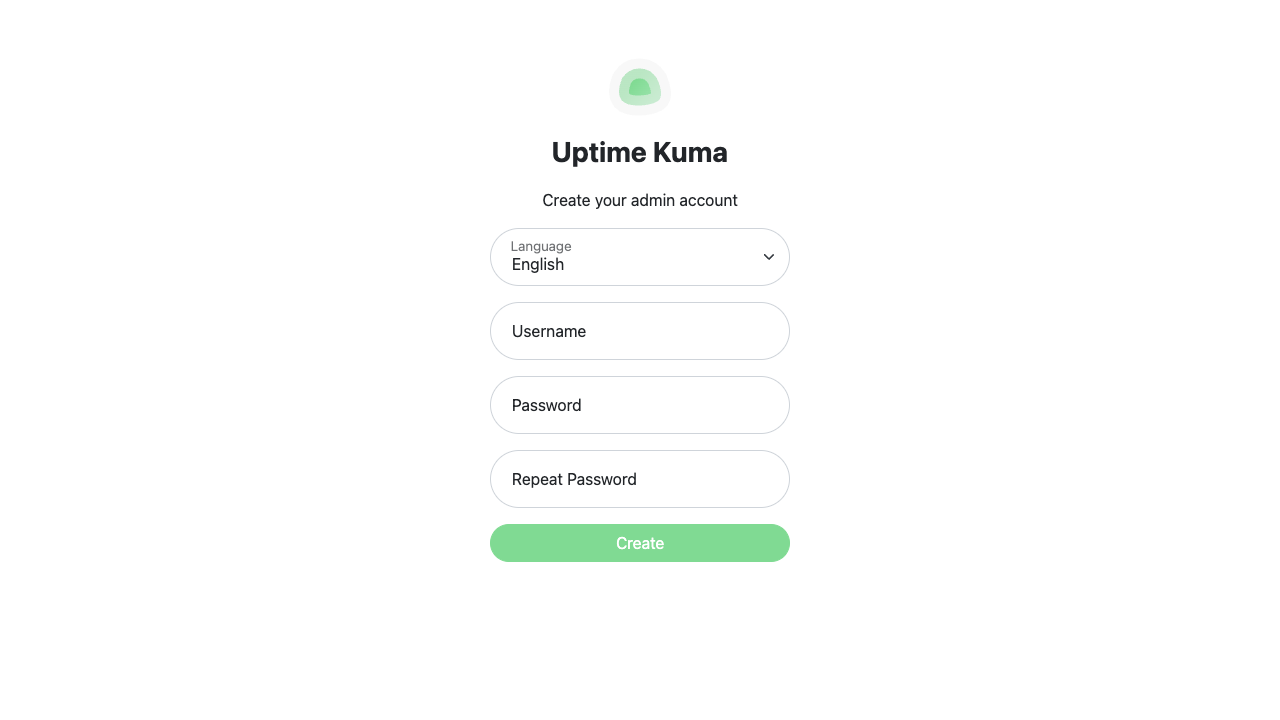
- No default credentials - the image boots to the first-run setup wizard so you create your own administrator on first visit; no shared passwords or pre-seeded database rows exist in the image
- systemd service management - automatic restarts, clean logging, and standard Linux service controls
- 24/7 cloudimg support included for deployment, upgrades, TLS termination, and notification integrations
## Use Case: SaaS Team Monitoring API Endpoints
A small SaaS engineering team needs to monitor 50 API endpoints across staging and production, alert a Slack channel within seconds of downtime, and publish a public status page for customers. With this AMI they launch a single instance, complete the one-screen setup wizard, add monitors for each endpoint, connect the Slack notification integration, and publish a branded status page - all within a single afternoon, with no infrastructure team required.
## Monitoring Capabilities
- Protocols: HTTP(S), TCP, ping, DNS, push, Docker, gRPC, and more
- Notifications: 90+ integrations including Slack, PagerDuty, Telegram, Discord, email, and webhooks
- Status pages: Public or password-protected pages you can share with customers or stakeholders
- Response-time charts: Real-time and historical latency graphs with configurable retention
- TLS certificate monitoring: Alerts before certificates expire
## Application Stack
The Uptime Kuma server is a Node.js application with an embedded SQLite datastore, managed by systemd and reverse-proxied by nginx. Nginx handles HTTP-to-WebSocket upgrades that the live dashboard relies on. The application binds exclusively to the loopback interface (127.0.0.1), and all persistent data resides on a dedicated EBS volume that you can encrypt with AWS EBS encryption at rest and resize independently of the root volume.
## Security Posture
- No default administrator account or pre-seeded database rows
- Application listens only on loopback; nginx mediates all external access
- Data volume supports EBS encryption at rest
- nginx is ready for TLS 1.2+ termination - supply your certificate or use AWS Certificate Manager with a load balancer
- systemd unit runs with least-privilege settings
## Getting Started
1. Launch the AMI on a supported instance (t3.small or larger recommended)
2. Open port 443 (or 80) in your security group
3. Browse to your instance's public IP or domain
4. Complete the one-screen setup wizard to create your administrator
5. Add your first monitor and configure notifications
## cloudimg Support
24/7 technical support by email and live chat covers deployment, upgrades, notification integrations, TLS termination, and performance tuning. Critical issues receive a one-hour average response.
This is a repackaged open source software product with additional charges for cloudimg support services. Uptime Kuma is a trademark of its respective owner. All product and company names are trademarks or registered trademarks of their respective holders. Use of them does not imply any affiliation with or endorsement by them.
Key Features
- Uptime Kuma, the open source self-hosted uptime and status monitor - real-time dashboards, HTTP/TCP/ping/DNS monitors, status pages and 90+ notification integrations - reverse-proxied with nginx
- Secure by default: no default admin - the image ships at the first-run setup wizard so you create your own administrator on first visit; no credentials and no database rows ship in the image
- 24/7 technical support from cloudimg for deployment, upgrades, notifications and TLS termination