Base
Hardened build
minimal ports, security patches applied at build time

organise, search and publish structured collections of documents and records
Uwazi is an open source platform for building searchable, structured collections of documents and records. Human rights defenders, investigative journalists, legal teams and researchers use it to turn scattered evidence, case files and archives into a fully searchable library, with custom entity templates, relationships between records, and full text search over every uploaded file.
cloudimg ships Uwazi production ready: the documented default administrator password is overwritten during the build and rotated to a unique per instance password on first boot, MongoDB, Elasticsearch and Redis are bound to the loopback interface, two dedicated data volumes keep the database and uploaded documents on their own resizable disks, and every deployment is paired with a step by step guide and backed by 24/7 cloudimg support.
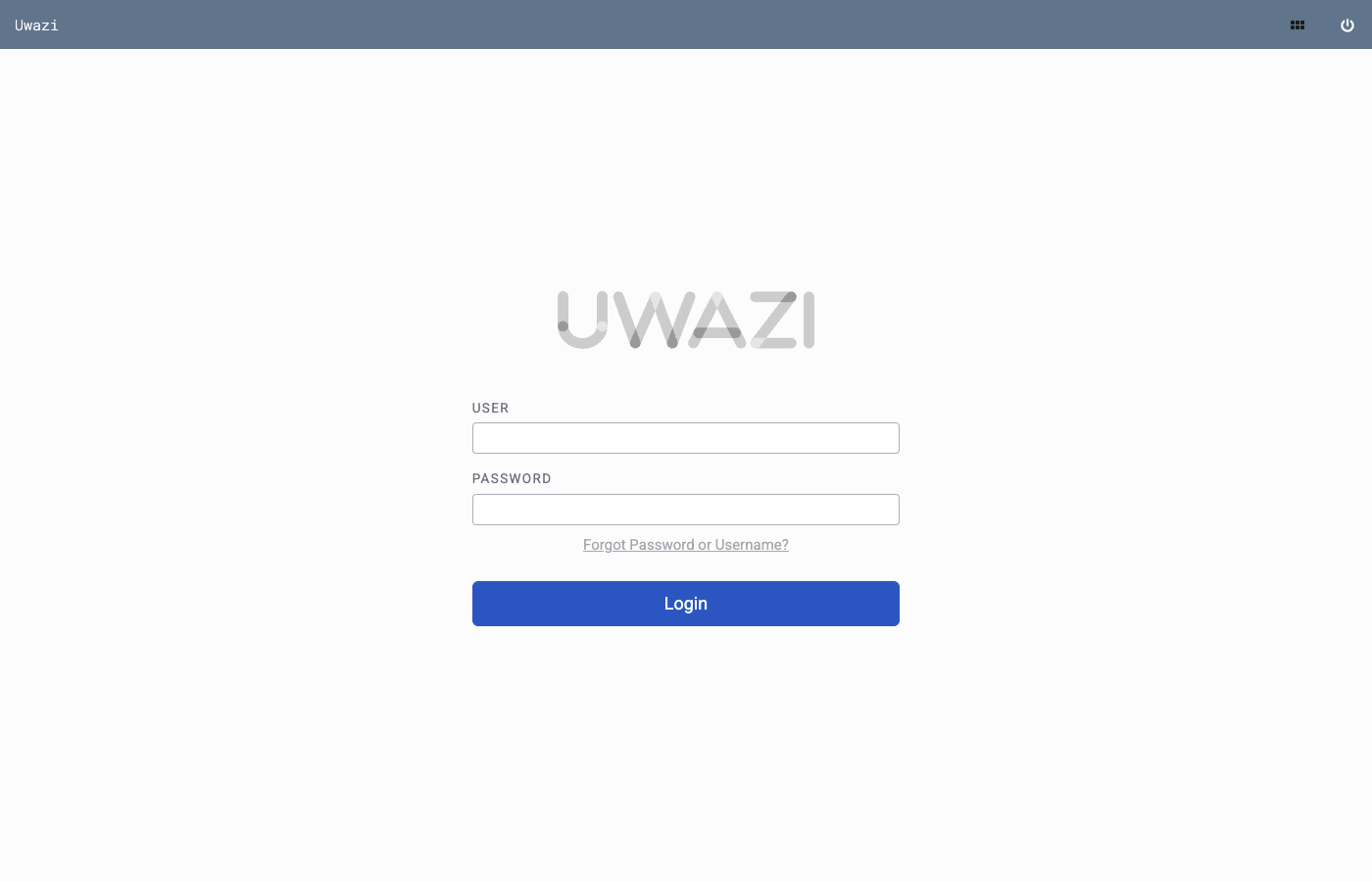
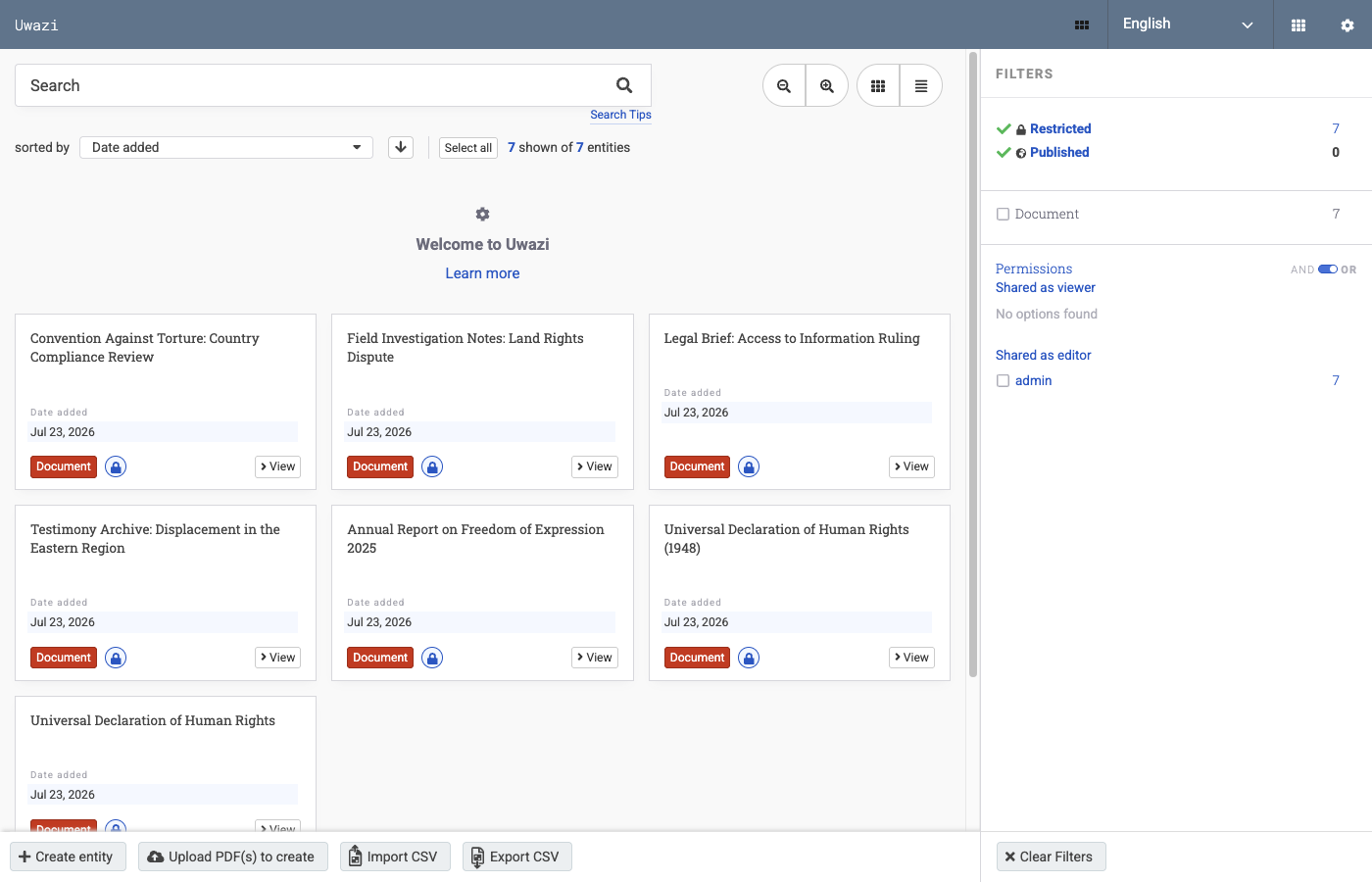
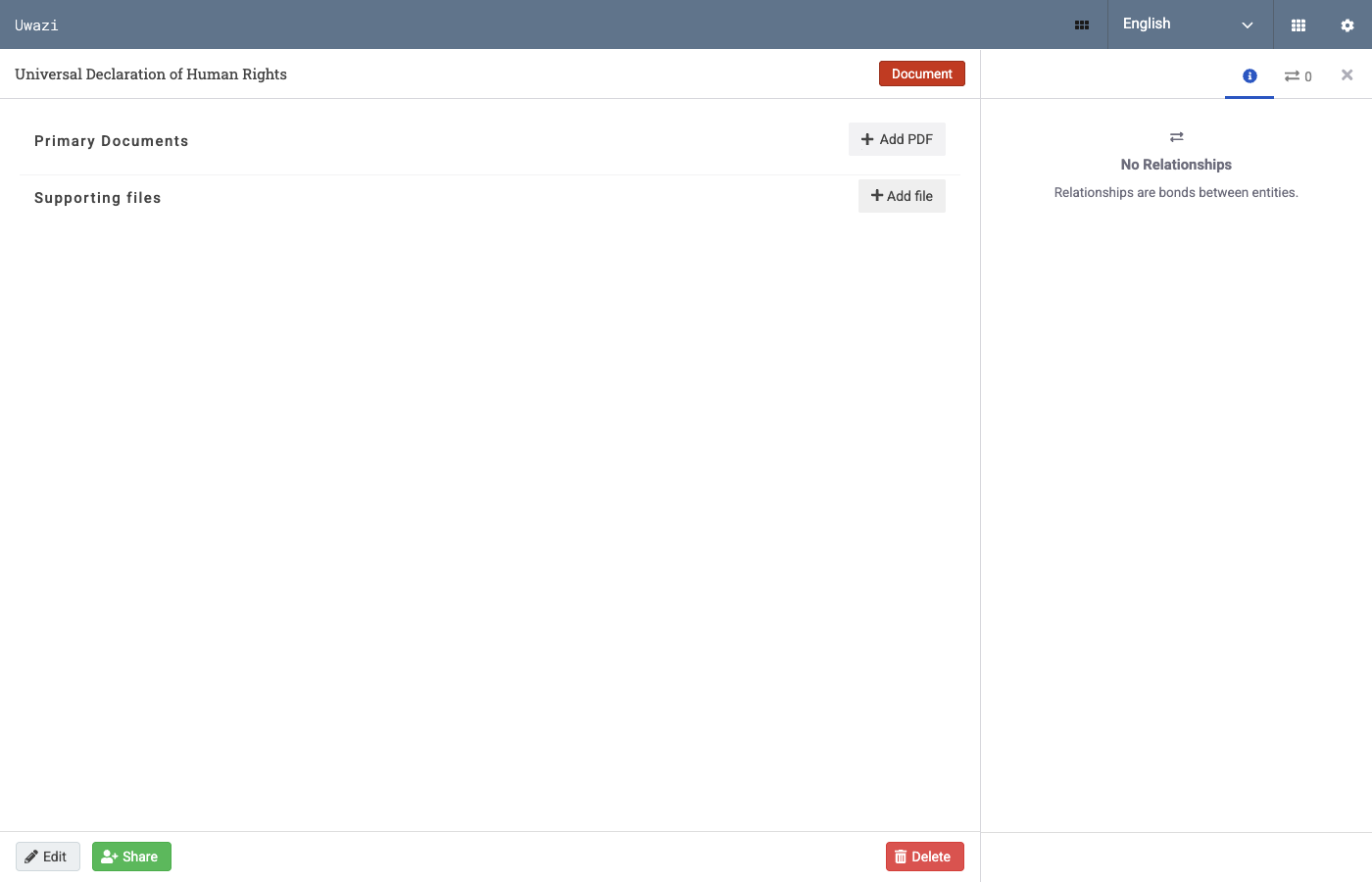
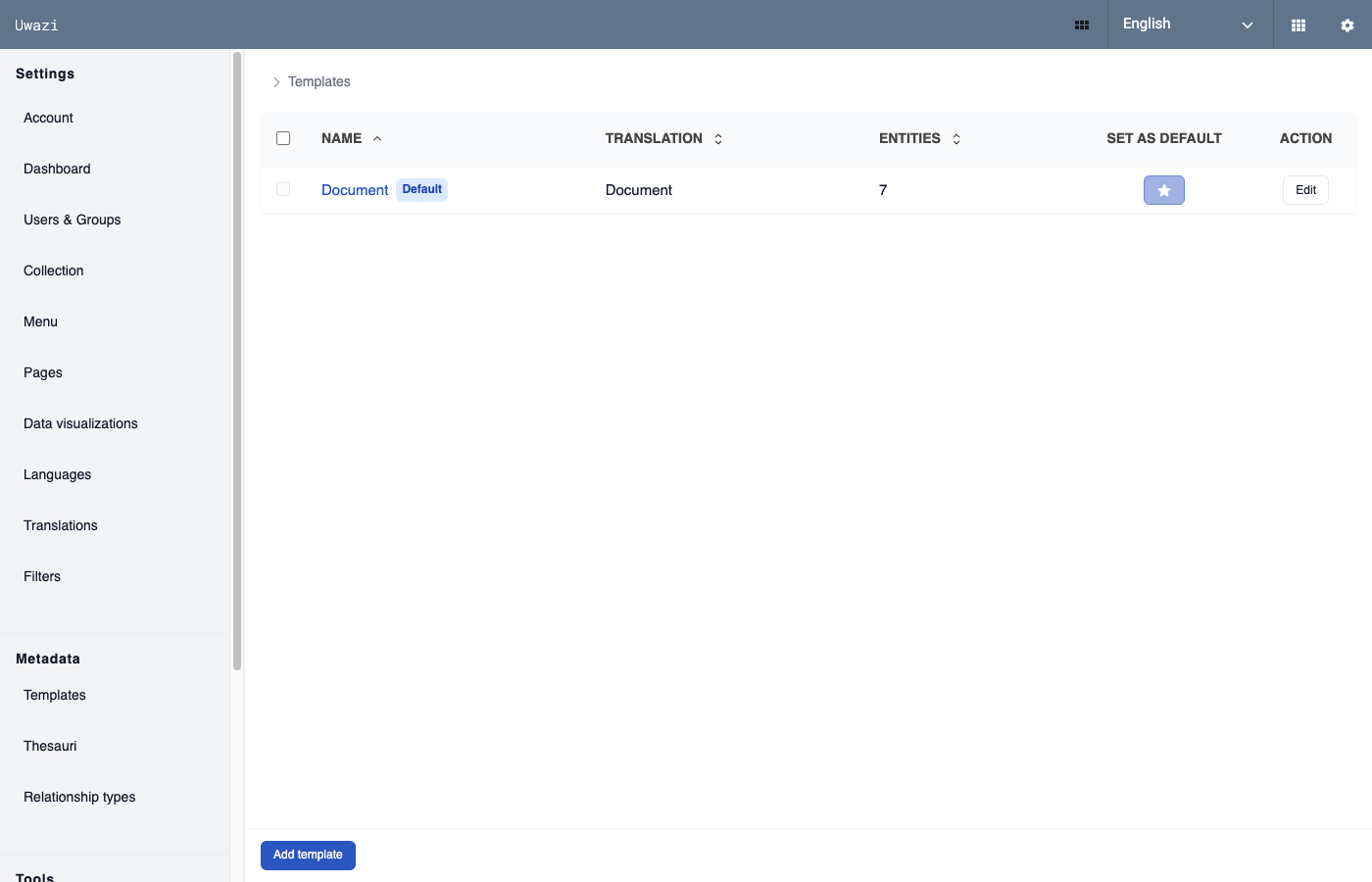
Real screenshots taken while testing this image against its deployment guide.
This is a repackaged open source software product wherein additional charges apply for cloudimg support services.
## Build and Publish Structured Document Collections
Uwazi is an open source platform for organising, searching and publishing collections of documents and records. Human rights defenders, investigative journalists, legal teams and researchers use it to turn scattered evidence, case files and archives into a structured, fully searchable library. This image delivers Uwazi built and configured on a native Node.js application with dockerised MongoDB and Elasticsearch, so your team can define its first template and upload its first document within minutes of launch.
## Who This Is For
Human rights and legal organisations cataloguing case files, testimonies and evidence into structured records that relate to one another, with full text search across every uploaded PDF. Investigative and research teams building a private working archive or a curated public library from primary source documents. Librarians and archivists who need a self-hosted collections platform inside their own VPC without spending ops cycles on installation, search configuration or credential rotation.
## What Makes Uwazi Different
## Application Stack
## Secure By Default
Unlike images that ship a shared or documented password, this one carries no known credential:
## Storage Layout
Two dedicated EBS volumes ship with the image, separate from the operating system disk and each independently resizable: the Docker data root holding the MongoDB datastore and the Elasticsearch index, and the application tier holding the Uwazi bundle and your uploaded documents. Both are mounted by filesystem UUID.
## Getting Started
1. Launch the image on an m5.large instance or larger, with ports 80 and 443 open in your security group
2. Connect over SSH and read the generated administrator password from the root-only credentials file
3. Browse to the instance address and sign in as the administrator
4. Create your first entity template in Settings, then upload a document and watch it become searchable
5. Relate records, build thesauri and decide what to publish to a public library
## Recommended Instance Sizing
## 24/7 cloudimg Support
Every deployment is backed by cloudimg engineers available around the clock by email and live chat. Support covers:
Critical issues receive a one-hour average response time.
## Ready to Evaluate?
Launch an instance to evaluate Uwazi with your team and terminate at any time with no long-term commitment. To discuss sizing for your specific collection or migration planning, email support@cloudimg.co.uk with the subject line "Uwazi Consultation".

This image runs the Actual Budget 26.6 sync server, the open source local-first personal finance and envelope budgeting ...

This image runs Admidio, the open source, self hosted membership management platform used by clubs, associations and non...

This image runs Apache Answer, the open source question and answer platform for teams at any scale.

Apache OFBiz, the open-source ERP, CRM, e-commerce and supply-chain suite, preinstalled and running behind nginx and rea...

This image runs Apache Tika Server 3.3.1, the Apache Software Foundation's content detection and extraction service.

This image delivers Audiobookshelf 2.35, the popular open source self-hosted audiobook and podcast media server, fully i...