Wallabag - Self-Hosted Read-It-Later
Overview
Save web articles privately on your own AWS instance. wallabag launches fully configured with 24/7 cloudimg support - no manual setup or third-party dependencies.
See it running
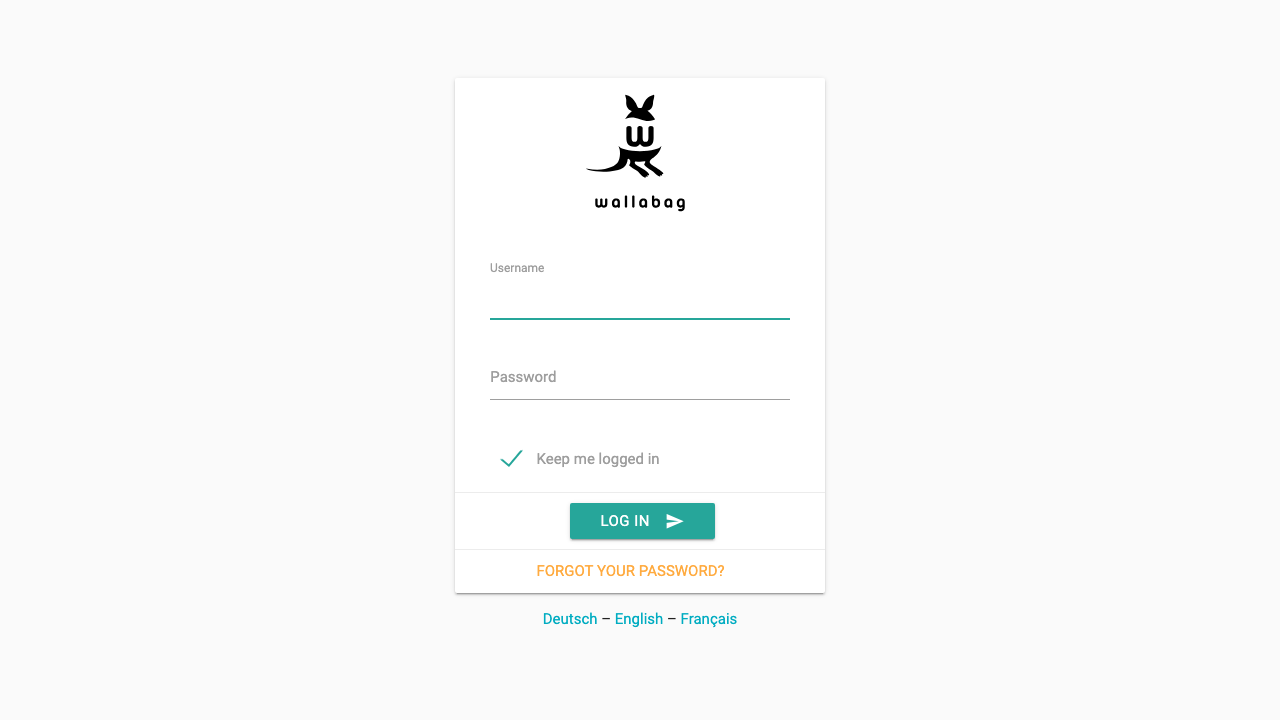
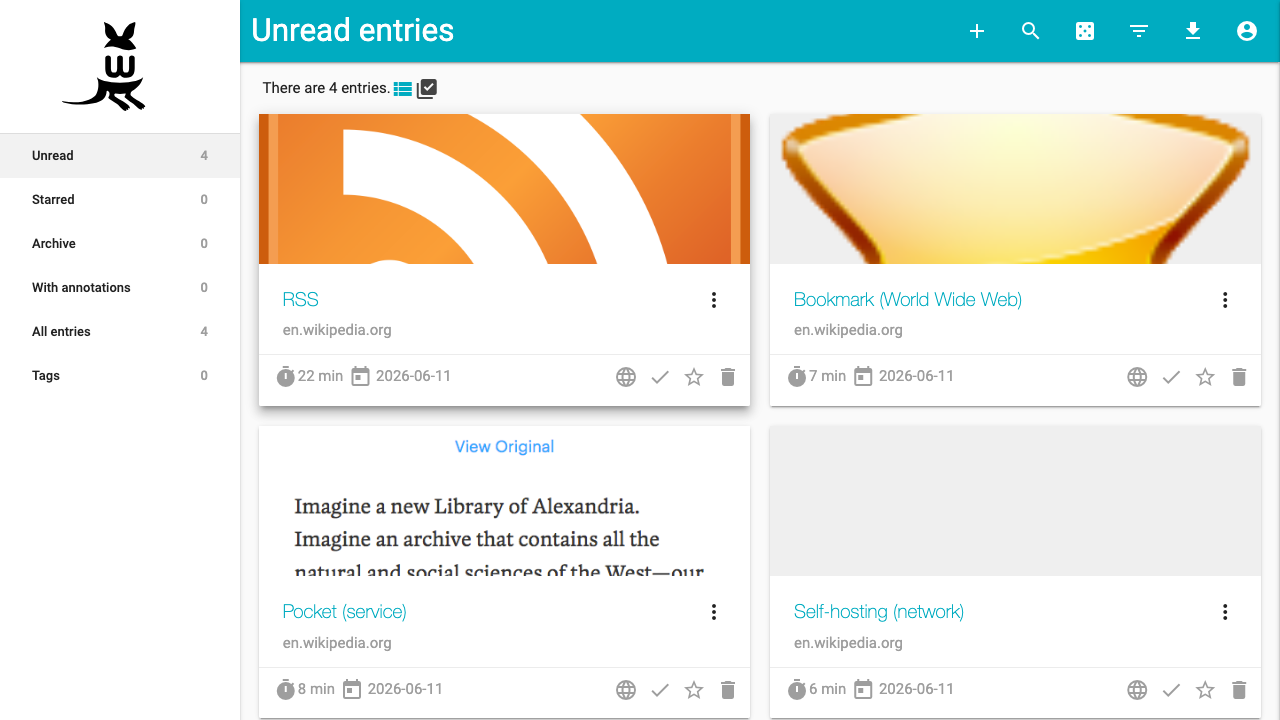
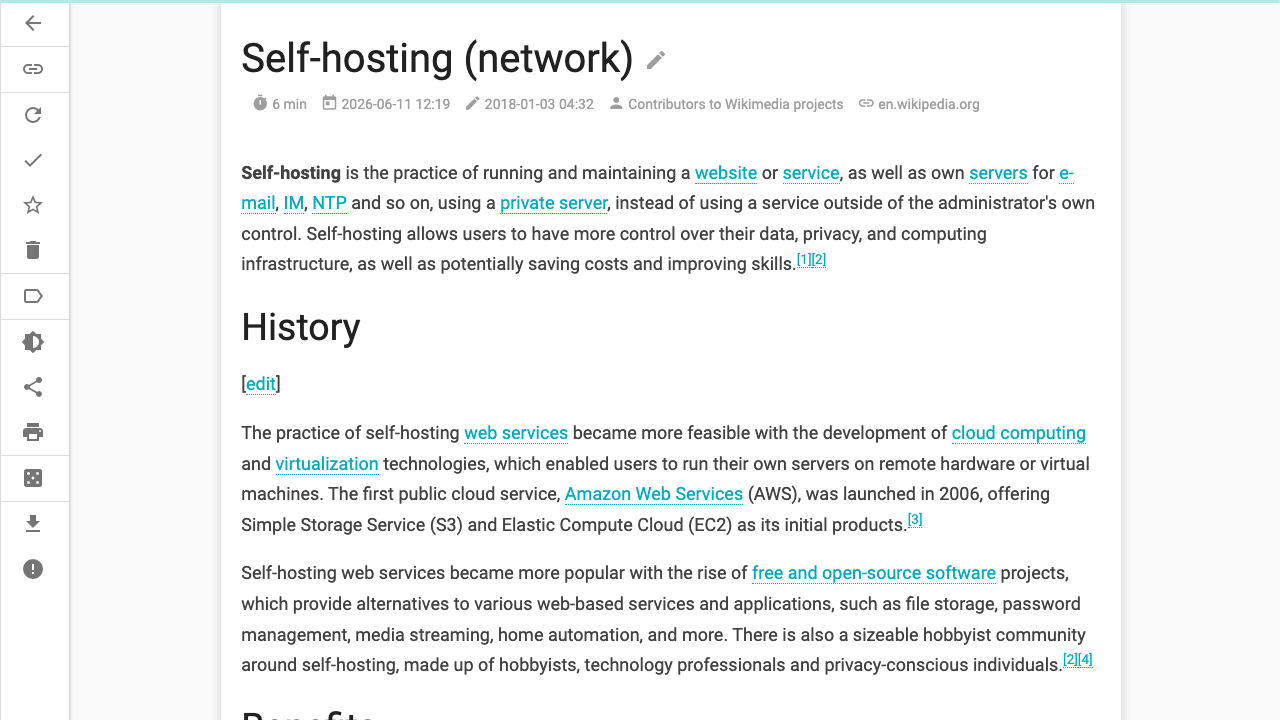
Real screenshots of this software running on the cloudimg image, taken while testing the deployment guide.
Description
This is a repackaged open source software product wherein additional charges apply for cloudimg support services.
## Overview
wallabag is an open source, self-hosted read-it-later application that saves clean, readable copies of web articles so you can read them later on any device - free of clutter, advertising, and third-party data collection. Unlike commercial article-saving services, your reading list stays private on infrastructure you control within your own AWS account.
This AMI delivers wallabag 2.6 fully installed and configured. A complete article-saving service is running and accessible from your browser within minutes of launching an EC2 instance - no manual package installation, framework configuration, or database provisioning required.
## Why This AMI Over Manual Installation
Installing wallabag from source typically involves provisioning a web server, configuring PHP extensions, setting up a database, adjusting file permissions, and debugging framework dependencies. This image eliminates that entire process:
- Zero configuration steps - wallabag code tree, document root, web server, and database are pre-configured
- Self-contained architecture - SQLite storage means no separate database server to provision, patch, or pay for
- Dedicated data volume - saved articles, the SQLite database, and uploads reside on an independently resizable EBS volume
- Production-ready stack - PHP 8.3 with OPcache and all required extensions, nginx web server optimized for wallabag
## Secure First Boot
On the first boot of your instance, a one-shot service performs the following:
- Generates a fresh wallabag administrator password unique to that instance
- Regenerates the application secret key
- Writes credentials to a root-only file (not accessible to unprivileged users)
No shared or default credentials ship in the image. This eliminates the most common post-deployment security risk found in pre-built appliances.
## Recommended Deployment
- Minimum instance type: t3.micro (1 vCPU, 1 GB RAM) for personal use
- Recommended for teams: t3.small or larger for multiple concurrent users
- Storage: Default data volume is suitable for thousands of saved articles; resize the EBS volume as your archive grows
- Network: Open port 80 (HTTP) and port 443 (HTTPS) in your security group. Configure a domain via Amazon Route 53 and provision a TLS certificate through AWS Certificate Manager (ACM) for encrypted access
- EBS encryption: Enable EBS encryption on the data volume to protect saved articles at rest
## Ecosystem and Integrations
Once running, your wallabag instance connects to the broader wallabag ecosystem through its API:
- Browser extensions - official wallabag extensions for Firefox and Chrome let you save articles with one click
- Mobile apps - official wallabag apps for Android and iOS provide offline reading on the go
- Kindle export - send articles directly to your Kindle for e-ink reading
- Import tools - migrate existing reading lists from Pocket, Instapaper, Pinboard, and browser bookmarks
- AWS services - use Route 53 for DNS, ACM for TLS certificates, and CloudWatch for instance monitoring
## Use Cases
- Research teams archiving source material for investigations, tagged by project and topic, with full-text search across thousands of saved articles
- Compliance and legal professionals preserving regulatory guidance and policy documents for offline reference on controlled infrastructure
- Journalists and analysts saving source articles during long-running stories, organized with tags and annotations
- Privacy-conscious individuals replacing commercial read-it-later services to keep reading habits and saved content entirely under their own control
## About cloudimg
cloudimg provides 24/7 technical support for this product by email and live chat. Our engineers assist with wallabag deployment, upgrades, performance tuning, import/export workflows, and storage administration. Critical issues receive a one-hour average response time.
The wallabag open source project has a large active community with thousands of GitHub stars and contributors worldwide, providing confidence in the long-term viability of the platform.
## Getting Started
1. Subscribe and launch the AMI on your chosen EC2 instance type
2. Retrieve the generated administrator password from the root-only credentials file
3. Browse to your instance address and sign in
4. Install the wallabag browser extension for Firefox or Chrome
5. Start saving articles and organizing them with tags
All product and company names are trademarks or registered trademarks of their respective holders. Use of them does not imply any affiliation with or endorsement by them.
Key Features
- wallabag preinstalled and ready, with PHP 8.3, nginx and self-contained SQLite storage and no manual setup required
- Hardened first boot generates a fresh wallabag administrator password and application secret for every instance and stores them in a file only the root user can read
- 24/7 technical support from cloudimg, with expert assistance for wallabag deployment, configuration, upgrades and storage administration
Related Technologies
Related Products

Apache Flink Stream Processing
Apache Flink is the open source framework and distributed processing engine for stateful computations over unbounded and...

Apache Kafka
Apache Kafka, the open source distributed event streaming platform, preinstalled in KRaft mode with OpenJDK 17 and a bun...

Apache Solr 9Enterprise Search
Apache Solr is the open source enterprise search platform built on Apache Lucene.

Apache Tomcat 11
This image runs Apache Tomcat 11, the open source implementation of the Jakarta Servlet, Jakarta Pages, Jakarta Expressi...
Apache ZooKeeper Coordination Service
Apache ZooKeeper is a high performance coordination service for distributed applications.
Calibre-Web Self-Hosted Ebook Server
This image runs Calibre-Web from a dedicated Python virtual environment, served on the loopback interface and fronted by...