Base
Hardened build
minimal ports, security patches applied at build time

Yamtrack, a self hosted media tracker for movies, TV, anime, manga, games and books, in one personal library with progress and ratings.
Yamtrack is an open source app for keeping one personal library of everything you watch, play and read. Track movies, TV shows, anime, manga, video games and books together, record where you are up to with per item progress and episode tracking, rate what you have finished, and see it all organised by status such as in progress, planning and completed. Rich metadata, artwork and details are fetched automatically for the things you add, and a background worker keeps that information in sync, so your library stays current without manual upkeep. You can also add fully custom entries for niche items no catalogue covers.
It suits anyone who wants a single private place to remember what they have seen and played, plan what is next, and keep their ratings and progress, inside their own cloud account rather than spread across separate watchlist and backlog services.
cloudimg ships Yamtrack secure by default with no surviving default login. Yamtrack's upstream ships a fixed insecure application secret and leaves open sign up on, so on the first boot of every instance cloudimg generates a fresh unique secret and database password before the app ever starts, seeds a single administrator account with a per instance random password written to a root only file, and disables open self sign up, so no two deployments share a credential, the upstream default never governs a running instance, and the instance is not world open. The app runs the officially supported way as the upstream all in one container, pinned to a fixed release, with its Celery background sync, PostgreSQL database and Redis cache bound to the internal network only and fronted on one clean URL, its data kept on a dedicated resizable volume, the base fully patched with unattended security upgrades enabled, and every deployment paired with a step by step guide and backed by 24/7 cloudimg support.
Real screenshots taken while testing this image against its deployment guide.
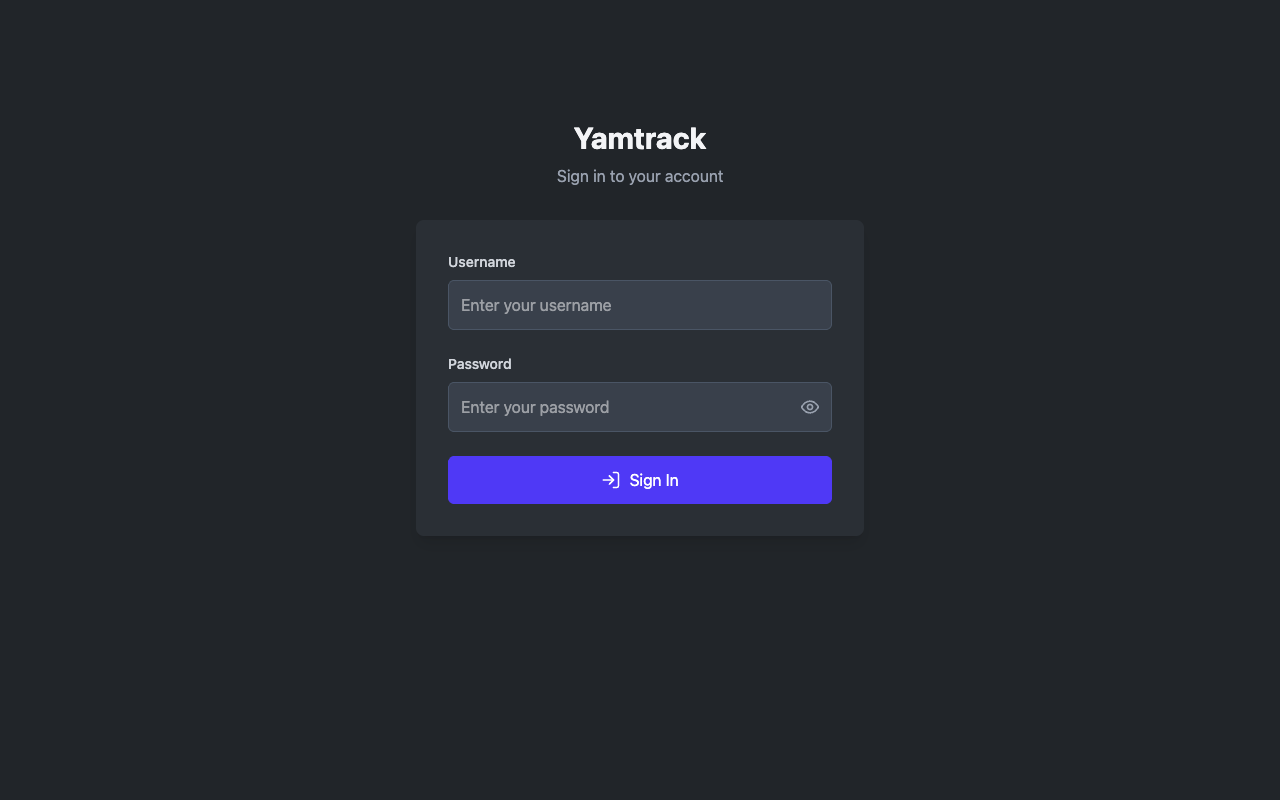
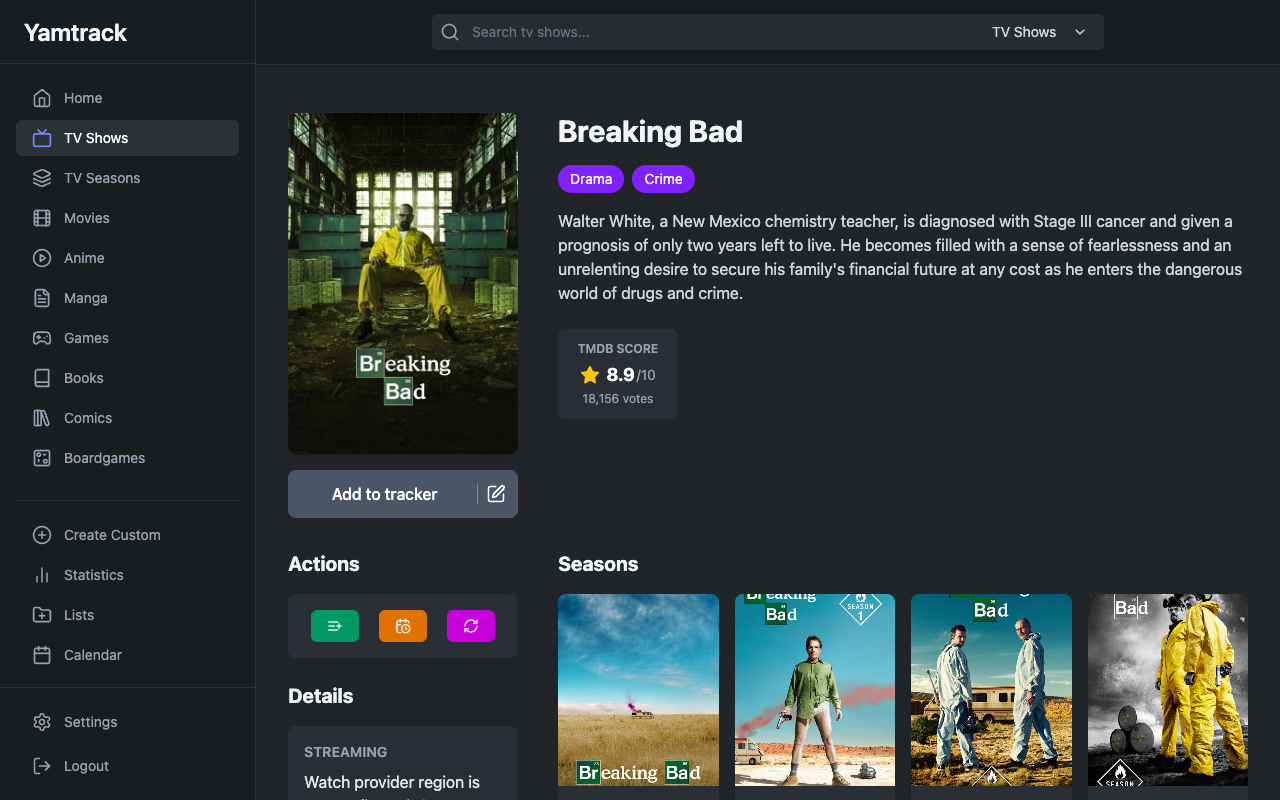
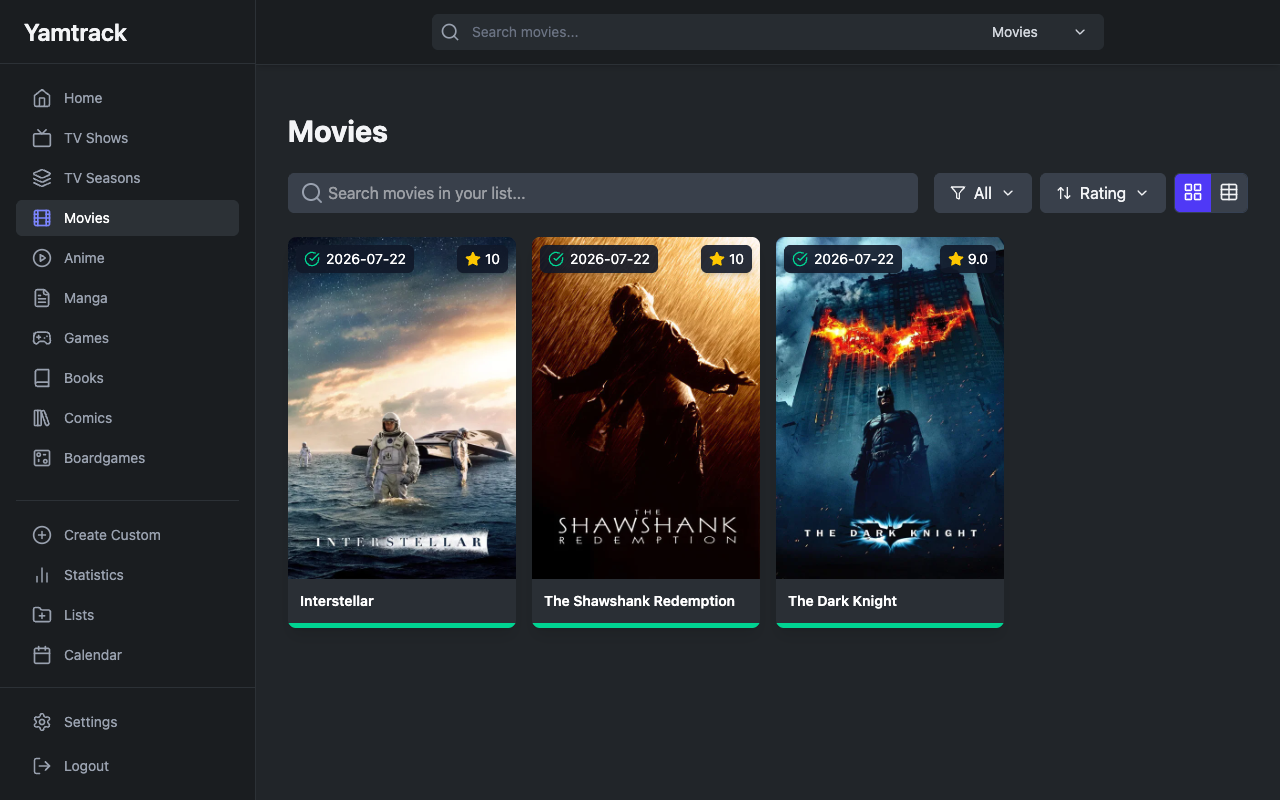
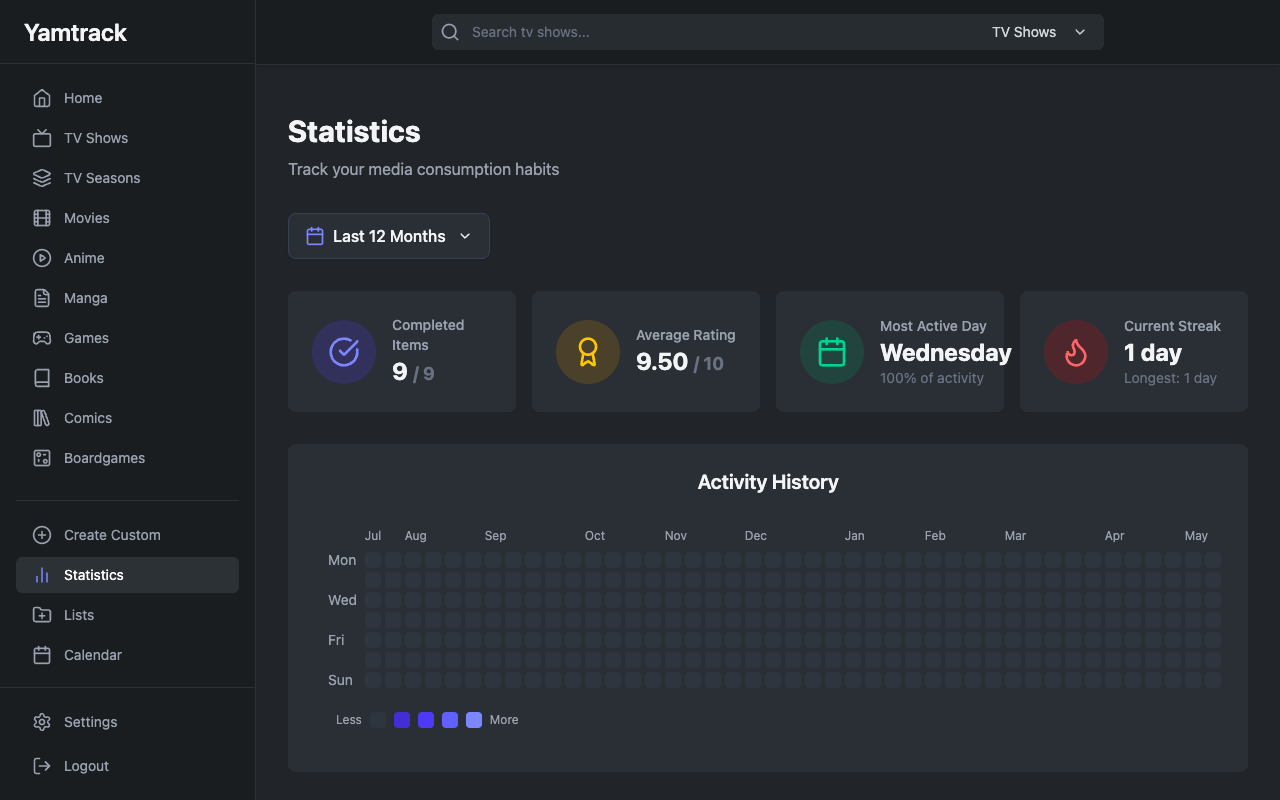
This is a repackaged open source software product wherein additional charges apply for cloudimg support services.
## Why This AMI Instead of Self-Deploying?
Yamtrack is a popular open source, self-hosted media tracker that keeps one personal library of everything you watch, play and read - movies, TV shows, anime, manga, video games and books together, with per-item progress and episode tracking, ratings, statuses, a calendar and per-user libraries. Deploying it yourself means installing Docker, wiring up a multi-container Compose stack, standing up PostgreSQL and Redis, generating a Django application secret, configuring allowed hosts and CSRF, and seeding an admin account. This AMI eliminates that effort entirely - your self-hosted media tracker is running within minutes of launch, not hours, backed by 24/7 expert support with a guaranteed 24-hour response SLA.
The current release available is Yamtrack 0.25.3.
## Application Stack
The officially supported deployment runs under one systemd service via Docker Compose: the upstream all-in-one Yamtrack container (nginx in front of gunicorn, a Celery worker and Celery beat under supervisord, pinned to a fixed release) fronted on one clean URL on port 80, backed by PostgreSQL 16 and Redis 8. PostgreSQL and Redis are bound to the internal Docker network only and are never exposed. Rich metadata and artwork are fetched automatically for the titles you add, a Celery background worker keeps that information in sync, and you can add fully custom entries for niche items no catalogue covers.
## Secure By Default
Many pre-built images ship with shared or default credentials - a common vulnerability that exposes instances immediately after launch. Yamtrack's upstream application secret is a well-known fixed value and open registration is on by default; this image closes both:
## Ready To Use
Browse to the instance on port 80, sign in with the generated admin credentials, and start tracking. Search for a movie, show, game or book and add it with a status and score, or create a fully custom entry. Each media type has its own library page, and the home dashboard surfaces what you have in progress. Optional metadata provider API keys (TMDB, MAL, IGDB) can be added for heavier use; custom entries never need one.
## What You Avoid By Using This AMI
## cloudimg Support
24/7 technical support by email and chat with a guaranteed 24-hour response SLA. Our engineers help with deployment, TLS termination, backups, user management, metadata provider keys and scaling.
## Use Cases
All product and company names are trademarks or registered trademarks of their respective holders. Use of them does not imply any affiliation with or endorsement by them.

This image runs the Actual Budget 26.6 sync server, the open source local-first personal finance and envelope budgeting ...

This image runs Admidio, the open source, self hosted membership management platform used by clubs, associations and non...

This image runs Apache Answer, the open source question and answer platform for teams at any scale.

This image delivers Audiobookshelf 2.35, the popular open source self-hosted audiobook and podcast media server, fully i...

This image runs Baby Buddy 2.9.2, the open source self-hosted web application for tracking a baby's daily activities and...

Baikal is an open source self-hosted CalDAV and CardDAV server built on the proven Sabre/dav library.