Base
Hardened build
minimal ports, security patches applied at build time

Open source IT infrastructure monitoring: watch hosts, services and metrics from a full web console, with alerting and a large built in check catalog.
Checkmk Raw Edition is the free, open source edition of the Checkmk monitoring platform. It monitors hosts, services and metrics against thresholds, raises notifications, and presents everything in a web console backed by a large built in catalog of checks. Hosts are monitored with the Checkmk agent or agentless, services are found automatically by discovery, and performance data is graphed from a built in metric store.
cloudimg ships Checkmk Raw Edition preinstalled and reverse proxied behind Apache with a certificate generated uniquely on each instance, so the console is reachable only over HTTPS. No administrator password is baked into the image: the cmkadmin password is generated per instance at first boot and written to a root owned file. The monitoring site and all of its metric history live on a dedicated, independently resizable data volume, and every launch is paired with a step by step deploy guide and 24/7 cloudimg support.
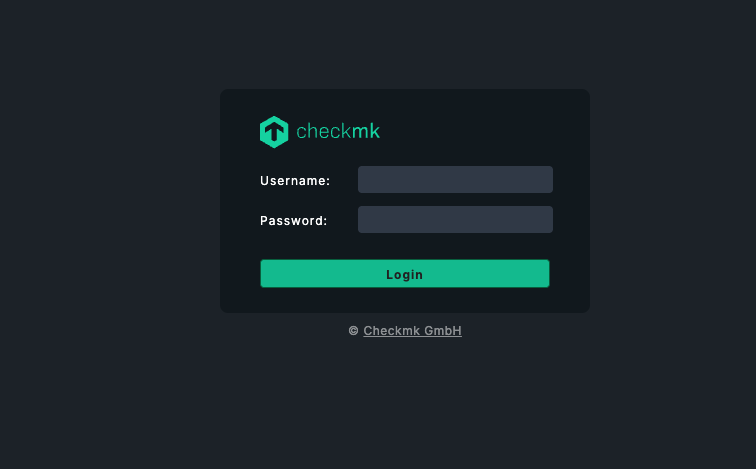
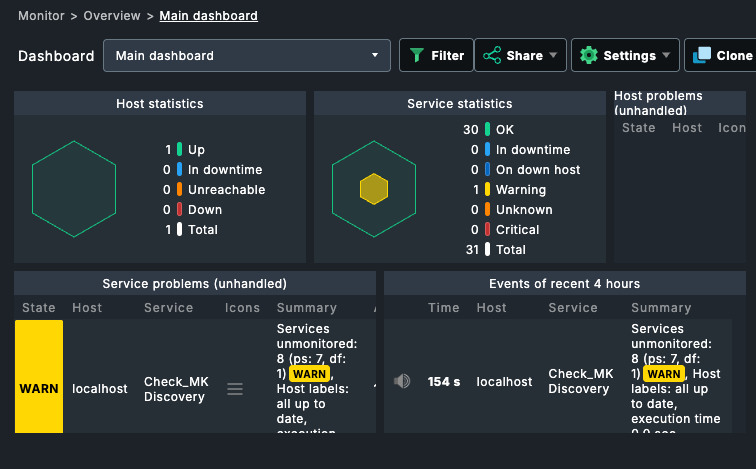
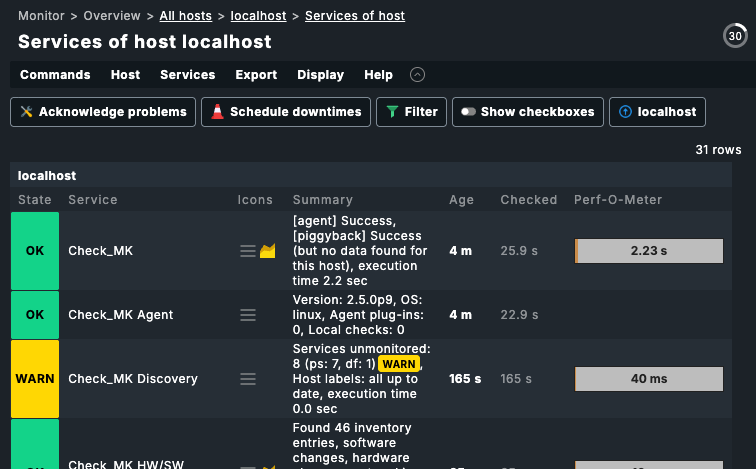
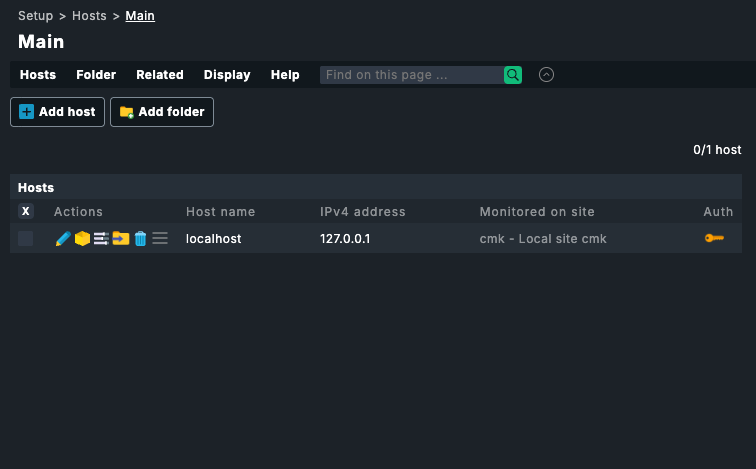
Real screenshots taken while testing this image against its deployment guide.
This is a repackaged open source software product wherein additional charges apply for cloudimg support services.
## Checkmk Raw Edition - Production-Ready IT Monitoring on AWS
Checkmk is a leading open source, self-hosted IT infrastructure and application monitoring platform. It watches hosts, services and metrics against thresholds, raises notifications, and renders everything in a full web GUI backed by a large built-in check catalog. This AMI delivers the 100% open source Checkmk Raw Edition (GPL-2.0) fully installed, hardened, and reverse-proxied behind apache2 with per-instance TLS, so your monitoring server is operational within minutes of launch - no manual package installation, no OMD site plumbing, and no TLS configuration required.
## Why This AMI Over a Manual Install
Unlike a bare Checkmk deployment, this image ships with:
## Use Case: Ops Team Monitoring a Mixed Fleet
A platform team needs to monitor a fleet of Linux and Windows hosts, network devices and application endpoints from a single pane of glass, with threshold-based alerting and historical metric graphs. With this AMI they launch a single instance, sign in to the Checkmk GUI with the per-instance password, create an automation user, register their hosts with the Checkmk agent, run service discovery, and activate changes - building a full monitoring estate without standing up and wiring OMD by hand.
## Monitoring Capabilities
## Application Stack
Checkmk is packaged as an OMD (Open Monitoring Distribution) site named 'cmk', bundling the Nagios core, rrdcached, a site Apache and the agent receiver. The system apache2 reverse-proxies /cmk/ to the site and terminates TLS on port 443. All persistent site data resides on a dedicated EBS volume mounted at /omd that you can encrypt with AWS EBS encryption at rest and resize independently of the root volume.
## Security Posture
## Getting Started
1. Launch the AMI on a supported instance (m5.large or larger recommended)
2. Open port 443 in your security group
3. Retrieve the per-instance password: sudo cat /root/checkmk-credentials.txt
4. Browse to https://
5. Create an automation user, register a host, run service discovery and activate changes
## cloudimg Support
24/7 technical support by email and live chat covers deployment, upgrades, TLS termination, agent registration, and notification integrations. Critical issues receive a one-hour average response.
This is a repackaged open source software product with additional charges for cloudimg support services. Checkmk is a trademark of Checkmk GmbH. All product and company names are trademarks or registered trademarks of their respective holders. Use of them does not imply any affiliation with or endorsement by them.

This image runs Apache HertzBeat, the open source real-time monitoring and alerting system from the Apache Software Foun...

This image runs Apache SkyWalking 10.4, an open-source Application Performance Monitoring (APM) and observability platfo...

This image runs AWStats, the long established open source log file analyser, behind the Apache web server with mod_cgid ...

This image runs CheckCle, the open source self-hosted uptime and infrastructure monitoring platform.

Checkmate, by BlueWave Labs, is an open source uptime, infrastructure and incident monitoring platform.
Coroot Community Edition is an open source observability and application performance monitoring (APM) platform built on ...