Base
Hardened build
minimal ports, security patches applied at build time

self service business intelligence and data visualization, hardened and ready from cloudimg
DataEase is an open source business intelligence and data visualization platform. Connect to your databases and data sources, model datasets, and build interactive charts and dashboards, called panels, with a drag and drop designer, then share them with your team or embed them into your own applications. It occupies the same self service analytics space as Metabase and Superset.
The cloudimg image runs the official DataEase engine, API and dashboard container behind nginx over TLS, with a bundled MySQL metadata database reachable only on a private container network. The stock default administrator is reset to a unique password on each instance's first boot, a per instance database password is generated, and the Docker data root, metadata database and application state live on a dedicated, independently resizable data volume. Paired with a step by step deploy guide and 24/7 cloudimg support.
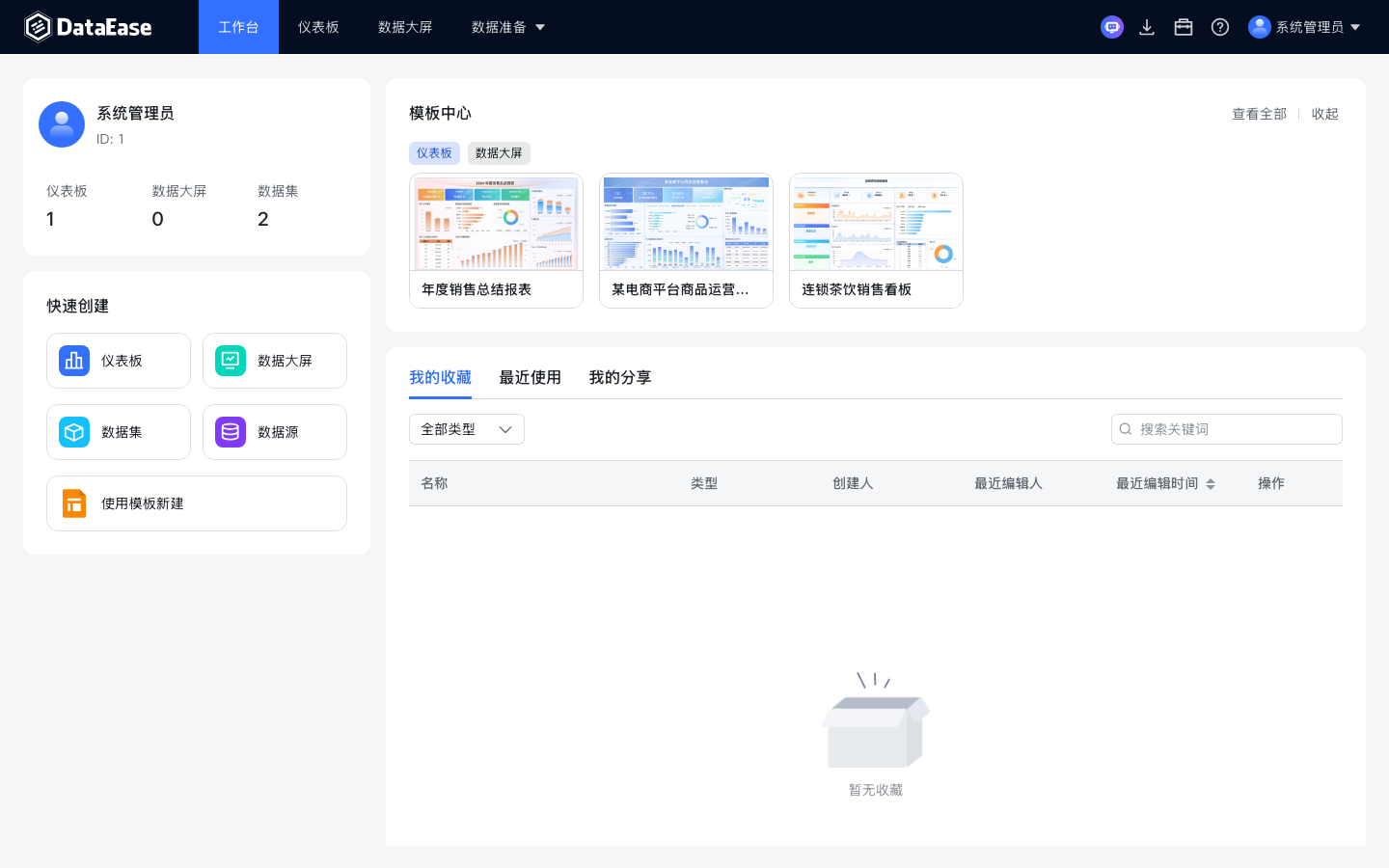
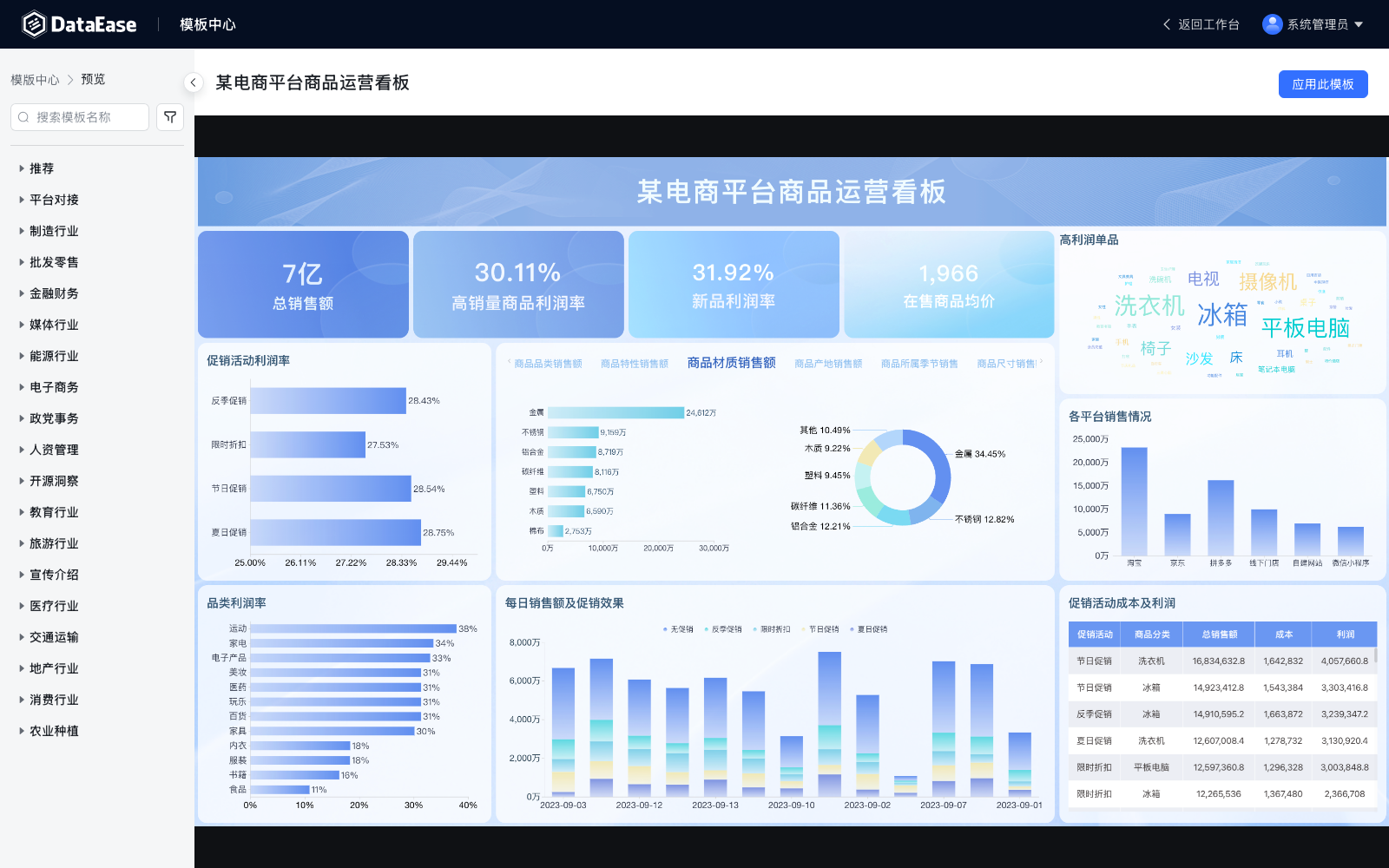
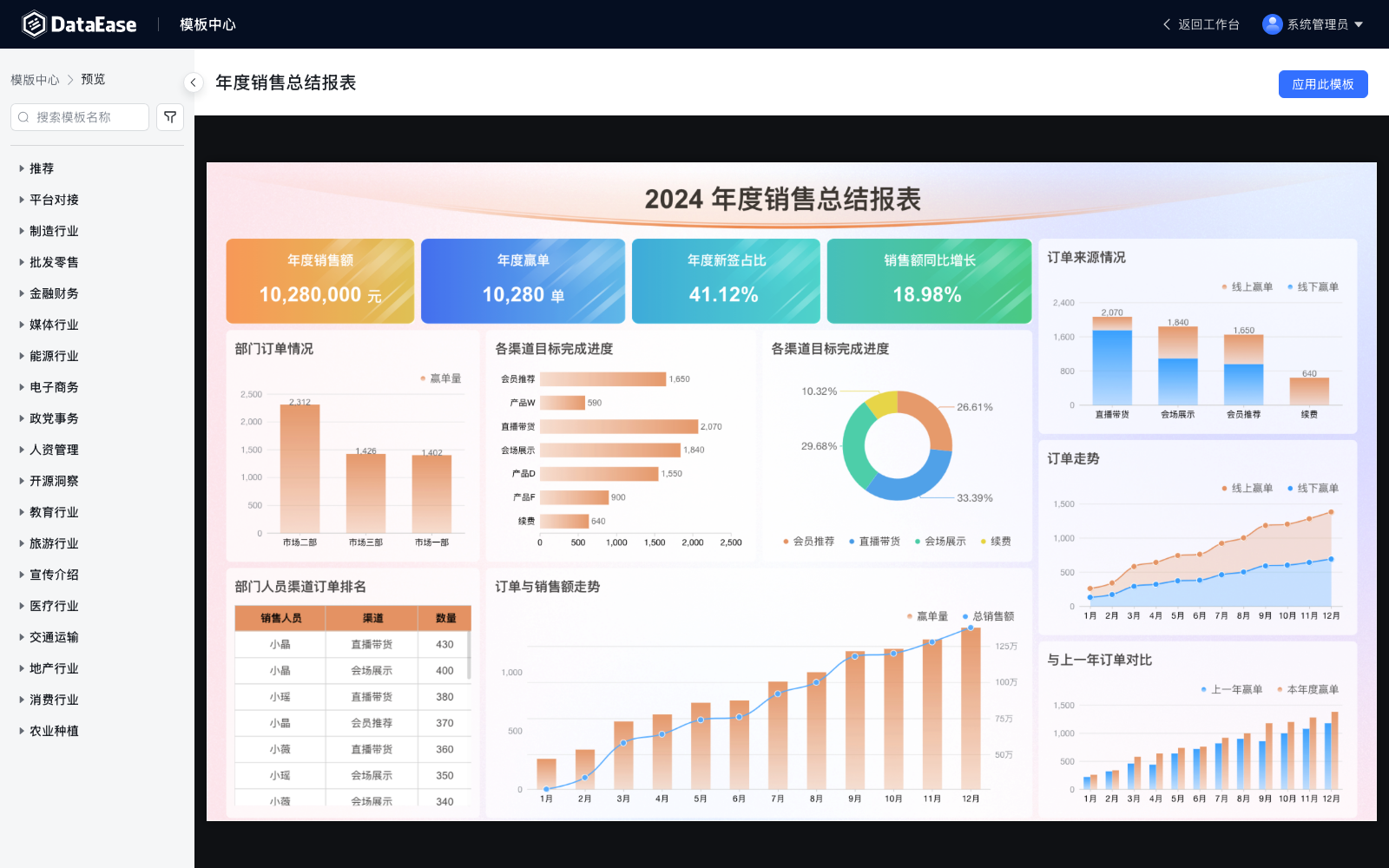
Real screenshots taken while testing this image against its deployment guide.
This is a repackaged open source software product wherein additional charges apply for cloudimg support services.
## Overview
DataEase is an open source business intelligence and data visualization platform with over 24,000 GitHub stars and a global community of users across industries including e-commerce, SaaS, financial services and healthcare. Connect to your databases and data sources, build charts and rich interactive dashboards, called panels, with a drag and drop designer, and share them with your team or embed them into your own applications. This AMI delivers DataEase fully installed and secured so a working analytics platform is operational within minutes of launch.
## Why DataEase Over Other BI Tools
DataEase occupies the same space as Metabase and Superset but offers distinct advantages for teams that need self-hosted, embeddable analytics:
This AMI adds production grade hardening and 24/7 cloudimg support on top of the upstream project, eliminating the operational burden of a manual deployment.
## Why This Image vs a Manual Install
Running DataEase yourself means standing up Docker, a MySQL metadata database, and the DataEase engine, wiring them together on a private network, rendering the application configuration, and removing the well known default administrator the stock image seeds on first initialization. This image completes every one of those steps at build time. The engine and dashboard are bound to the loopback interface and fronted by an nginx reverse proxy with TLS; the MySQL metadata database is never exposed on a host port; a unique administrator password and database password are generated on each instance's first boot. Launch the instance, read your unique credential, and sign in.
## Application Stack
DataEase is delivered as the official all in one engine, API and dashboard container, pinned by digest, alongside a bundled MySQL metadata database, also pinned by digest and reachable only inside a private container network. Docker Engine and its data root, including every pre pulled image and the metadata database and application state, live on a dedicated independently resizable data volume separate from the OS disk. systemd brings the whole stack up on boot and restarts it on failure. The dashboard and API are served behind nginx over TLS.
## Security Hardening
This image follows a defence in depth approach:
Buyers requiring formal compliance documentation should contact cloudimg to discuss specific requirements.
## AWS Integration
Deploy on any EC2 instance type; the recommended size is m5.large. Put the DataEase dashboard behind an Application Load Balancer for TLS termination with your own certificate and health monitoring. Back up the metadata database and application state using EBS snapshots or AWS Backup, and resize the dedicated data volume independently of the OS disk as your dashboards and datasets grow. Connect DataEase to data sources running in your VPC, such as Amazon RDS or Amazon Redshift, over private networking.
## cloudimg Support
24/7 technical support by email and chat. Help with deployment, reverse-proxy termination with your own domain and certificate, connecting external data sources, tuning the bundled MySQL metadata database, embedding panels into your own applications, and backup planning for your dashboards and datasets.

This image runs Apache Airflow as a single node deployment. Airflow is installed into a dedicated Python virtual environ...

Apache Flink is the open source framework and distributed processing engine for stateful computations over unbounded and...

This image runs Apache Hop, the Hop Orchestration Platform, an open source data engineering and data orchestration platf...

This image runs Apache NiFi, the open source dataflow automation platform, as a single node deployment.

This image runs Apache Spark 4.1.2 (built for Hadoop 3) as a single node standalone cluster.

Apache StreamPipes is a self service toolbox that lets domain experts connect, analyse and explore continuous data strea...