Base
Hardened build
minimal ports, security patches applied at build time

GROWI, an open source team wiki and knowledge base with Markdown pages, real time collaborative editing and a navigable page tree.
GROWI is an open source team wiki and knowledge base built for organisations that want to capture and share what they know. Pages are written in Markdown with live preview, diagrams and math, and edited collaboratively in real time so several people can work on the same page at once. Content is organised as a hierarchical page tree with links, tags, comments and a full revision history, making it easy to browse, cross reference and keep documentation current. It runs as a self contained Node.js application backed by MongoDB, so a single instance holds your whole knowledge base, and full text search can be added later by attaching OpenSearch or Elasticsearch when you outgrow the built in browsing.
The cloudimg image is hardened and fully patched with GROWI built from the pinned upstream release, MongoDB and an nginx reverse proxy already wired together, so the wiki is serving with no setup wizard left exposed. A unique administrator password, MongoDB password and password hashing seed are generated on every first boot and stored in a root only file, and self registration is locked closed so the wiki is never world writable. Page content and attachments sit on a dedicated resizable data volume separate from the application tier, and every instance is backed by 24/7 cloudimg support.
Real screenshots taken while testing this image against its deployment guide.

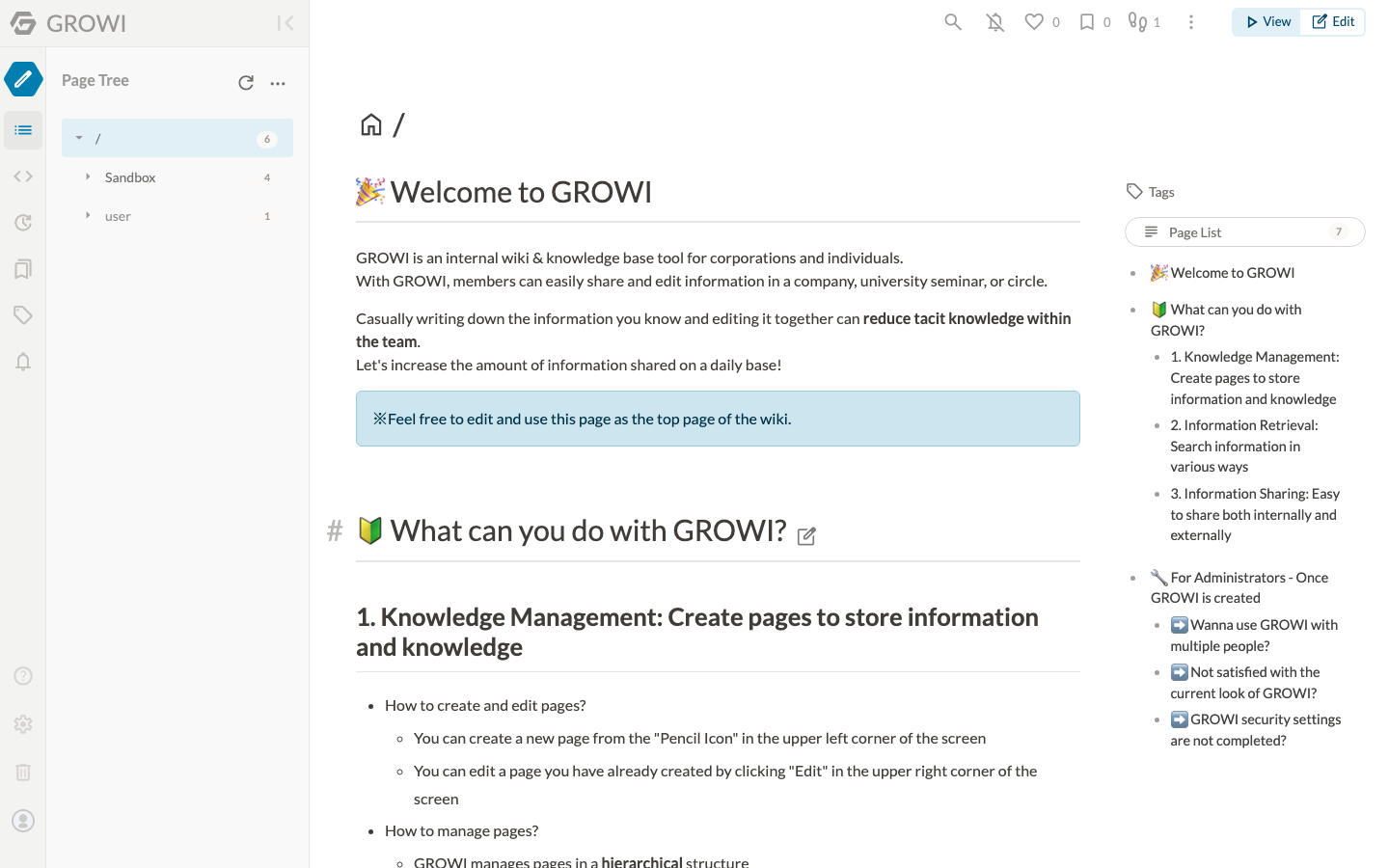
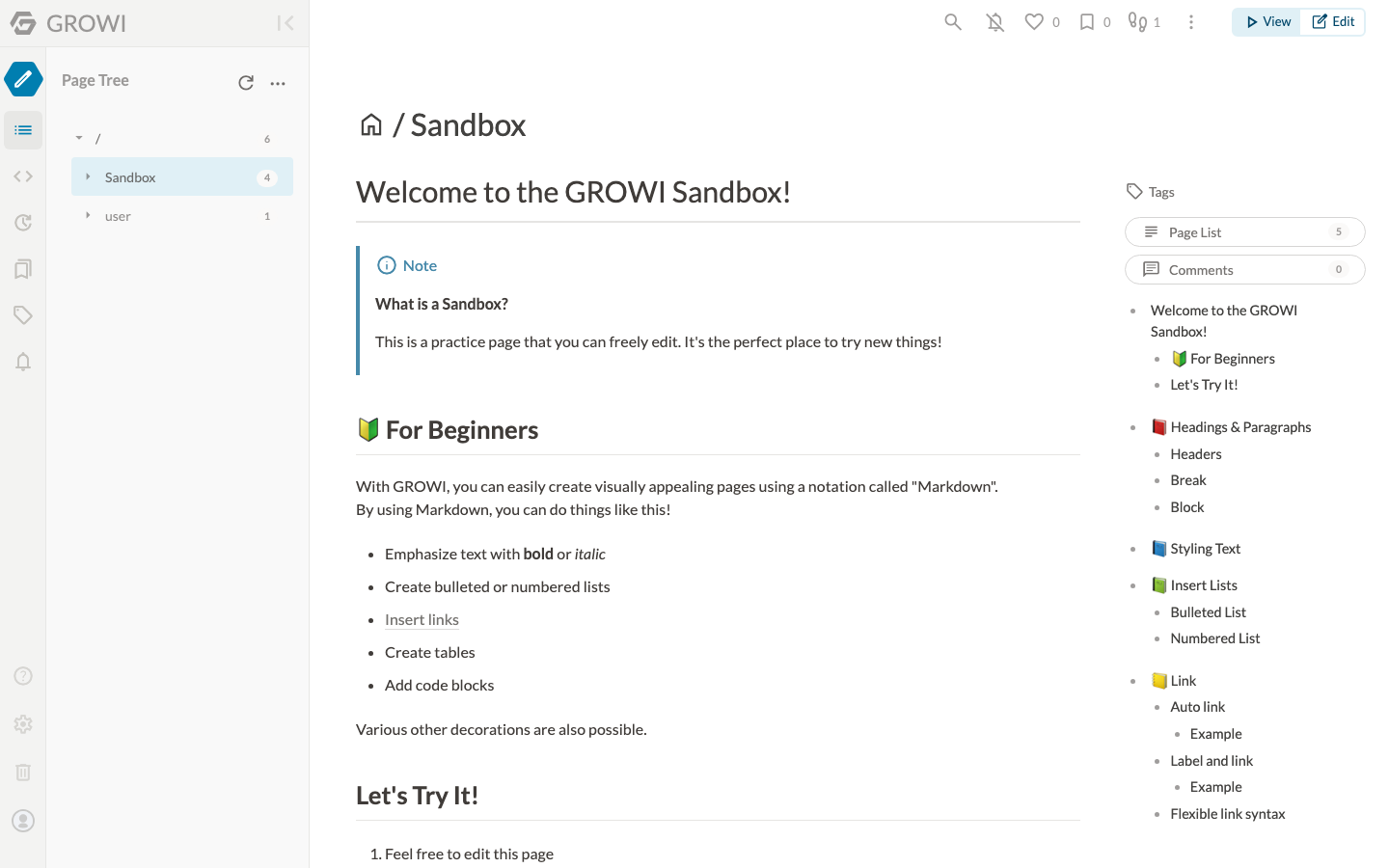
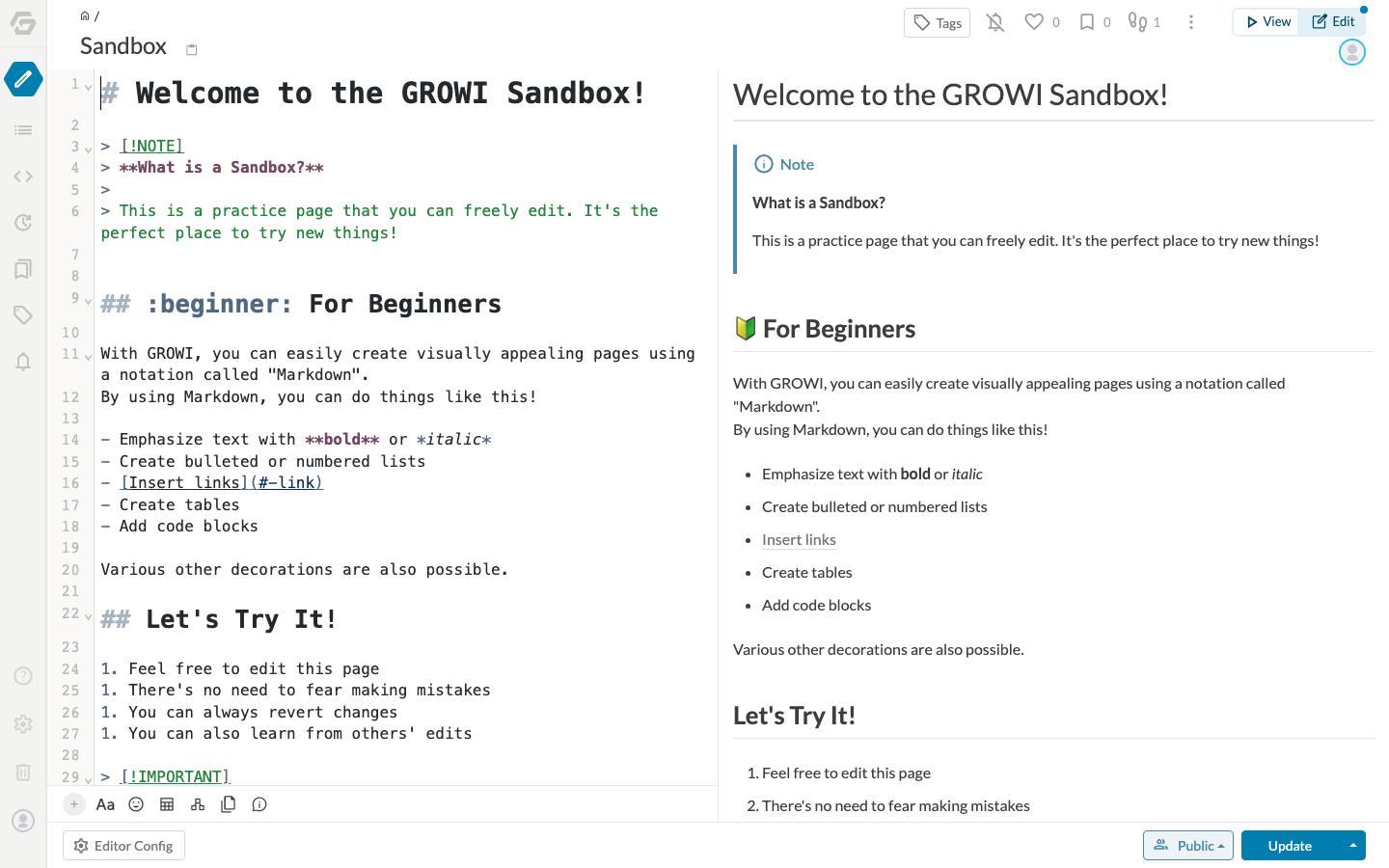
This is a repackaged open source software product wherein additional charges apply for cloudimg support services.
## A Team Wiki Your Organisation Actually Owns
GROWI is an open source team wiki and knowledge base built for organisations that want to capture and share what they know. This image delivers GROWI 7.5 fully built and configured on a bare metal Node.js and MongoDB stack, with no containers to manage, so your team can create its first page within minutes of launch.
## Who This Is For
Engineering teams consolidating runbooks, architecture decisions and onboarding material into one navigable page tree with full revision history. Product and operations teams drafting specifications together in real time, where several people editing the same page simultaneously is the normal way of working. IT administrators who need a self hosted wiki inside their own VPC without spending ops cycles on installation, credential rotation or reverse proxy configuration.
## What Makes GROWI Different
## Application Stack
## Secure By Default
Unlike images that ship a shared or documented password, this one generates every secret on each first boot:
## Storage Layout
Two dedicated EBS volumes ship with the image, separate from the operating system disk and each independently resizable: the MongoDB datadir holding pages, revisions and attachments, and the GROWI application tier. Both are mounted by filesystem UUID.
## Getting Started
1. Launch the image on an m5.large instance or larger, with ports 80 and 443 open in your security group
2. Connect over SSH and read the generated administrator password from the root only credentials file
3. Browse to the instance address and sign in as the administrator
4. Create your first page in the Markdown editor and organise content into a page tree
5. Invite your team from the admin area, where user management, access control and appearance are configured
6. Attach OpenSearch or Elasticsearch later if you want full text search across a very large wiki
## Recommended Instance Sizing
## 24/7 cloudimg Support
Every deployment is backed by cloudimg engineers available around the clock by email and live chat. Support covers:
Critical issues receive a one hour average response time.
## Evaluation
Launch an instance to evaluate GROWI with your team and terminate at any time with no long term commitment.
GROWI is a trademark of its respective owner. All product and company names are trademarks or registered trademarks of their respective holders. Use of them does not imply any affiliation with or endorsement by them.

This image runs the Actual Budget 26.6 sync server, the open source local-first personal finance and envelope budgeting ...

This image runs Admidio, the open source, self hosted membership management platform used by clubs, associations and non...

This image runs Apache Answer, the open source question and answer platform for teams at any scale.

This image delivers Audiobookshelf 2.35, the popular open source self-hosted audiobook and podcast media server, fully i...

Baikal is an open source self-hosted CalDAV and CardDAV server built on the proven Sabre/dav library.

BookStack is a free, open source platform for organising and storing documentation and knowledge.