Base
Hardened build
minimal ports, security patches applied at build time

open source business intelligence and analytics, self hosted and production ready with cloudimg support
Knowage is a full open source business intelligence and analytics suite. It delivers interactive dashboards (called cockpits), pixel perfect reports, self service data exploration, charts and data federation across multiple data sources, all from a single self hosted Java web application. Model your data once and let business users explore it through the Knowage workspace, publish cockpits and share analytical documents across your organisation.
It suits teams that want a self hosted analytics platform in their own cloud account, with full ownership of their data and none of the per seat licensing of proprietary BI tools.
cloudimg delivers Knowage fully installed and running under systemd, so an analytics server is live within minutes of launch. The image is secure by default: the application server and metadata database bind to loopback behind nginx with a per instance self signed TLS certificate, and a first boot process generates fresh encryption secrets, a unique administrator password and a unique metadata database password on every launch and removes every well known default account that Knowage ships, so no shared or default credential is ever reachable. The metadata database sits on its own data volume and the application tier on a second volume. Every image includes 24/7 cloudimg support and a step by step deploy guide tested against the exact image you launch.
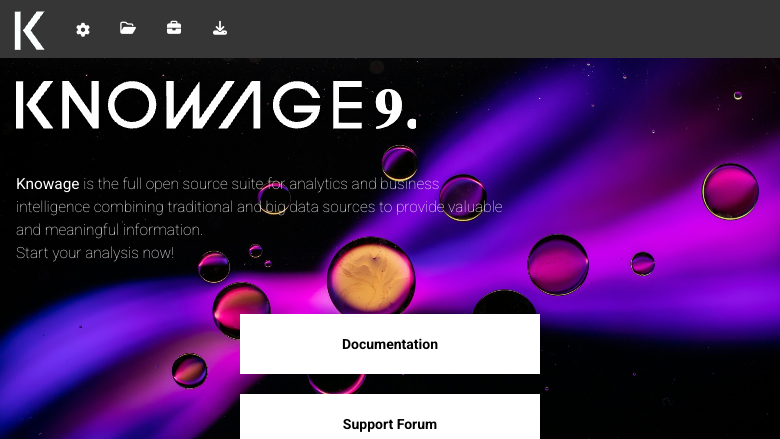
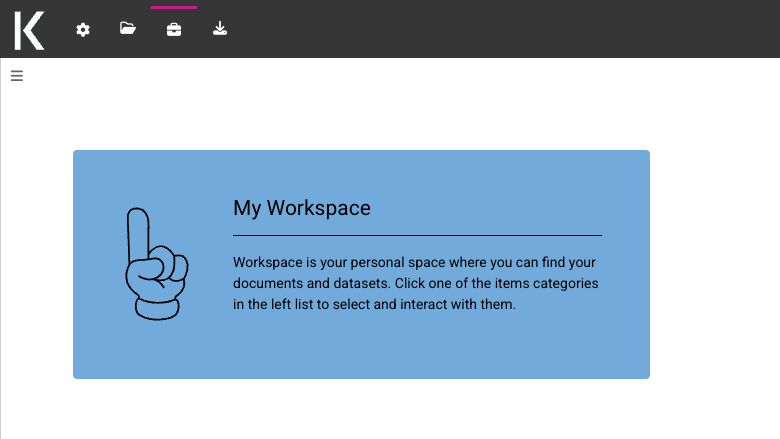
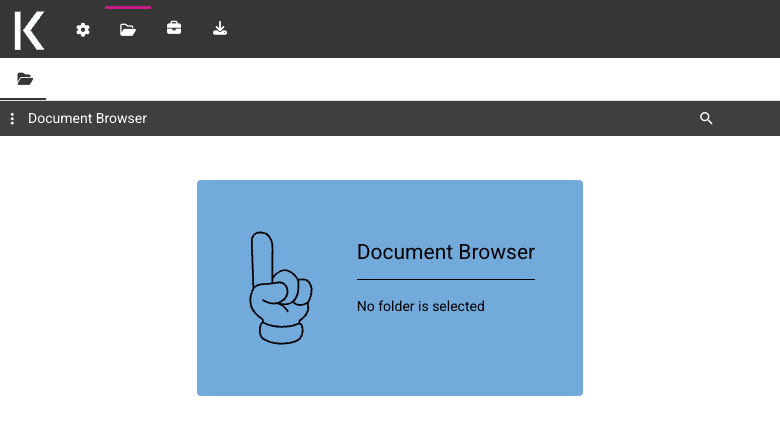
Real screenshots taken while testing this image against its deployment guide.
This is a repackaged open source software product wherein additional charges apply for cloudimg support services.
Overview
Knowage is a full open source business intelligence and analytics suite. It delivers interactive dashboards (cockpits), pixel-perfect reports, self-service data exploration, charts and data federation across multiple data sources, all from a single self-hosted Java web application. Model your data once and let business users explore it through the Knowage workspace, publish cockpits and share analytical documents across your organisation. This image delivers Knowage fully installed and configured as a production application, so you have a complete analytics platform running within minutes of launch, with full ownership of your data.
Why This Image Over DIY or Other Images
Unlike a manual install or a generic community image, this image ships production-hardened from the start. The application server and metadata database bind to loopback behind nginx with a per-instance self-signed TLS certificate, so the web interface is never exposed over plain HTTP or with a default login. Systemd manages Tomcat, PostgreSQL and nginx, restarting them on failure. A secure first-boot process generates a unique administrator password and a unique metadata-database password per instance and removes every well-known default account that Knowage ships, so there are no shared or default passwords to rotate. And 24/7 cloudimg support means you have engineers available for deployment, tuning and troubleshooting, something unsupported community images cannot offer.
Application Stack
Business Intelligence and Analytics
Knowage gives your teams interactive cockpits, self-service data exploration, charts, pixel-perfect reports and KPI monitoring over your own data. Connect multiple databases and datasets, blend and federate them, and let analysts build and share analytical documents through the Knowage workspace. Model data once and publish dashboards across the organisation, all from a self-hosted server in your own VPC.
Secure First Boot
On the first boot a one-shot service generates fresh per-instance encryption secrets, a fresh metadata-database password and a fresh administrator password, before the public web interface is started. Every well-known default account that Knowage ships is rotated or removed so none of them work. The administrator password is written to a file only the root user can read. No shared or default credentials ship in the image.
Ready To Use
The Knowage web interface is served on port 443 through nginx with a per-instance TLS certificate. Sign in with the generated administrator credentials to build datasets, cockpits and reports, connect your data sources and invite your team.
cloudimg Support
24/7 technical support by email and live chat. Our engineers help with deployment, data-source configuration, cockpit and report design, user management, database tuning, TLS and scaling. Critical issues receive a one-hour average response.
All product and company names are trademarks or registered trademarks of their respective holders. Use of them does not imply any affiliation with or endorsement by them.

This image runs Apache Airflow as a single node deployment. Airflow is installed into a dedicated Python virtual environ...

Apache Flink is the open source framework and distributed processing engine for stateful computations over unbounded and...

This image runs Apache Hop, the Hop Orchestration Platform, an open source data engineering and data orchestration platf...

This image runs Apache NiFi, the open source dataflow automation platform, as a single node deployment.

This image runs Apache Spark 4.1.2 (built for Hadoop 3) as a single node standalone cluster.

Apache StreamPipes is a self service toolbox that lets domain experts connect, analyse and explore continuous data strea...