Base
Hardened build
minimal ports, security patches applied at build time

Open Web Analytics, a self hosted web analytics framework, ready to measure your traffic from first boot.
Open Web Analytics is an open source web analytics framework that measures visits, page views, referrers, search terms, and campaigns while keeping full ownership of the data. It is used as a self hosted alternative to Matomo and Google Analytics, with a JavaScript or PHP tracker for any site or app.
cloudimg delivers Open Web Analytics hardened and fully patched, preconfigured so the analytics dashboard is available on first boot. A unique administrator password, database password, and application secrets are generated on first boot with no default login, and a paired deployment guide plus 24/7 support are included.
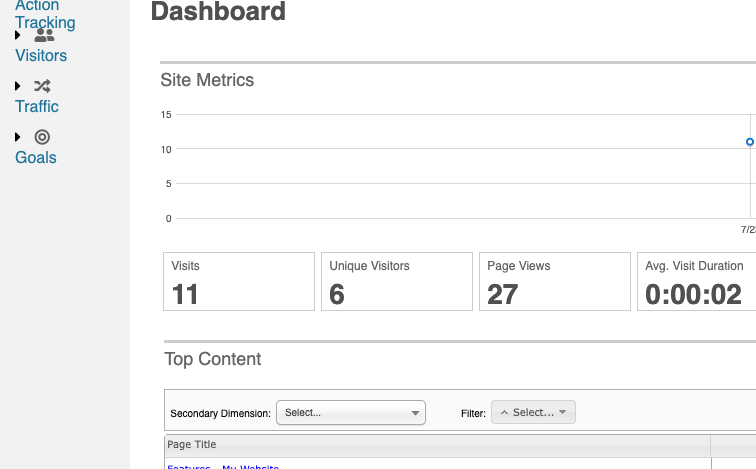
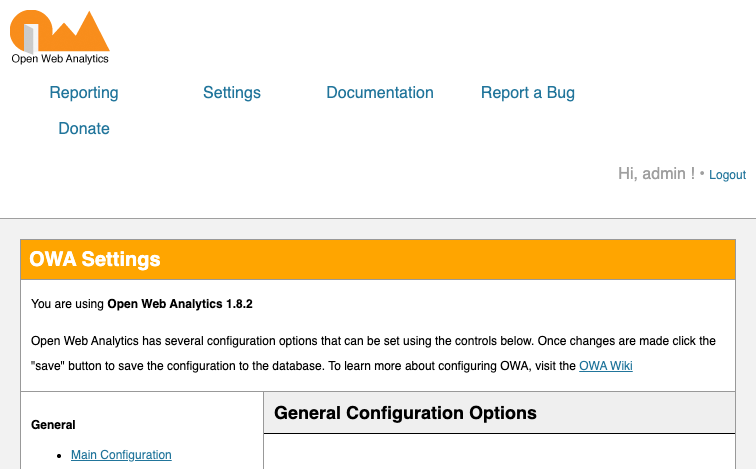
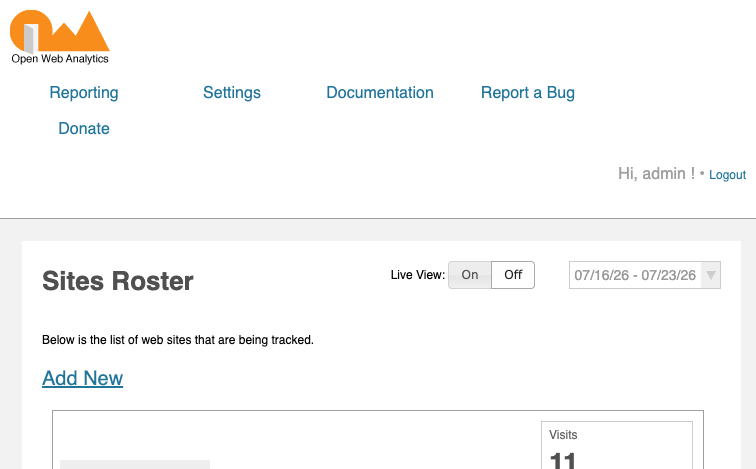
Real screenshots taken while testing this image against its deployment guide.
This is a repackaged open source software product wherein additional charges apply for cloudimg support services.
## Open Web Analytics, Production-Ready, Privacy-First Analytics on AWS
Open Web Analytics (OWA) is an open source web analytics framework and a privacy-respecting, self-hosted alternative to Google Analytics and Matomo. This AMI is purpose-built for marketing teams, solo developers, and small businesses that need full ownership of their visitor data without dedicating DevOps resources to server configuration.
This image delivers OWA fully installed, configured, and security-hardened. A deployment that typically requires four to six hours of manual work, installing PHP and extensions, configuring Apache, provisioning MariaDB, running the install wizard, and hardening credentials, is completed before first boot. Your team can sign in and begin collecting analytics data within approximately five minutes of instance launch.
## GDPR-Friendly by Architecture
Because OWA runs entirely within your own AWS account, all visitor data stays under your control as the data controller. No analytics data is transmitted to third-party servers, no external tracking pixels are loaded, and no cookies are shared with advertising networks. This architecture aligns with GDPR data-minimization and data-sovereignty principles, making it suitable for organizations that must demonstrate where personal data resides.
## Why This AMI Over Alternatives
Unlike free community images that ship shared or default passwords, every instance of this image generates a fresh MariaDB password, fresh application secrets, and a fresh OWA administrator password on first boot, unique to that instance, and writes them to a root-only file. No two deployments share the same password, and the image ships with a clean, empty analytics dataset and one ready-to-use default site.
## Application Stack
All components are installed from the operating system package repositories; the packaged OWA release is the only third-party artifact.
## Secure First Boot
On first boot, a one-shot service generates unique credentials, rotates the database and administrator passwords, and regenerates application nonce and authentication secrets. The install wizard is pre-completed and locked behind an Apache deny rule. Sign in, add your website, copy the tracking snippet, and start measuring visits, page views, referrers, search terms, and campaigns immediately.
## Host Portable by Design
OWA derives its public URL from the incoming request, so the tracking snippet works correctly on the instance public IP, the private IP, or any custom domain you point at it later. It switches to HTTPS automatically once you place a certificate in front of it, with no reconfiguration needed.
## Compatible AWS Services
## Security and Hardening
The database listens only on localhost and is never exposed externally. The image is TLS-ready; attach an SSL certificate via AWS Certificate Manager or Let's Encrypt directly. We recommend enabling EBS encryption for data at rest and restricting SSH access to trusted IP ranges.
## Getting Started
A detailed user guide is included with every deployment, covering instance launch, credential retrieval, first sign-in, adding your first site, and copying the JavaScript tracking snippet. To discuss your deployment requirements before purchase or to request a guided walkthrough of the setup process, contact cloudimg support via email or live chat.
## 24/7 cloudimg Support
Every subscription includes around-the-clock technical support from cloudimg engineers via email and live chat. Our team assists with deployment, tracker and site configuration, version upgrades, performance tuning, and MariaDB database administration. Critical issues receive a one-hour average response time.
All product and company names are trademarks or registered trademarks of their respective holders. Use of them does not imply any affiliation with or endorsement by them.

This image runs Apache Airflow as a single node deployment. Airflow is installed into a dedicated Python virtual environ...

Apache Flink is the open source framework and distributed processing engine for stateful computations over unbounded and...

This image runs Apache Hop, the Hop Orchestration Platform, an open source data engineering and data orchestration platf...

This image runs Apache NiFi, the open source dataflow automation platform, as a single node deployment.

This image runs Apache Spark 4.1.2 (built for Hadoop 3) as a single node standalone cluster.

Apache StreamPipes is a self service toolbox that lets domain experts connect, analyse and explore continuous data strea...