Base
Hardened build
minimal ports, security patches applied at build time

Radarr, an open source movie collection manager that keeps a list of the films you want, fetches the ones you are missing through your own indexers and download client, then renames and files them into an organised library.
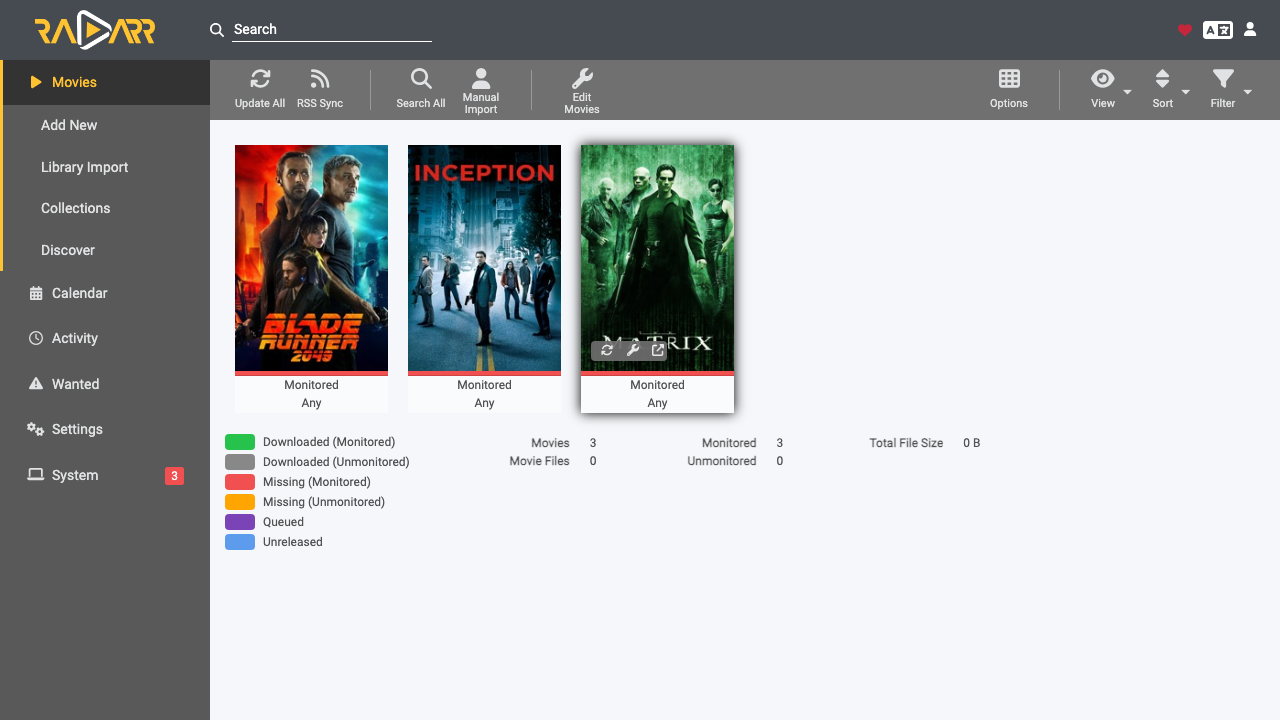
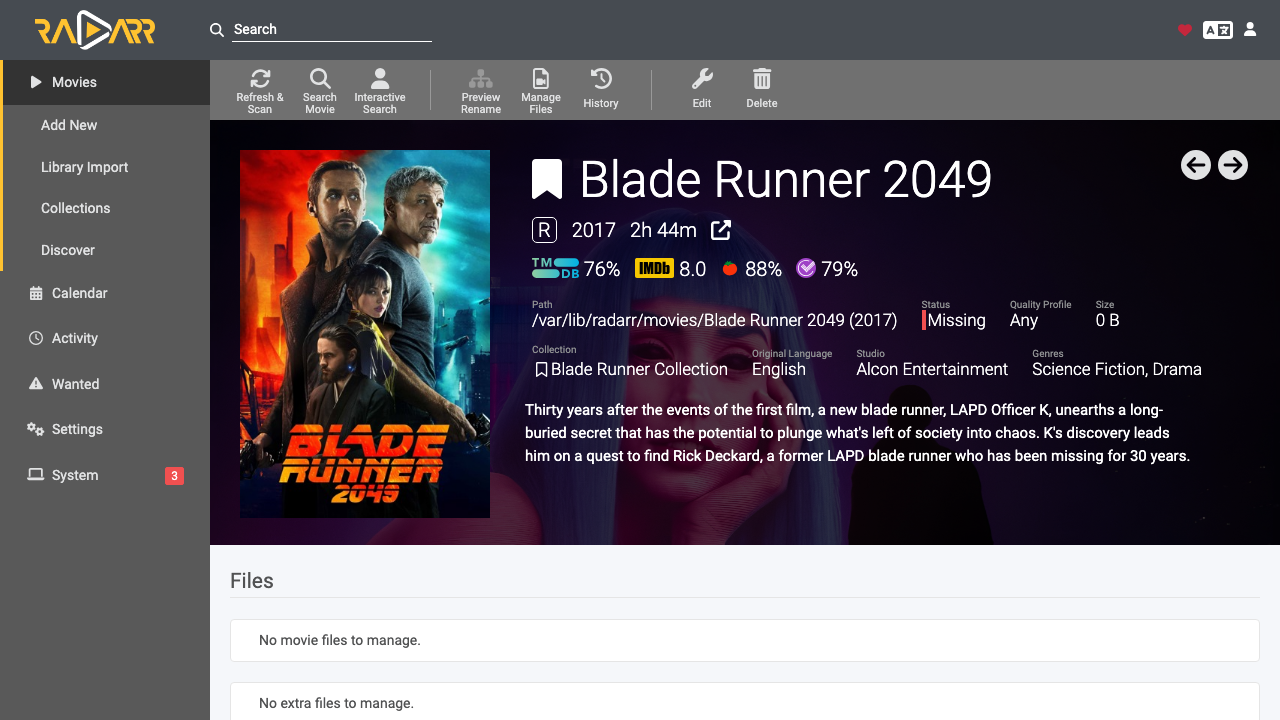
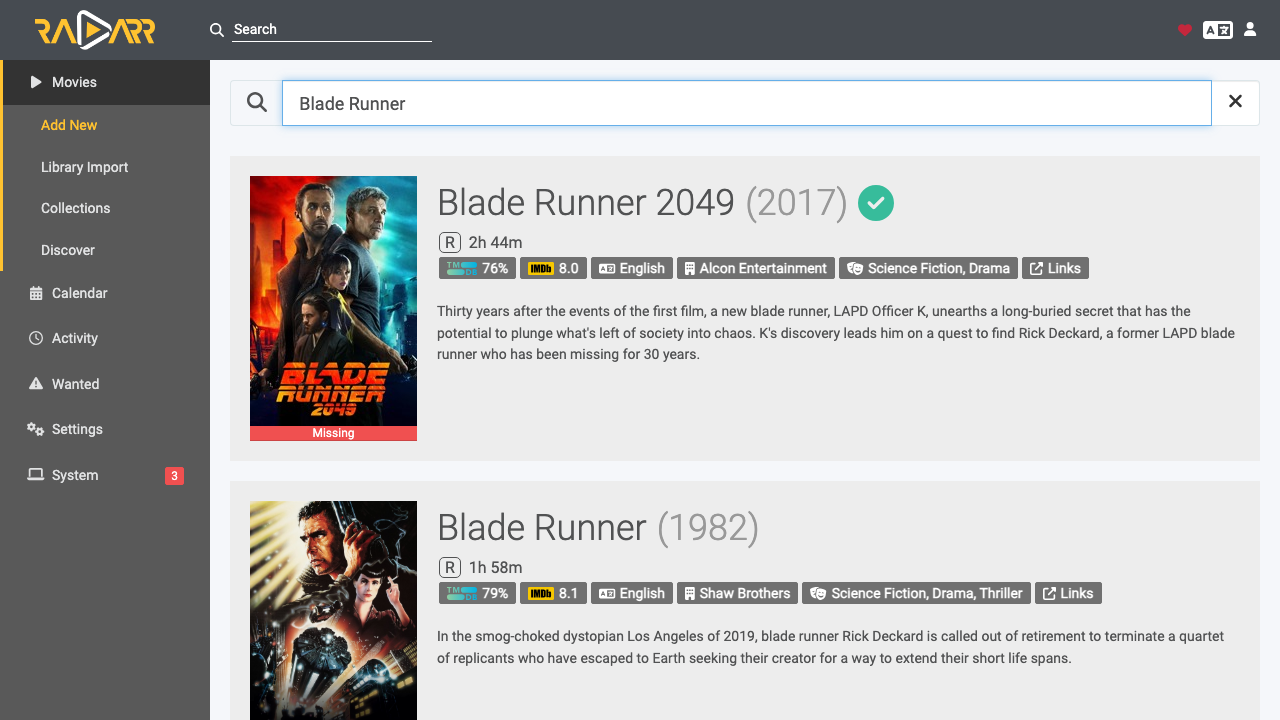
Radarr is an open source movie collection manager for Usenet and BitTorrent users. It keeps a list of the films you want, works out which are missing or could be upgraded to a better quality, searches the indexers you configure, hands releases to your download client, and then renames and files the results into a consistently organised library. A clean web interface gives you a calendar of upcoming releases, a full movie and status view, quality profiles, and a rich activity and history view, while a documented version 3 REST API exposes the same capability for automation.
It suits anyone self hosting a media library: home media servers feeding a player such as Jellyfin or Plex, film archives, and teams that want an automated, auditable pipeline from indexer to organised library inside their own cloud account.
Radarr normally starts with authentication switched off, which means anyone who can reach it gets full control of the application and of its API key. cloudimg closes that gap. Authentication is enforced, and a unique administrator password plus a unique API key are generated on the first boot of every instance and written to a root only file. The password is handed to Radarr's own account creation path, so it is stored only as a salted, heavily iterated one way hash and is never left in plain text on disk. Nothing usable is baked into the image, so no two instances ever share a credential. Radarr runs as a dedicated unprivileged system user inside a hardened systemd sandbox, the official release is verified against the checksum the project publishes before it is unpacked, and automatic updates are turned off so a running instance never silently drifts from the published image. An unauthenticated health endpoint is provided so load balancer probes need no credential. The base is fully patched with unattended security upgrades enabled, and every deployment is paired with a step by step deploy guide and backed by 24/7 cloudimg support.
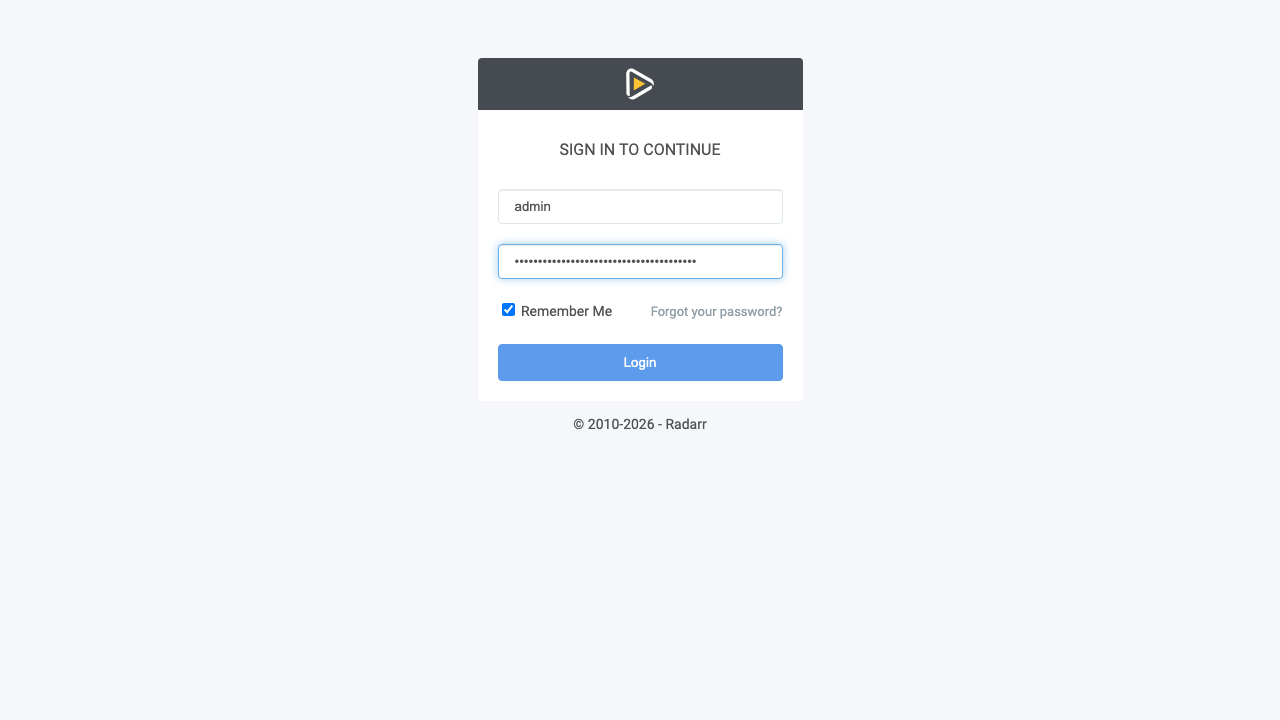
Real screenshots taken while testing this image against its deployment guide.

Actual Budget is a free, open source, local first personal finance application built around the proven envelope budgetin...

Admidio is the open source membership management platform for clubs, associations and non profit organisations.

AdventureLog is a self-hosted travel companion. It lets you log the countries and regions you have visited, plan future ...
Aim is an open-source ML experiment tracker: your training code logs metrics, hyperparameters and other artifacts as it ...

The cloudimg image ships the free and open source, GPL-3.0 licensed AirTrail application, run the officially supported w...
Akkoma is a lightweight, highly customisable open-source server for the fediverse: a self-hosted, federated microbloggin...