Base
Hardened build
minimal ports, security patches applied at build time

AWStats, the long established log file analyser that turns the raw logs your server already writes into rich graphical reports on visits, pages, browsers, referrers and bandwidth.
AWStats reads the log files a web, FTP or mail server already produces and renders them as a detailed, graphical statistics report. It reports unique visitors and visits, pages and hits, bandwidth consumed and visit duration, the pages people enter and leave on, the browsers and operating systems they use, the search engines and keywords that found them, the sites that referred them, the files they downloaded, the HTTP status codes they hit, and how much of the traffic is robots rather than people.
Because it analyses server logs rather than a tracking script, it needs no client side JavaScript, sets no cookies and sends nothing to a third party, so it counts every request including those from clients that block conventional analytics, and the data never leaves infrastructure you control. It suits anyone who wants honest traffic reporting they own outright: teams with a privacy or data residency requirement, operators who want to understand real server load and bandwidth alongside visitor numbers, and administrators reporting on servers whose logs are the only record of what happened.
cloudimg delivers AWStats fully deployed behind a configured web server, so a working reports site answers the moment the instance boots with no analyser, web server or scheduling setup to work through. The reporting site is protected by password authentication from the first boot, and that password is generated uniquely for each instance and written to a root only file, so no shared or baked credential ships in the image. Log processing is scheduled automatically, the instance begins reporting on its own traffic immediately, and a fully populated demonstration report is regenerated against each instance's own clock so every chart and screen can be explored right away rather than opening on an empty period. The base is fully patched with unattended security upgrades enabled, and every deployment is paired with a step by step deploy guide, backed by 24/7 cloudimg support.
Real screenshots taken while testing this image against its deployment guide.
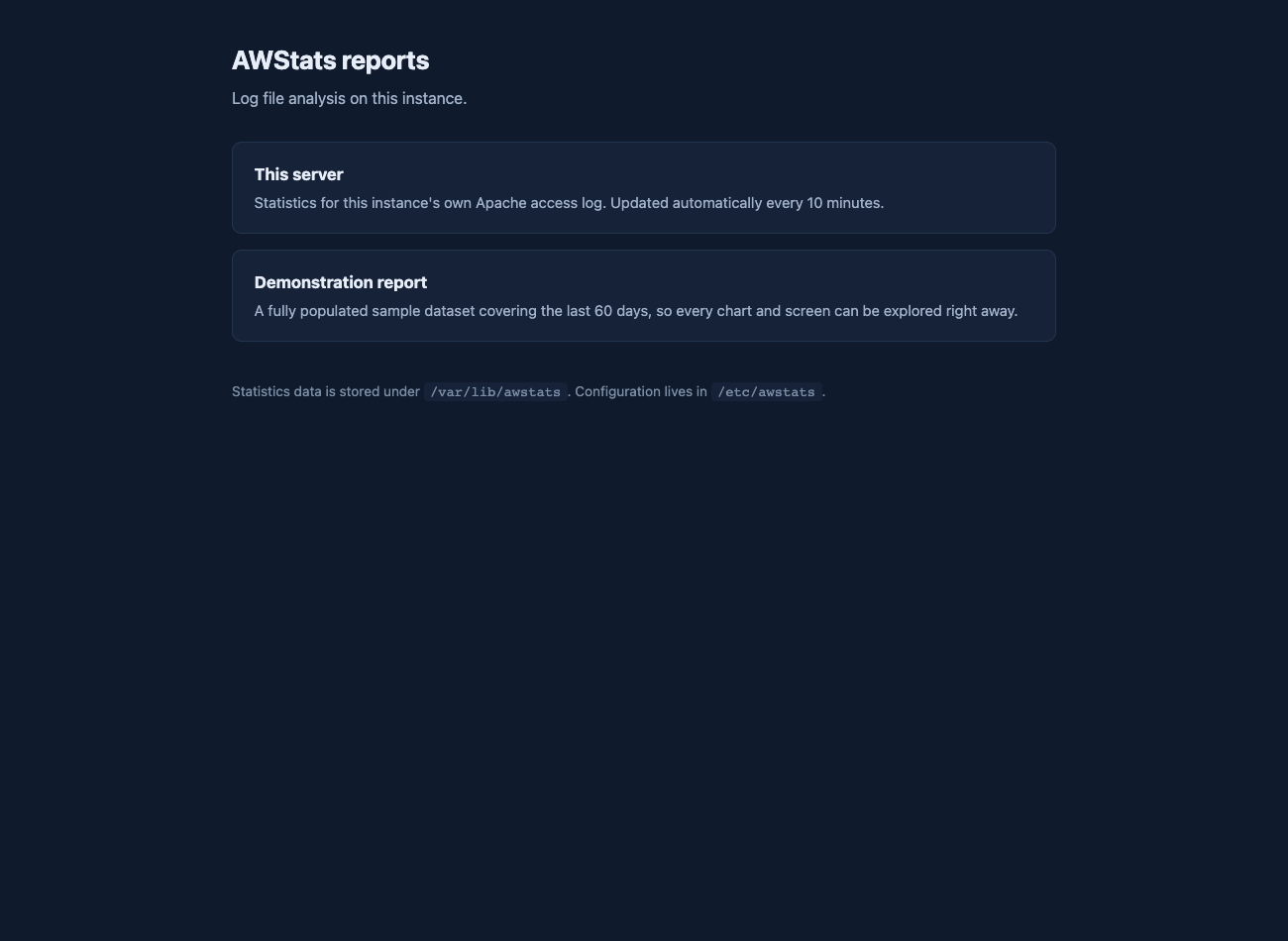
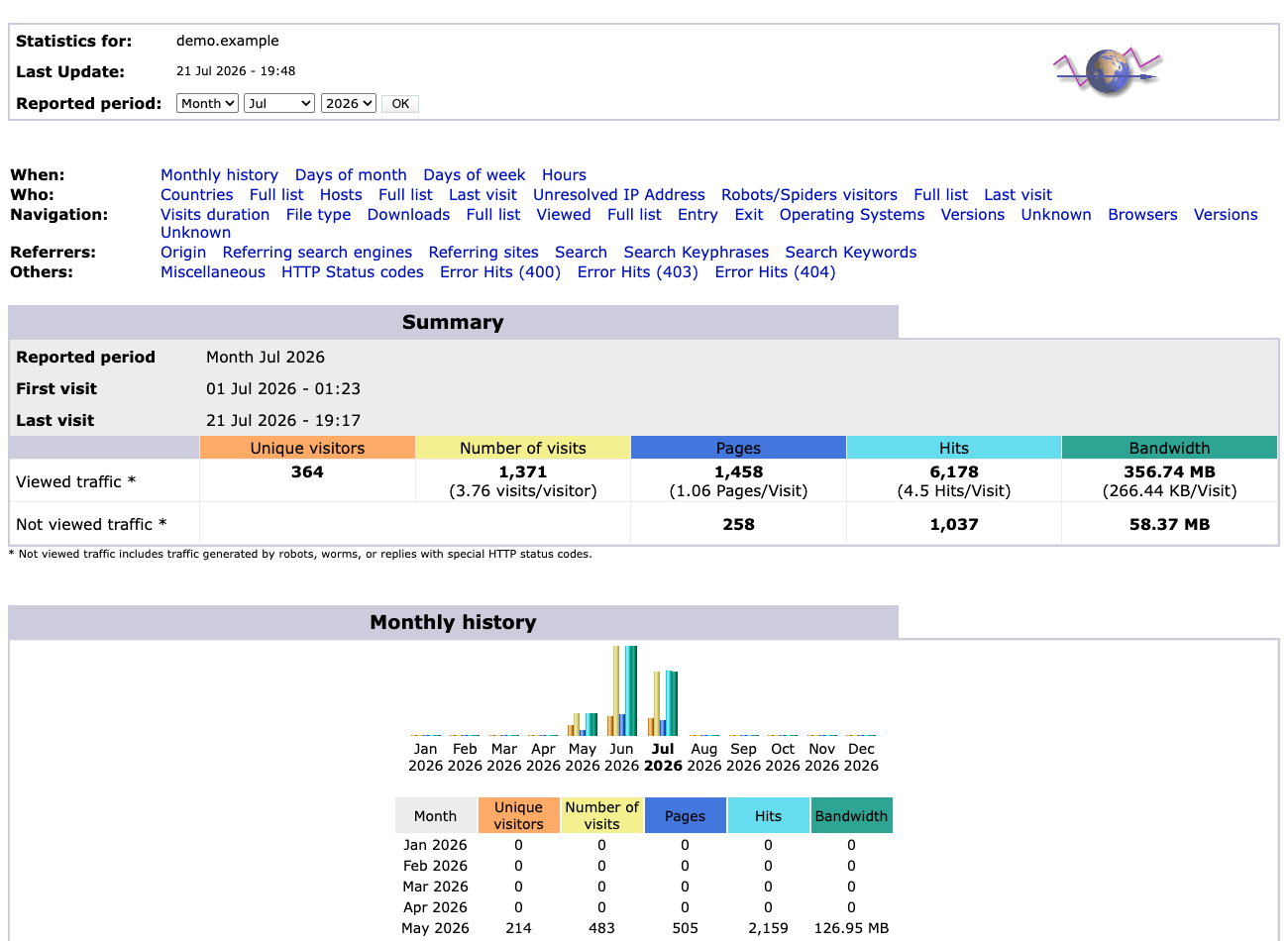

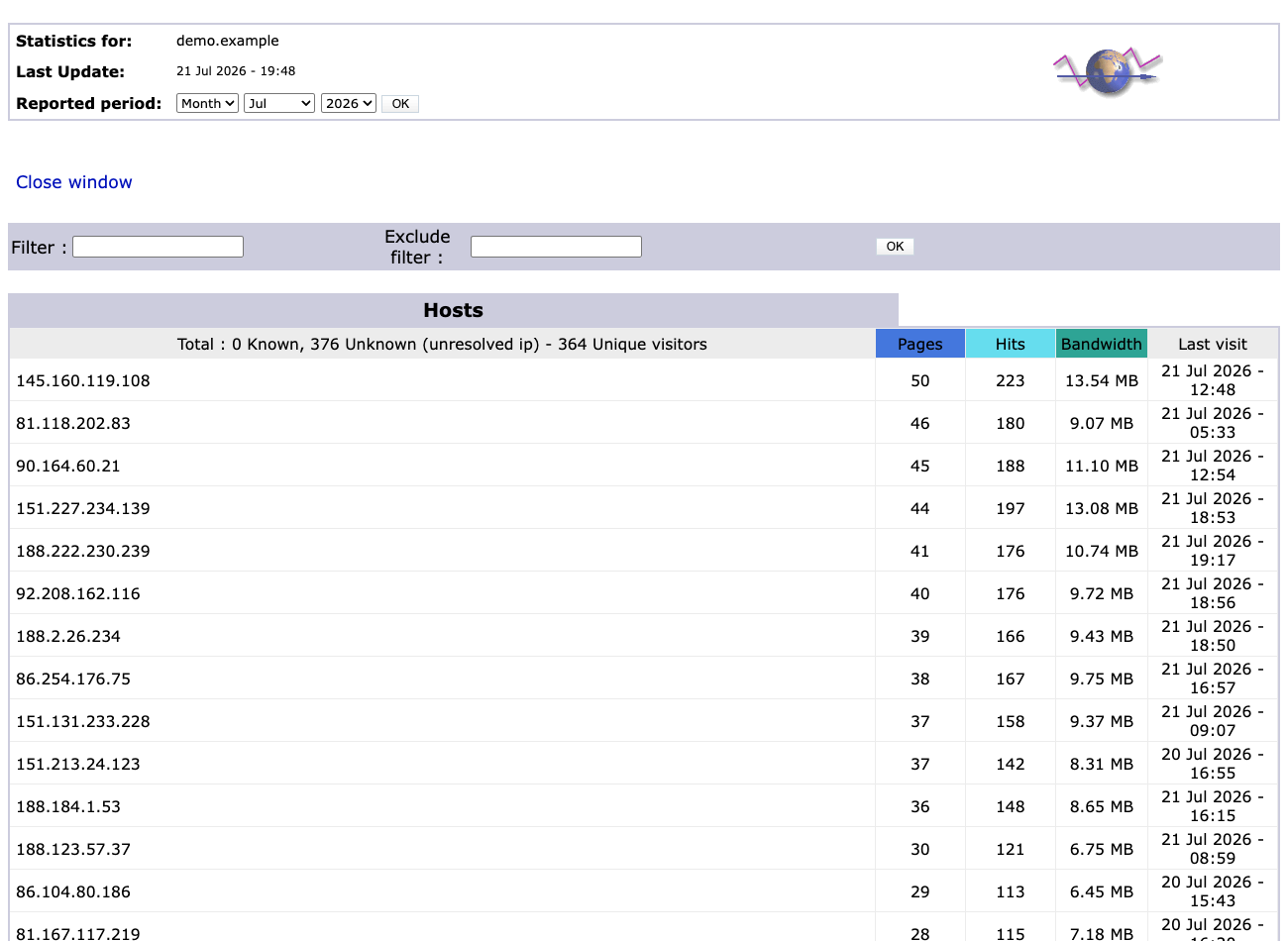
This is a repackaged open source software product wherein additional charges apply for cloudimg support services.
## AWStats Web Log Analyzer - Complete Appliance by cloudimg AWStats is the long-established open source log file analyser that turns raw server logs into rich, readable statistics reports. This image delivers it as a fully configured appliance on AWS - no manual installation, no Perl dependency hunting, no directory wiring, and no authentication setup required. Launch an instance and browse to your reports. ## What You Get Point AWStats at a web, FTP, or mail server log and it produces a full graphical breakdown of your traffic: - Visits and unique visitors, pages and hits, bandwidth consumed
2. Browse to your instance's public address
3. Sign in with the generated credentials (found in a root-only file on the instance)
4. Explore the demo report or wait ten minutes for your first real traffic report For a detailed walkthrough of log format configuration, adding additional sites, and report customization, contact cloudimg support. ## 24/7 cloudimg Support Technical support by email and live chat covers AWStats deployment guidance, log format configuration for web, FTP, and mail server logs, adding and configuring additional sites and log sources, report interpretation, and analyser administration and upgrades. ## Use Cases - Self-hosted web analytics from the logs your server already writes - no JavaScript tag, no cookie consent, no sampling

This image runs Apache HertzBeat, the open source real-time monitoring and alerting system from the Apache Software Foun...

This image runs Apache SkyWalking 10.4, an open-source Application Performance Monitoring (APM) and observability platfo...

This image runs CheckCle, the open source self-hosted uptime and infrastructure monitoring platform.

Checkmate, by BlueWave Labs, is an open source uptime, infrastructure and incident monitoring platform.

This image delivers Checkmk Raw Edition (the free, 100% open source, GPL-2.0 edition), fully installed and reverse-proxi...
Coroot Community Edition is an open source observability and application performance monitoring (APM) platform built on ...